Make your team directory look like one set.
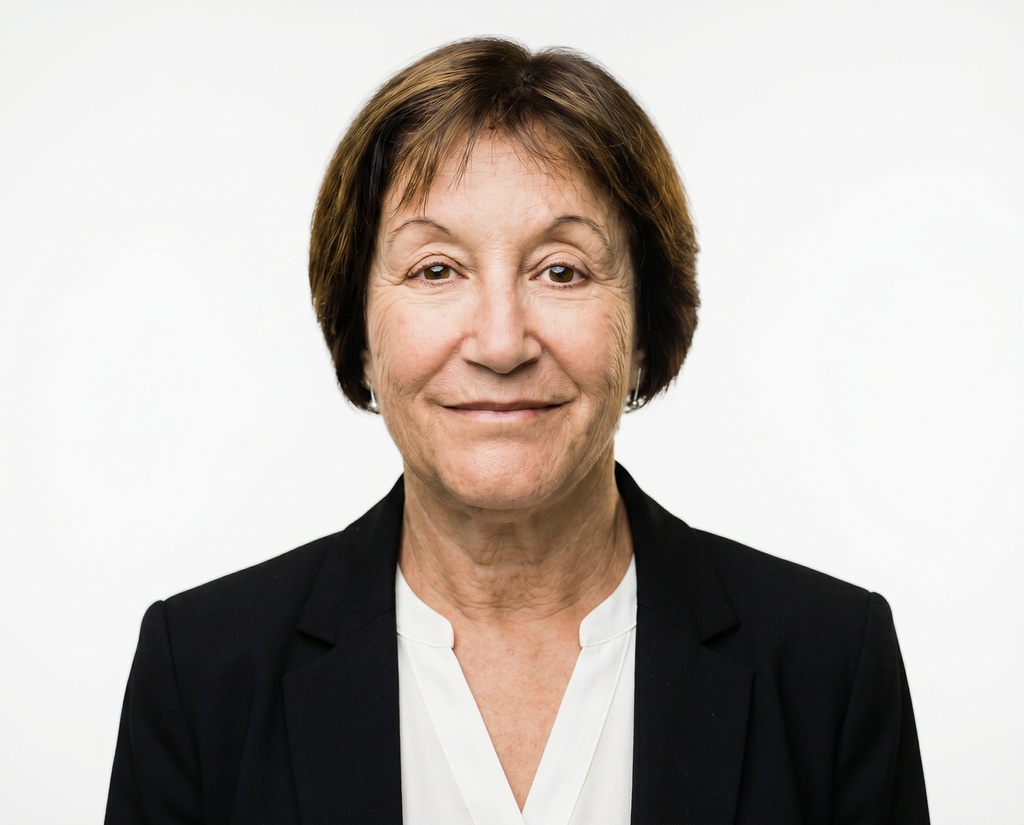
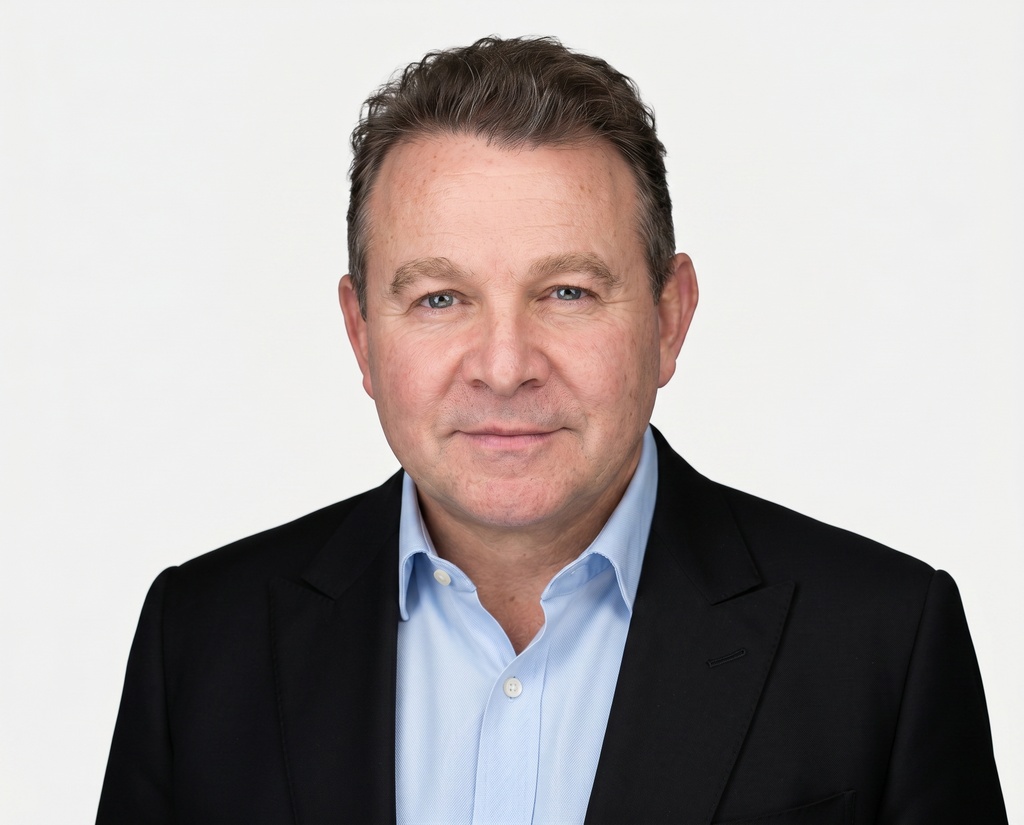
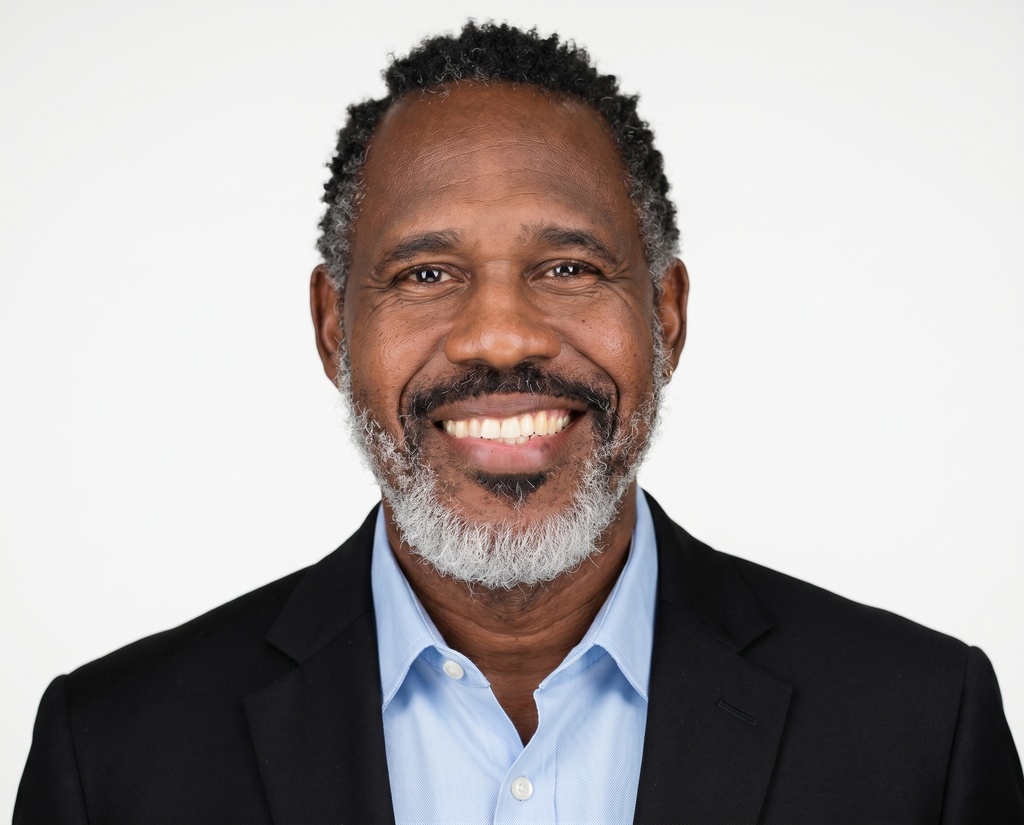
Team directory headshots put everyone on your team page in one on-brand style from a single selfie each. Then you download the finished set and drop it straight into the directory.
One selfie each · Most teams done in under an hour · Photos never train our AI
 Antonio VegaSales
 Laura BennettProduct
 Juan OrtegaEngineering
 Lydia ChoDesign
 Shailene ParkSales
 Dave SullivanOperations
The problem
The team page is a scrapbook, and everyone who lands on it can tell.
You can make the whole grid match without chasing anyone or booking a shoot. Team directory headshots are professional, on-brand company headshots generated for everyone with the AI headshot generator from one selfie each. GreenGrowth CPAs used it to swap the cropped vacation photos and old portraits on their Leadership page for one matching set across the firm.
Get everyone in one style, then drop the finished set straight into the directory.
You get a set you can hand straight to your CMS, one uniform crop for every tile, and a way to let departments run their own variant.
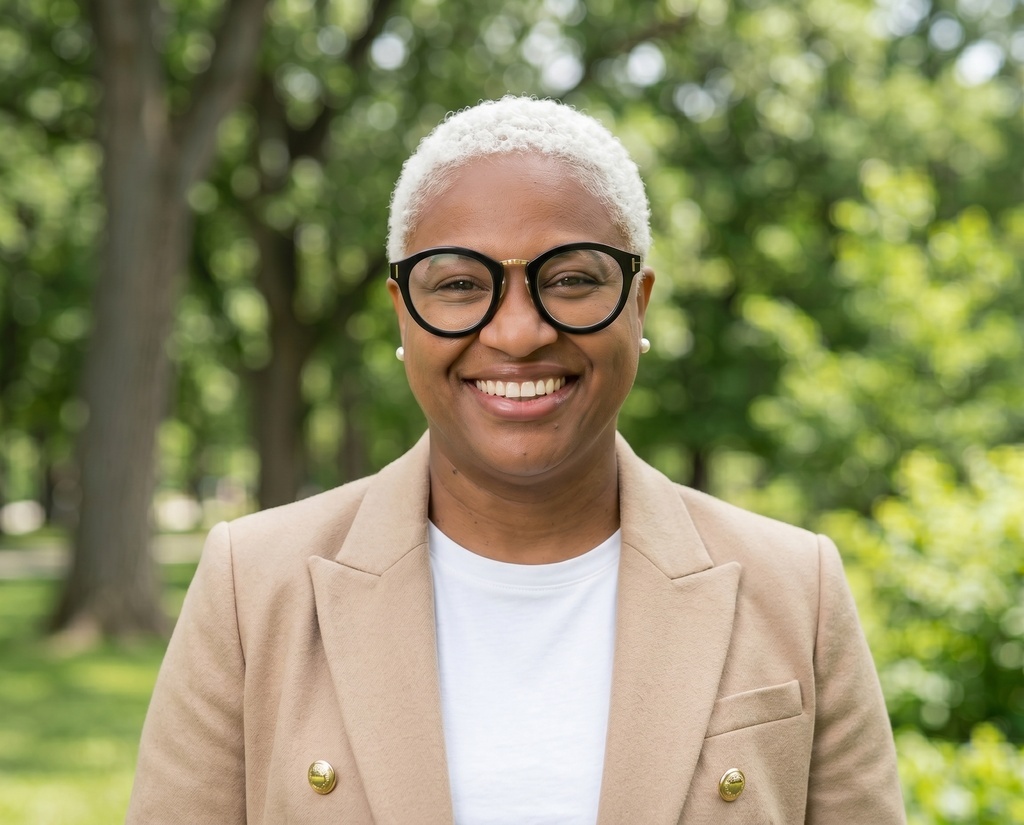



The whole set in one download.
When the set is ready, download every person's chosen headshot in one file and drop it straight into the directory or CMS, instead of saving 80 files one at a time.


One crop for every tile.
Branded profile-picture templates set the shape, background, border, and logo once, then apply to everyone. The photos line up in the same crop down the whole grid.
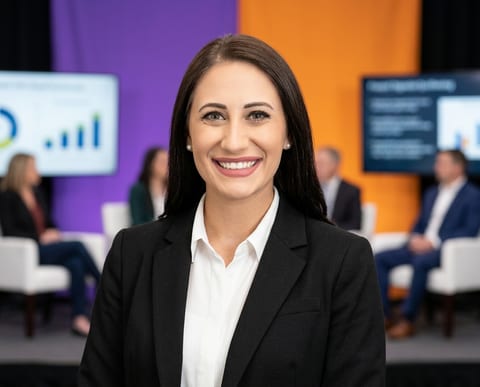 Company styleDefault
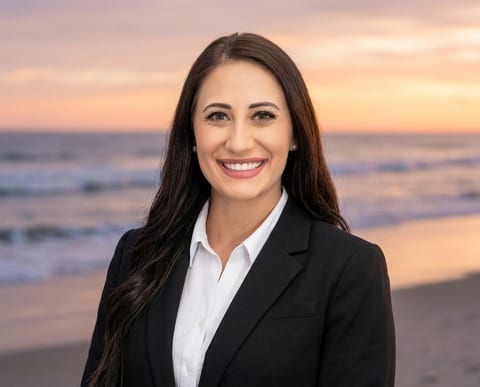 SalesOverride
 EngineeringOverride
Let departments run a variant.
Set the company-wide style, and give a sub-team its own backdrop or outfit override when a department needs a different look. The directory still reads as one set.
How it goes, start to finish
- 1
Pick the on-brand style and lock it for the whole team.
- 2
Share one open invite link.
- 3
Everyone uploads one selfie from their phone and shoots the same locked style.
- 4
For anyone who doesn't respond, an admin adds them on their behalf so the page isn't missing anyone.
- 5
Export the matched set plus the CSV and drop it into the directory.
“HeadshotPro has helped us significantly boost our marketability in high-stakes areas like sales outreach and talent acquisition.”
Team directory headshot questions, answered
Will every photo on the directory actually match?
Yes. You pick one on-brand backdrop and outfit, lock it, and every person generates inside that one style. A branded profile-picture template then snaps everyone to the same shape, background, border, and crop, so the grid lines up exactly, not just roughly.
How do the finished photos get onto our team page?
You download the finished set in one file, organized by member, plus a CSV of each person's name, job title, and status. You drop the matching photos and details straight into your directory or CMS. There's no live auto-publish step, so you stay in control of what goes on the page and when.
What if some people never send a photo?
You're covered. Send reminders to anyone outstanding, and for the last few who don't respond an admin can add them on their behalf so the directory launches complete. No one ends up the one blank or mismatched square on an otherwise clean page.
Can different departments have their own look?
Yes. Set the company-wide style as the default, then give a sub-team its own backdrop or outfit override when a department wants a different look: sales in one variant, engineering in another, and the page still looks like one set. For examples, security, and pricing, see corporate headshots and pricing.

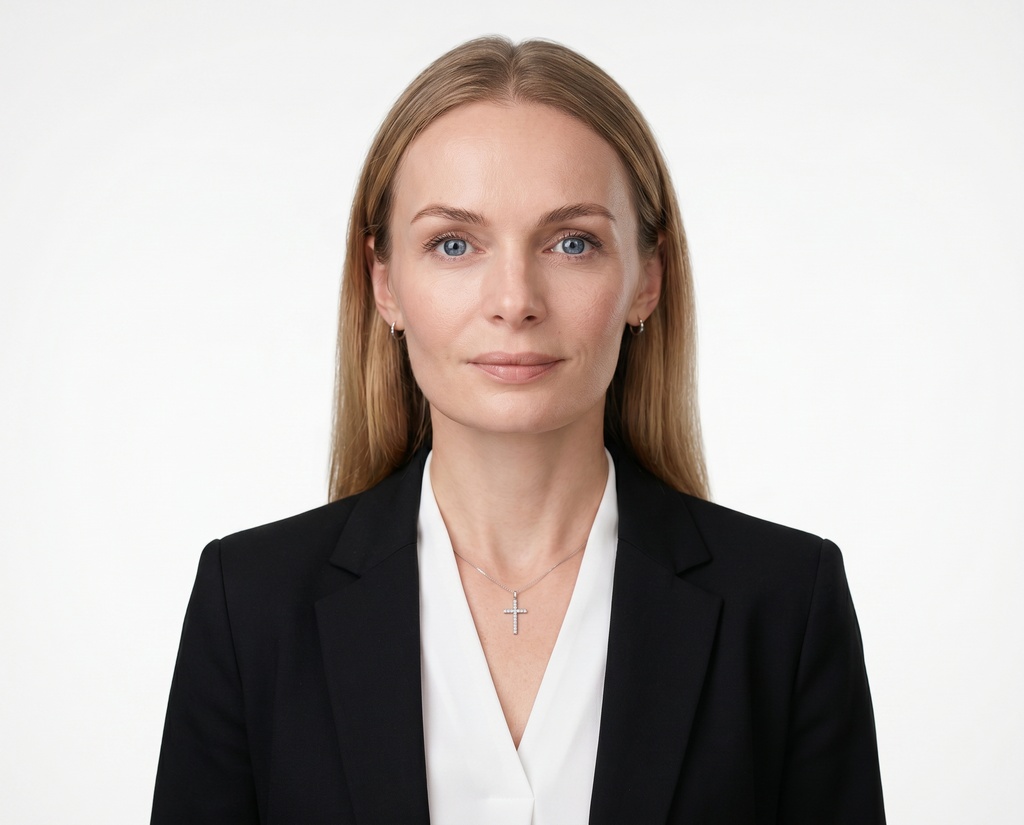



Turn the patchwork into one clean directory.
Pick the style, send one link, and have everyone matching. Then export the set and drop it straight into your team page.
Enterprise & SSO