Keep your team's headshots current, automatically
Set a renewal interval once. HeadshotPro re-invites anyone whose headshot is past it and onboards every new hire, so the whole team's photos stay current without a re-shoot or anyone chasing.



Headshots that stay current on their own
Set the cadence once, in one field
Pick how often the team's headshots should refresh, anywhere from 1 to 60 months, in organization settings. Annual for a polished public team page, every few years for an internal directory.
HeadshotPro re-invites anyone past the interval
Once a member passes the interval, HeadshotPro emails them an invite to redo their shoot. They upload from any device, new headshots land on your dashboard, and a credit is only used if they actually upload.

Need one person sooner? Renew them in one click
A member changed their look, got a promotion, or just wants a fresh shot before the interval comes around. Open their profile, click Renew Headshot, and HeadshotPro starts a new session for just them.

New hires are on-brand their first week
The fastest way headshots drift out of date is hiring. Add a new hire to the team and send the invite the day they start. They upload selfies in about five minutes and have studio-quality headshots back in under two hours. By the time their name is on the website, their photo matches everyone else's.
See how the AI headshot generator works
What a year of staying current looks like
Set the interval once and the team stays current in the months that follow, without anyone running a project or sending reminders.
 +20
+20


The only manual step was the admin setting one number in Month 0.
40 offices, always current
If you're looking for a fast, cost-effective way to keep your team's professional images consistent and up to date, HeadshotPro makes it effortless.

Questions teams ask about renewal
How does HeadshotPro decide whose headshot is stale?
Purely by time. You set a renewal interval of 1 to 60 months, and any member who passes it gets re-invited automatically. Nothing analyzes faces or photos to decide someone looks different; renewal runs on the schedule you choose.
Does renewal cost extra?
No separate fee. Renewal is included with Teams credits, and a credit is only used when a member uploads photos for the new shoot, not when the invite is sent. So you're never charged for people who don't redo their headshot. See pricing for the credit table and volume discounts.
Can I renew one person without resetting the whole team?
Yes. Open that member's profile, open the Activity tab, and click Renew Headshot. It starts a fresh shoot for just that person and replaces their current headshots. For managed members who never logged in, you run the new shoot on their behalf.
What happens to a member's old headshots when they renew?
Renewing starts a new session and replaces the previous headshots. The old set is removed once the new one is generated. If you want to keep the old images, bulk-download the team's results before renewing.
How fast are new hires ready?
Send the invite and they upload selfies in about five minutes. Generation finishes in roughly 15 minutes to 2 hours. A new hire can be invited on their first morning and have on-brand headshots live the same day.
Can I change the interval or turn renewal off later?
Anytime. The renewal interval is a single setting in your organization's Headshot settings. Change the number of months or switch it off entirely, and it applies to the whole team going forward.
Are our team's photos used to train your AI?
Your photos are never used to train AI models. Input photos auto-delete 30 days after generation, and you can enable 30-day auto-deletion of member shoot data for the whole organization.





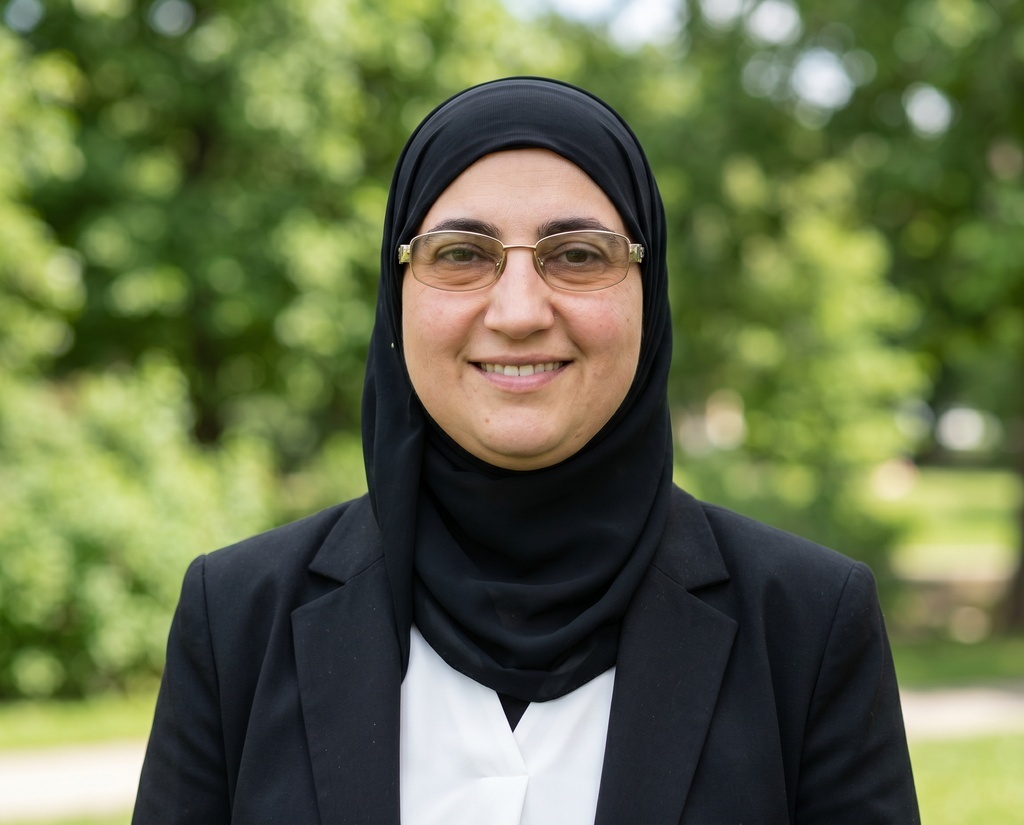
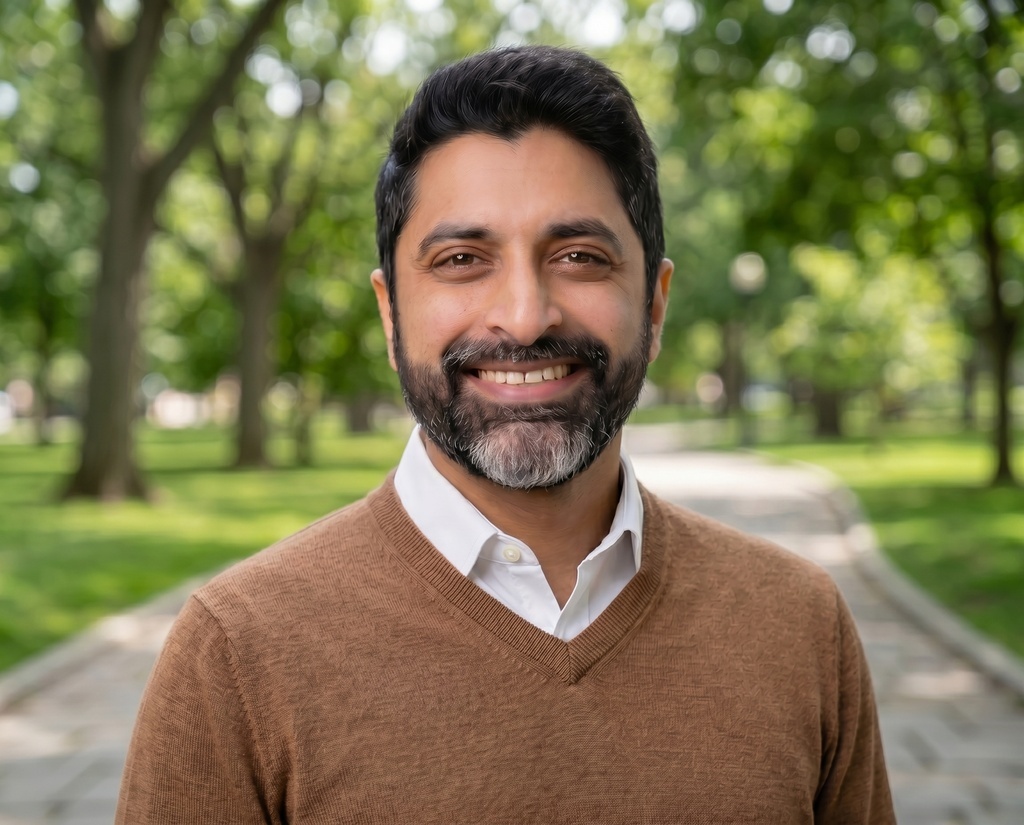
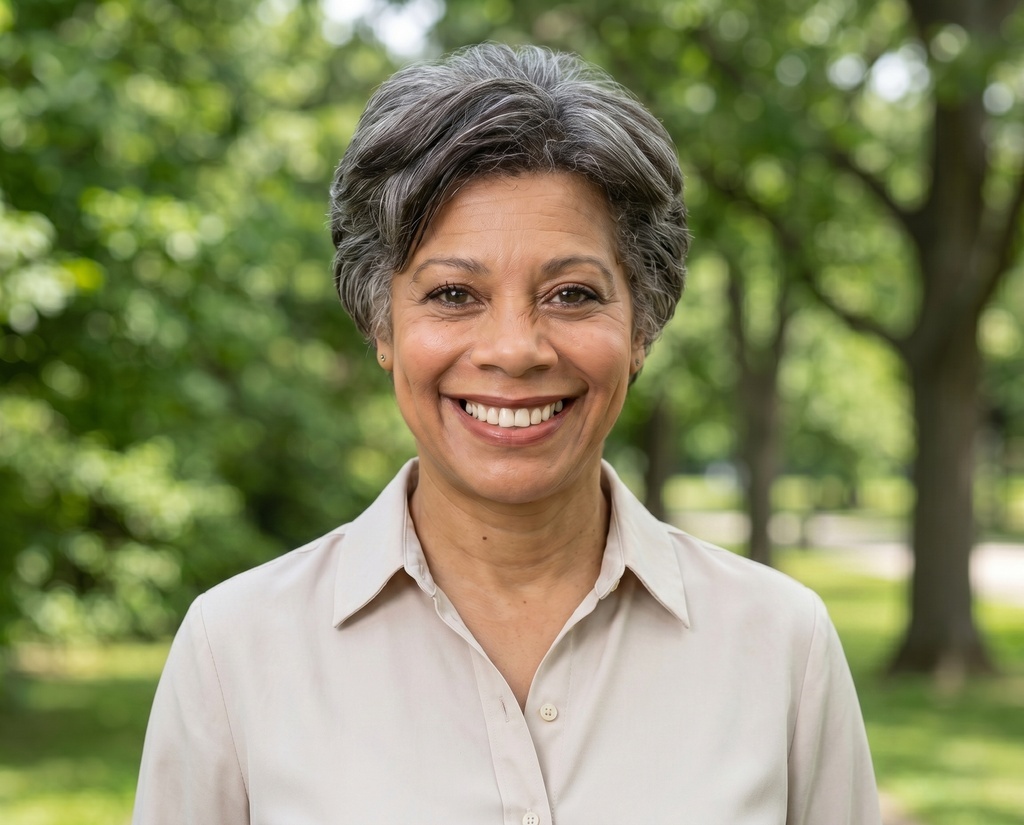


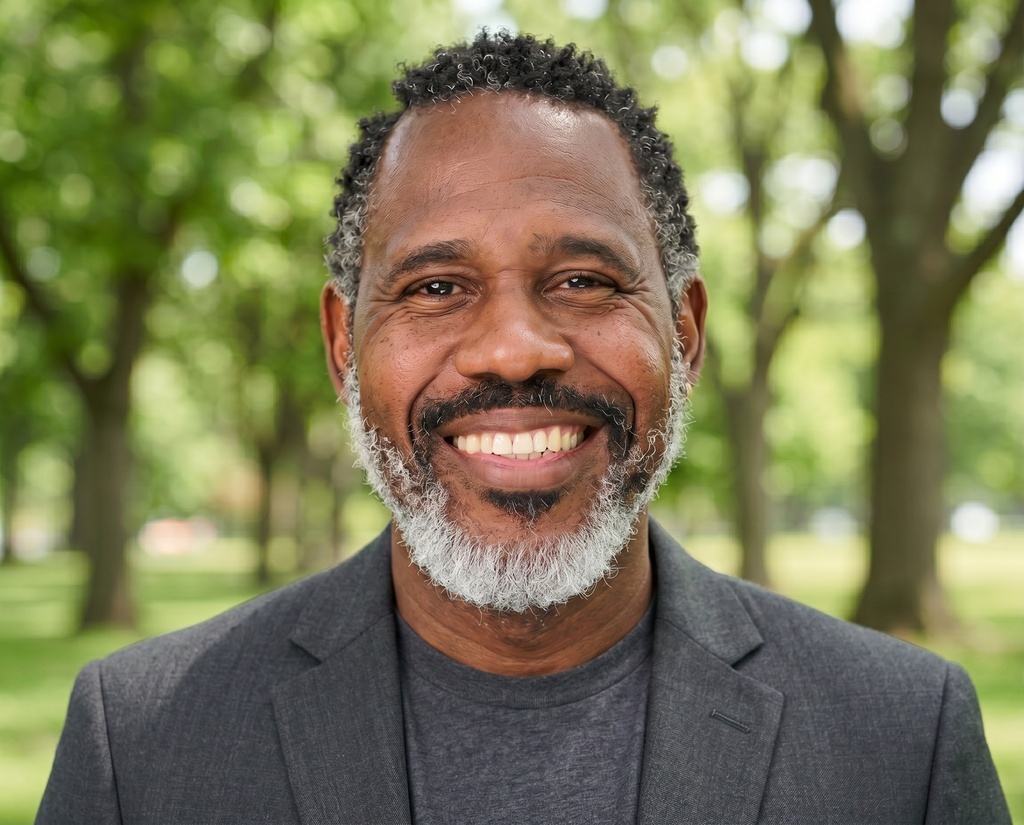
Set your renewal interval in minutes
Create the organization, pick your styles, and set the cadence once. From then on, every member and every new hire stays current on schedule.
See pricing