Brand every team member's profile picture in one template
Design the shape, background, border, and logo once. Apply it to the whole team, and every branded profile picture lands the same on LinkedIn, your website, and your company directory.





Everything a brand-consistent profile picture needs, in one editor
Shape, background, border, outline, and logo in one template
Set the crop shape, swap the background for a solid color, a gradient, or your own image, add a border and outline, and drop your logo into any corner at the size and opacity you want. Each member's photo auto-crops to a head-and-shoulders frame centered on their face, and the preview updates as you go.
Set it as the default, and the whole team updates
Mark a template as the organization default and every new member's profile picture comes out on-brand automatically, no per-person styling. Change your branding later, save, and re-render every existing profile picture at once.
Different departments, different brand standards
Sales wants the navy background. The design team wants theirs transparent. Build more than one template and apply each to its own team, so every department holds its own standard while the organization still reads as one brand.

Embed it on your team page, and it stays current on its own
Every member's profile picture comes with a hosted link you can drop onto your website, team page, or staff directory. Re-render the template or swap a member's photo, and the embedded image updates automatically while the link stays the same.



<img src="cdn.headshotpro.com/pfp/dave.png">Export-ready for LinkedIn and everywhere else
Every member's picture renders to a PNG at the export size you set, and the Circle shape previews exactly how LinkedIn's circular crop will land. Download one member's picture or the whole set.
One headshot, turned into a branded set
Start from a single AI headshot. Apply the template, and the same shape, background, border, and logo carry across every face on the team.

Customer story
HeadshotPro has helped us significantly boost our marketability in high-stakes areas like sales outreach and talent acquisition.

Questions teams ask about branded profile pictures
What is a branded profile picture?
It's a team headshot rendered through a template you control, a fixed crop shape, background, border, outline, and logo overlay. Instead of everyone uploading a different crop on a different background, the whole team's profile pictures share one branded look, ready for LinkedIn, your website, and your company directory.
If I change the template later, does everyone's picture update?
Yes. Edit the template, save, and HeadshotPro re-renders the profile pictures that use it. Shared and embedded image URLs update automatically. You can re-render up to 500 in a batch and 2,000 in any 24-hour period.
Can different departments have their own template?
Yes. Create more than one template and apply each to its own team. A team-scoped template only changes the members in that team, so Sales and Design can each hold their own standard under one organization.
What format and size do the profile pictures export in?
As a PNG, at the export size you set on the template, anywhere from 128 to 1024 px, 512 by default. LinkedIn recommends at least 400 × 400, so keep it at 512 or above. Each picture auto-crops to a head-and-shoulders frame centered on the member's face, and the Circle shape previews exactly how LinkedIn's circular crop will display it.
Do members have to do anything?
No. Set a template as the organization default and new members get a branded profile picture automatically once they have a headshot on file. For existing members, apply the template across everyone with a source photo from the admin panel.
Can we embed these on our website or team page?
Yes. Each member's profile picture has a hosted link you can embed on your site, team page, or directory. When you re-render the template or a member updates their photo, the embedded image updates automatically. If you remove a member, their picture is deleted and any embed using it stops working.
What does this cost?
It's included with Teams credits, no separate fee and no subscription. One credit covers a member's full shoot, and volume discounts apply automatically as your lifetime spend grows. See pricing for the table.
What happens to our team's photos?
Your photos are never used to train AI models. Input photos auto-delete 30 days after generation, and you can enable 30-day auto-deletion of member shoot data for the whole organization.
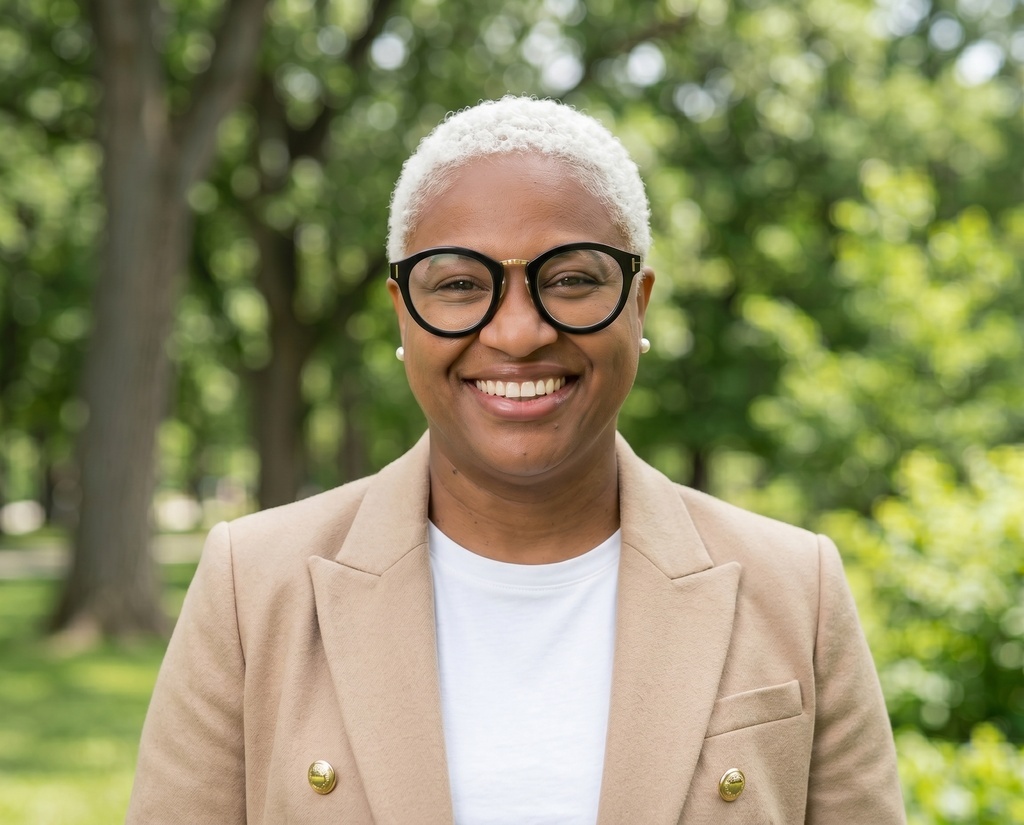















Brand your team's profile pictures in one template
Create the organization, design the template once, and apply it across the team. Every profile picture comes out on-brand, export-ready for LinkedIn and your website.
See pricing