Set the look once. Every headshot follows it.
Choose the backdrops and outfits your team can select from. Members pick from what you approved, so every headshot comes out on-brand by default.
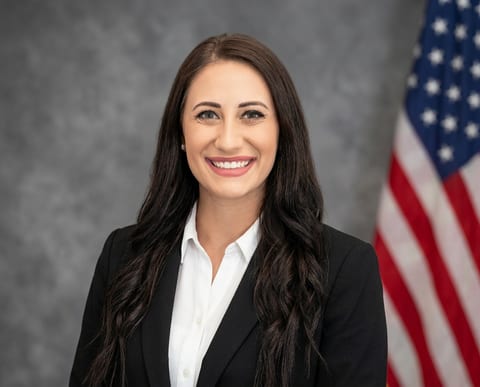
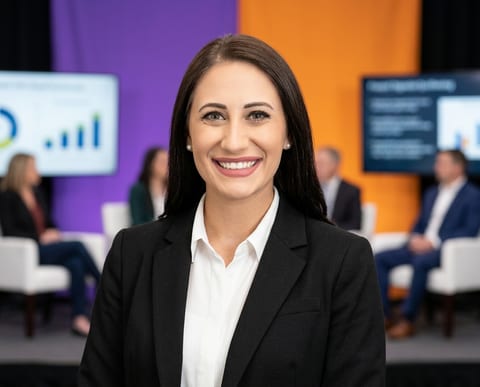

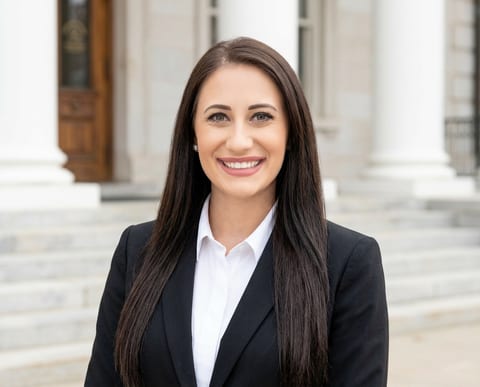

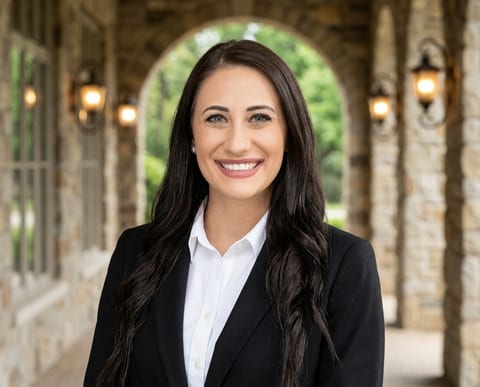
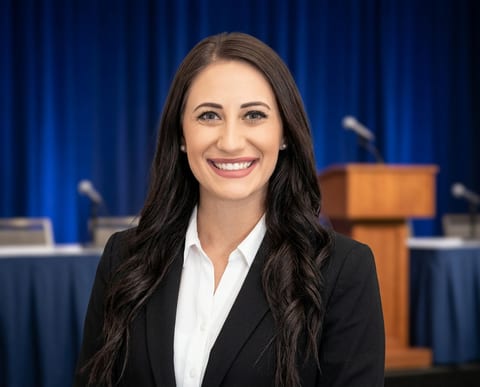
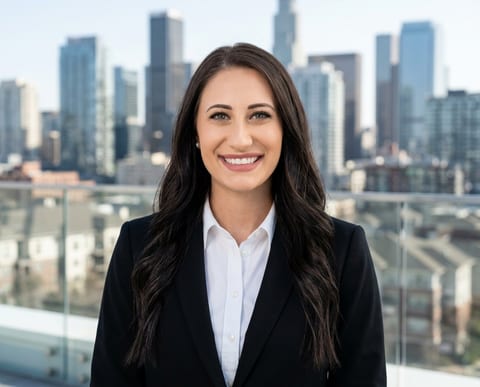

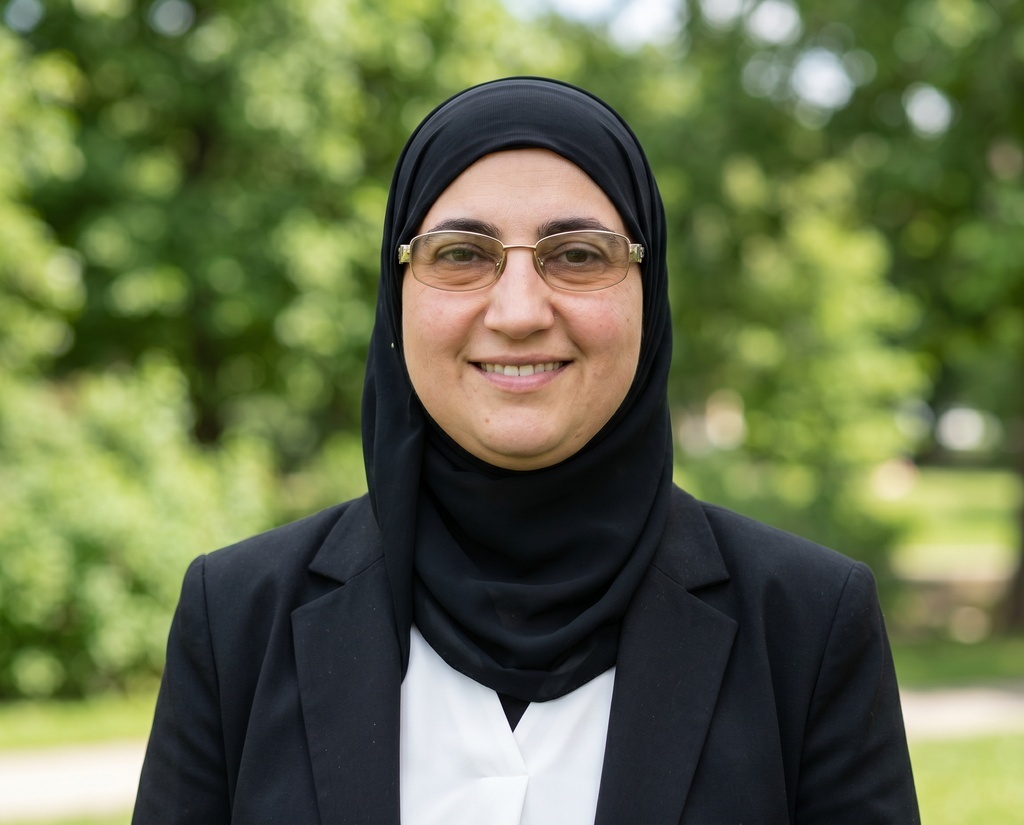
Consistency is built in, not hoped for
Members choose from a menu you set
Approve the backdrops and outfits your brand allows, from our library or your own uploads. Members never see anything else, so every choice they make is one you already signed off on.
Custom


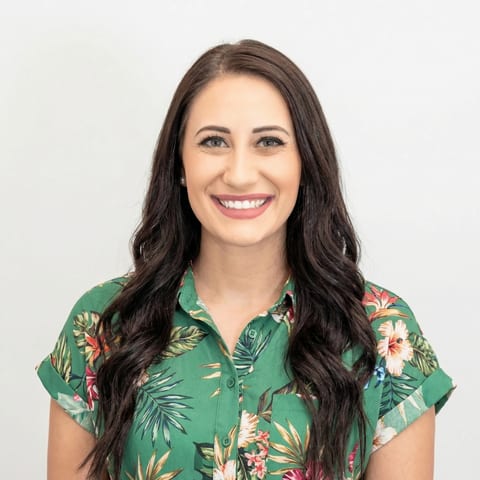


The Studio at Anywhere Real Estate keeps thousands of agents on one consistent look, with very few retake requests.
Lock backdrop and outfit into one fixed look
Or go a step further and create fixed combos, so members don't choose at all and the look is decided for them. Build the combos once and apply them to the whole team.
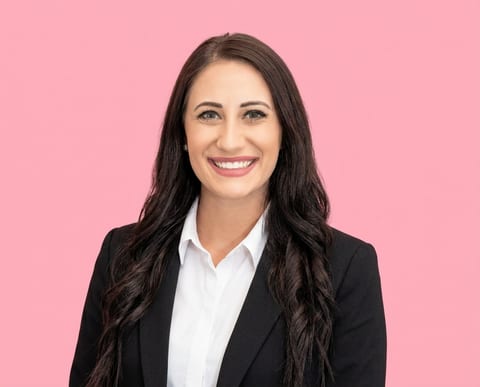 Combo 1
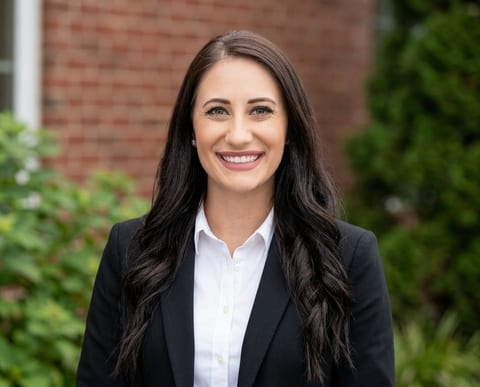 Combo 2
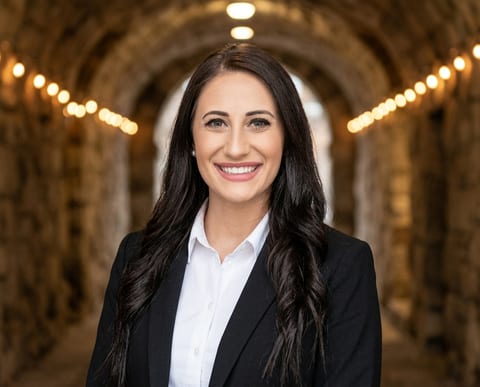 Combo 3

 Combo 4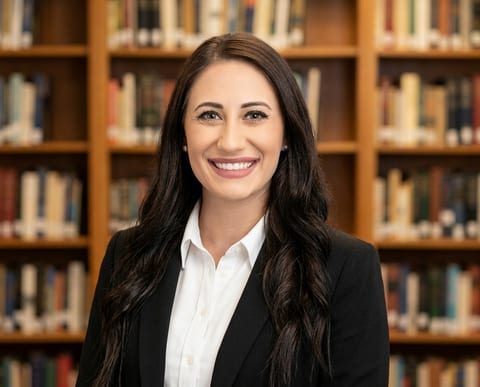

 Combo 5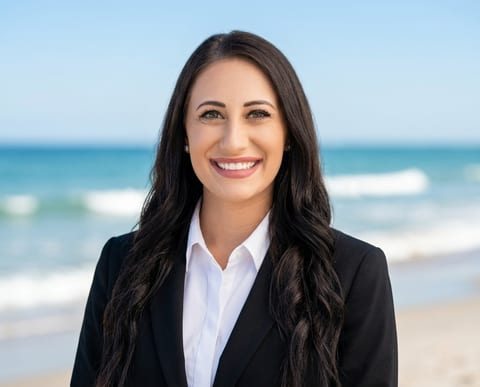

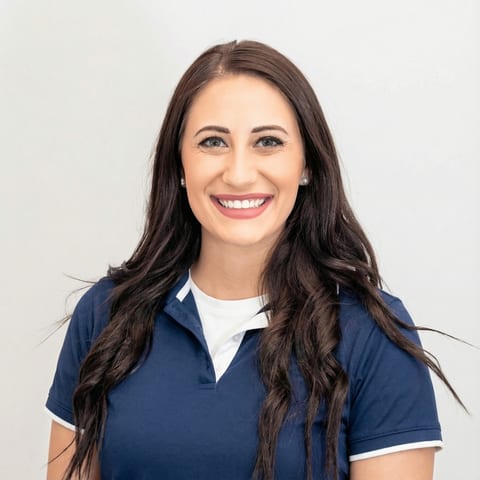 Combo 6

 Combo 7

 Combo 8
Different approved looks for each team
Sales gets the city skyline, engineering keeps it plain. Each team can run its own backdrop and clothing selection while everyone else inherits the organization default.
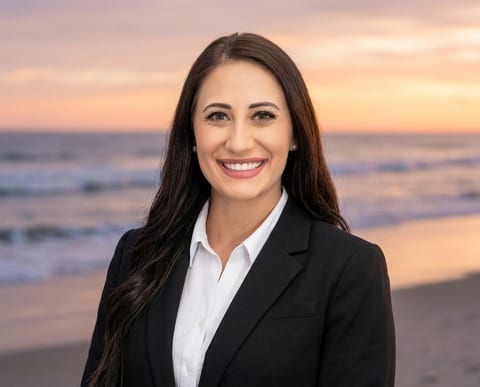
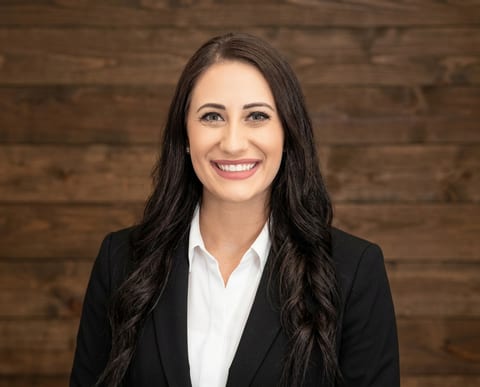

Upload flow enforces the rules you set
Force backdrop variety stops a member reusing the same background across their shoot. Make full-body photos mandatory requires three full-body shots at upload, which improves output quality across the whole set.
The same team, before & after HeadshotPro
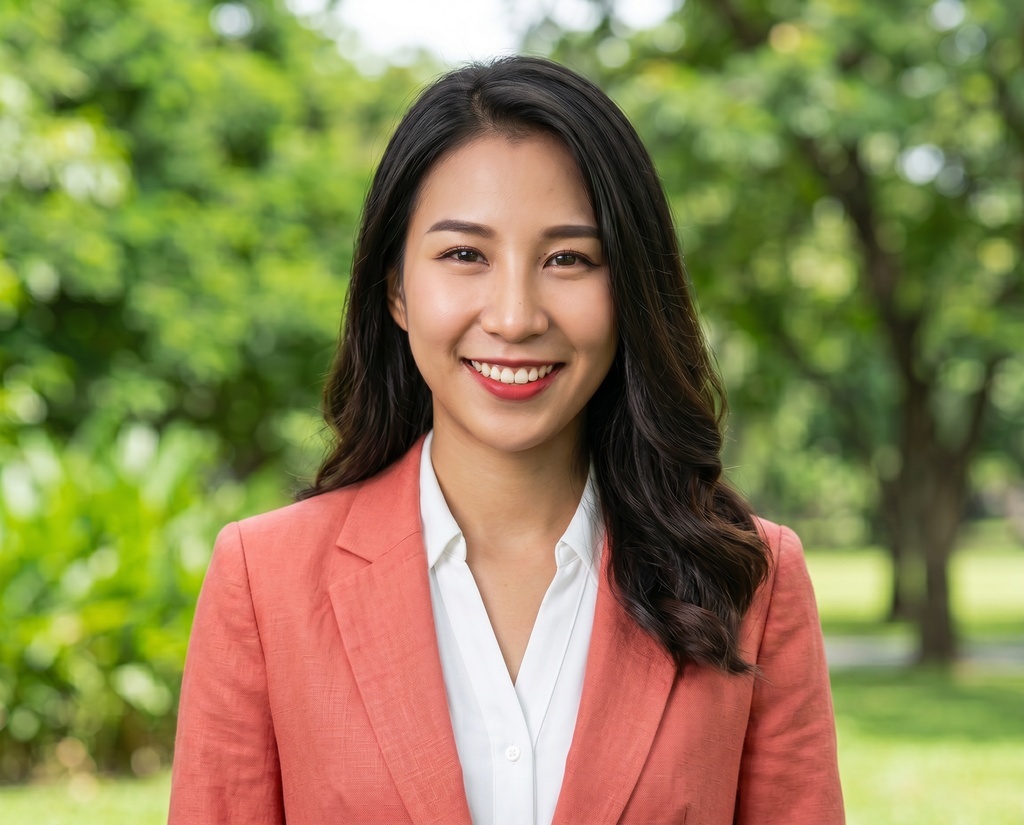
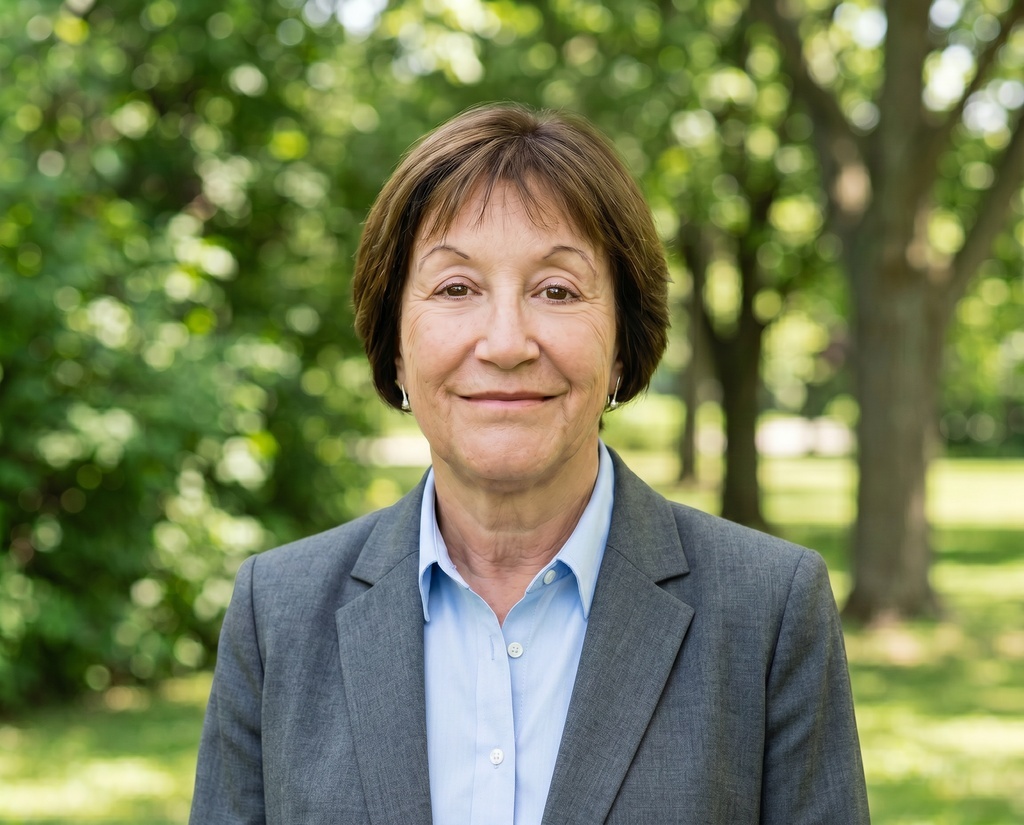
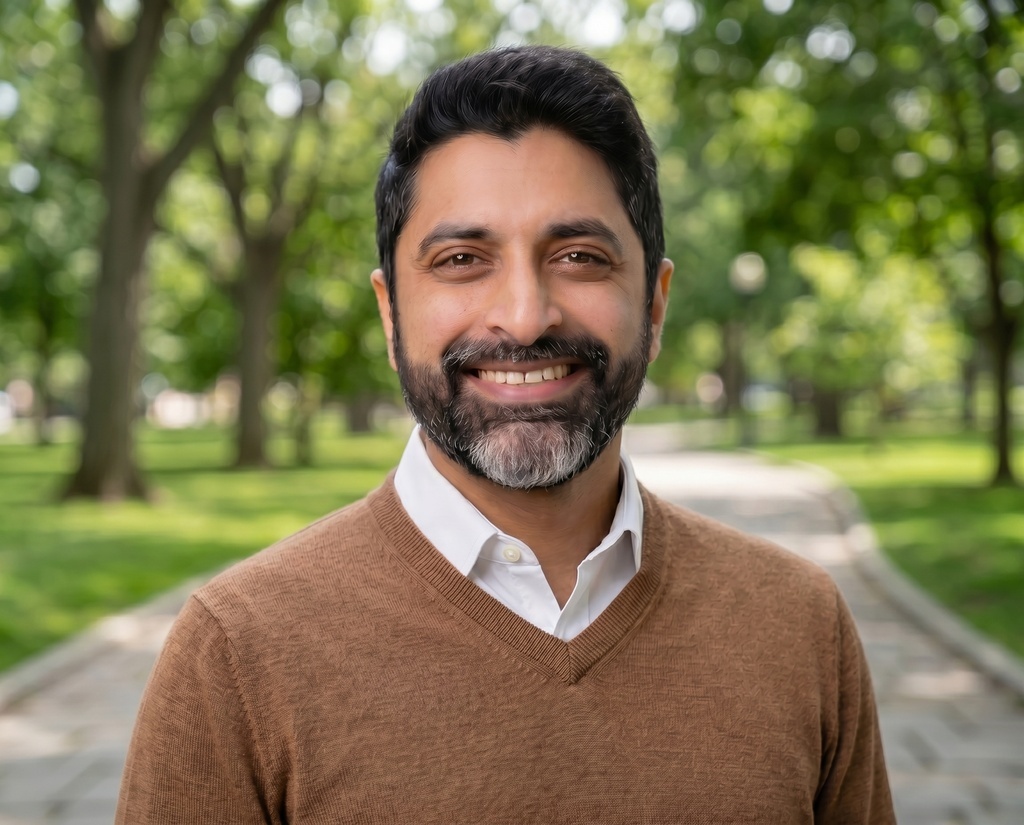
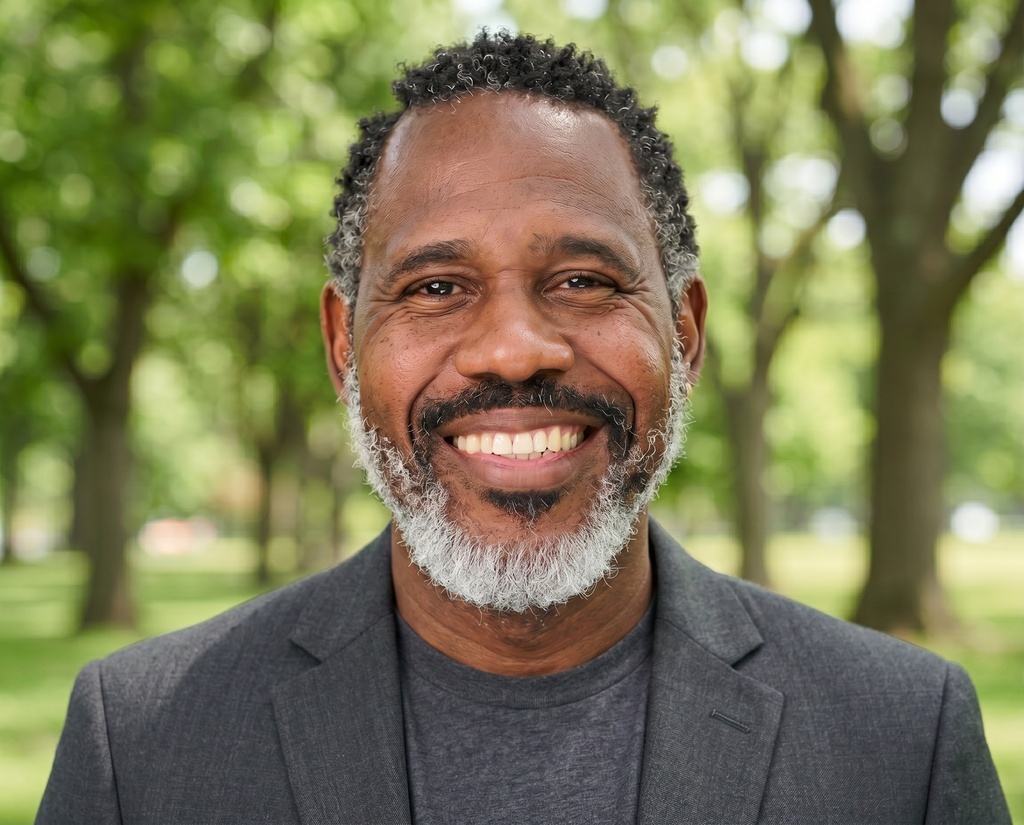
Both columns show the same five people. One is what a team page looks like when everyone sources their own photo; the other is that team after an admin locked the style set.
Without HeadshotPro
The team page
Five backgrounds, three photo eras, one cropped phone selfie.
A new hire joins
Their headshot arrives from a previous job: different photographer, different light.
Two departments
Sales and engineering look different by accident.
With HeadshotPro
The team page
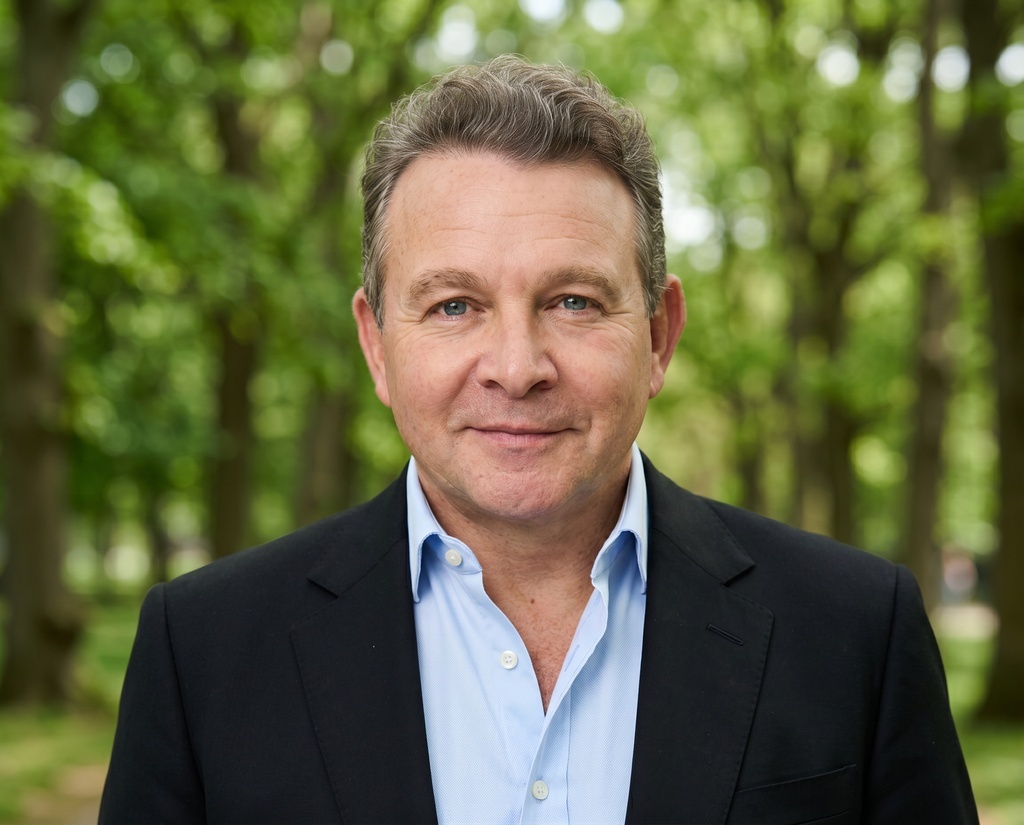
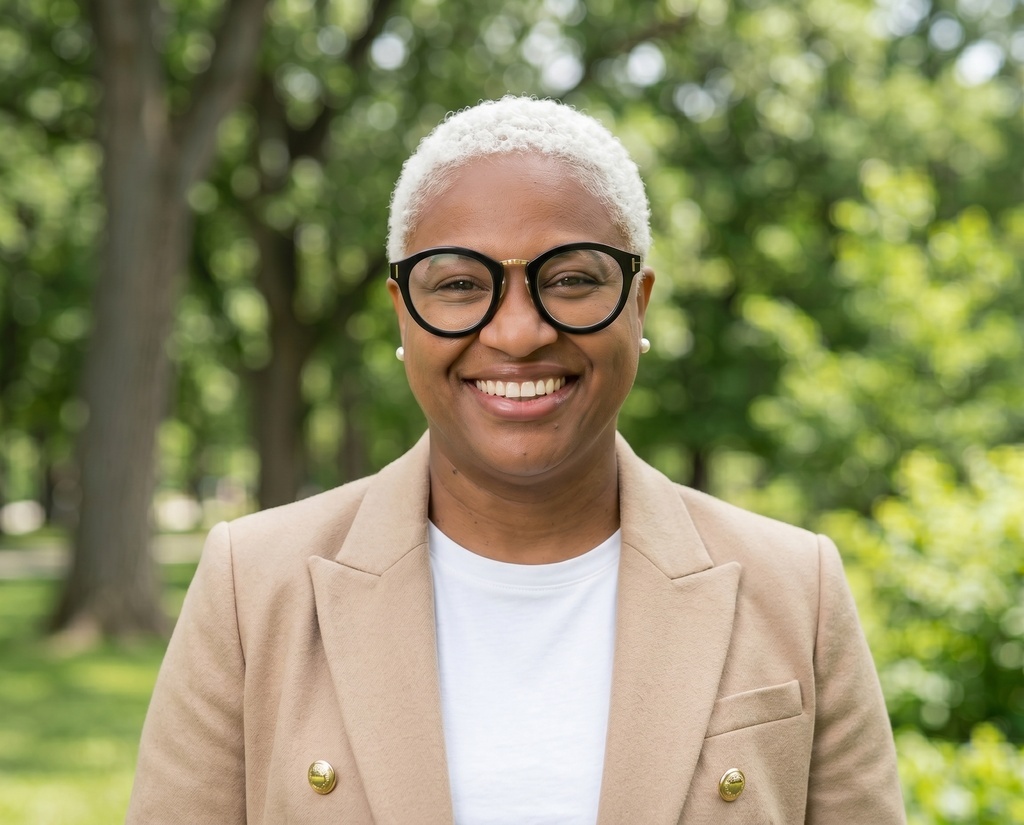
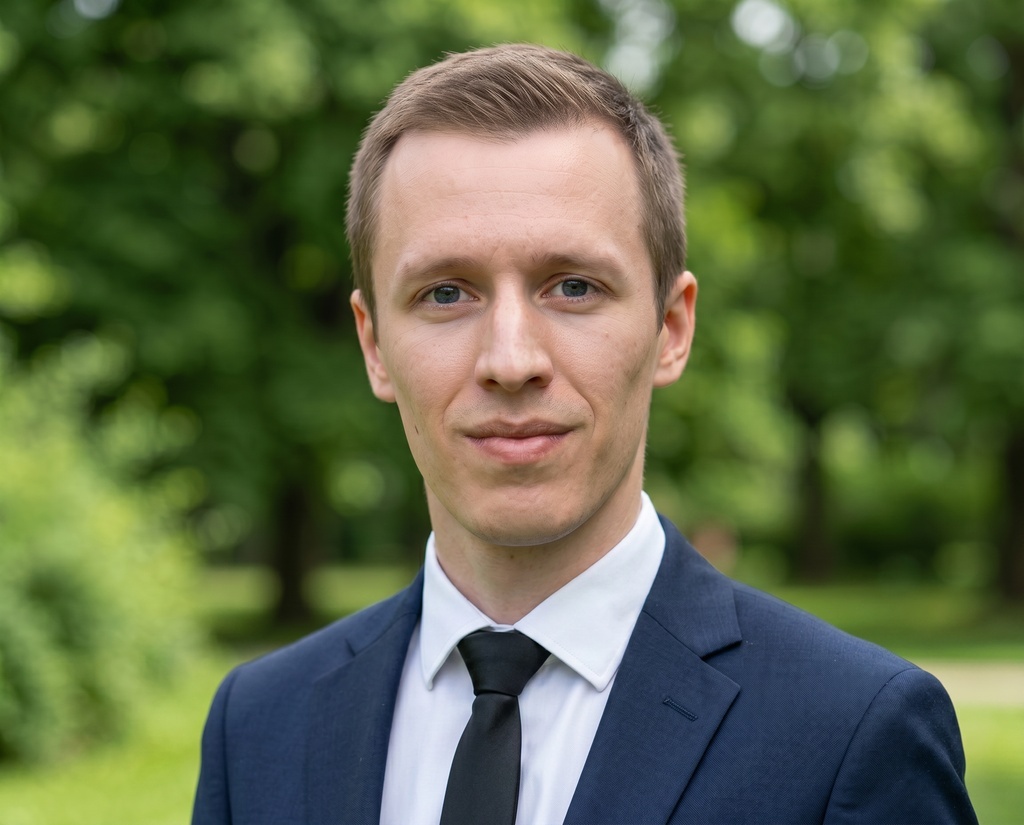
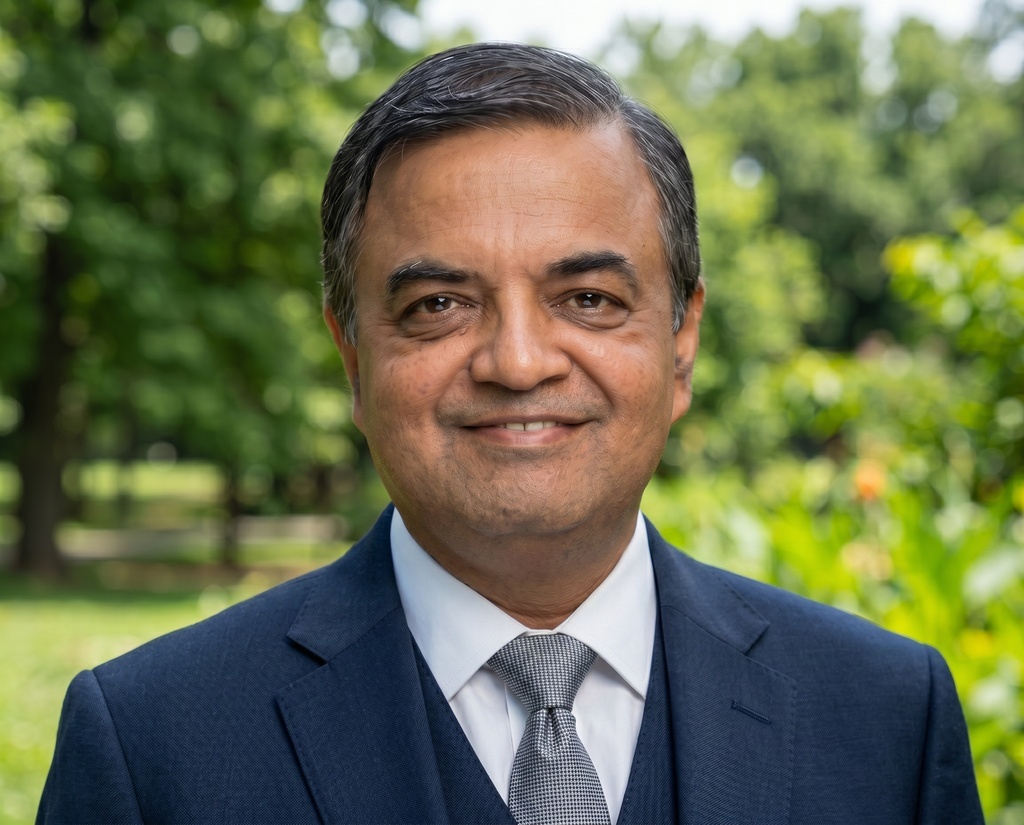
One backdrop standard and one outfit per gender make it read as a single set.
A new hire joins

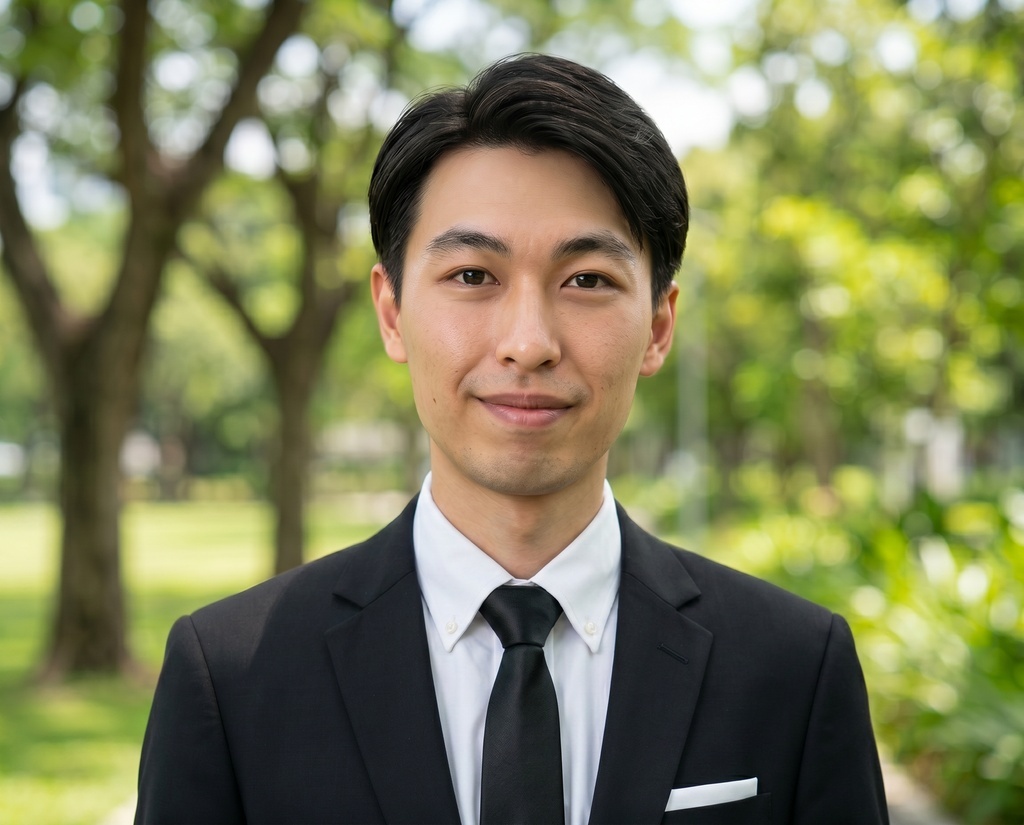 New
NewThey get the invite on day one, pick from the same locked styles, and match the page they're joining.
Two departments
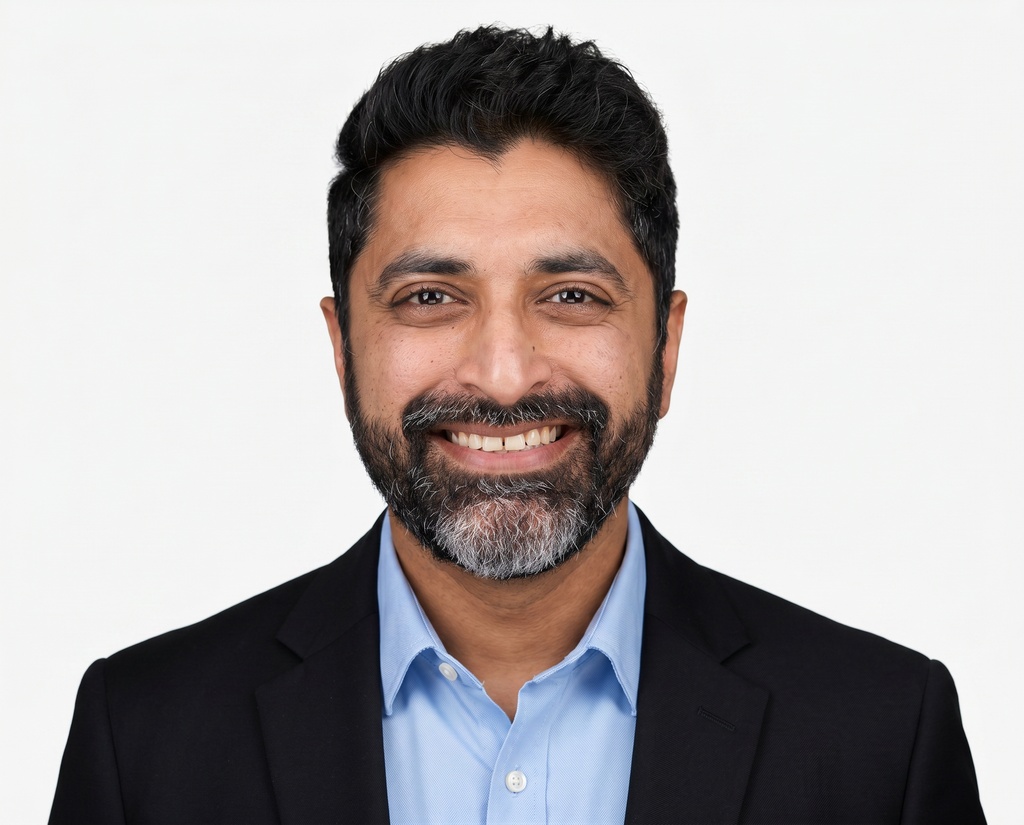


They look different on purpose, because each team runs its own override.
Thousands of agents across the US
HeadshotPro is a no-brainer. It removes the cost and scheduling headaches of traditional photography while delivering high-quality, consistent results that look authentic.

Questions teams ask
How does HeadshotPro keep brand consistency across team headshots?
By controlling what members can pick. You approve the backdrops and outfits members can use, optionally lock fixed backdrop-and-outfit combos, and the upload flow only ever offers what you approved. Your photos are never used to train AI models.
Can we use our own branded backdrop?
Yes. Upload up to 12 custom backdrops per organization (JPEG, PNG, or WebP, max 5 MB). Each upload goes through content moderation and is upscaled to HD. One note: custom backdrops aren't quality-curated by HeadshotPro the way the standard library is, so results can vary.
Can different departments have different styles?
Yes. Per-team overrides give each department its own backdrop and clothing selection. Teams without an override inherit the organization defaults. Backdrop and clothing overrides are independent, and you can reset any team to the defaults in one click.
How strict can we make it?
As strict as you want. Approve a wide pool and let members choose. Narrow it to one or two backdrops and a single outfit per gender. Control whether members vary backgrounds with the Force backdrop variety toggle (available once 4+ backdrops are selected). Or lock everything with exactly 8 fixed combos, which also enables bulk upload.
We've already run some shoots. What happens if we change the styles?
Style changes apply to future shoots only. Members mid-shoot aren't affected. To bring earlier members onto the new look, renew their shoot from the member list and they'll go through the updated style pool.
Do members ever see options we haven't approved?
No. Members only see the approved pool, and outfits are shown per gender. Members assigned to combos don't choose at all. After generation, members can spend edit credits to change a photo's outfit or backdrop. If you want results locked, turn off the edit button for members in organization settings.
What does brand consistency cost?
It's included with Teams credits: no separate fee, no subscription. One credit covers one member's full shoot, and volume discounts apply automatically as your lifetime spend grows, from 20% off at 6 credits up to 60% off at 200+. See pricing for the full table.


Set the style and send the invites
Curating your backdrops and outfits takes minutes. Every headshot after that lands on-brand.
See pricing