Turn your resume into a LinkedIn summary, free, with our AI summary generator.
Free LinkedIn Bio Generator
No email.·100% free.·Done in about 30 seconds.
Upload your CV and the generator writes your LinkedIn summary from it, the About section at the top of your profile (some call it a bio). You get several options. Flip through, pick one, edit it, paste it into LinkedIn.
+Pro tip: pair your new summary with professional headshots
How the LinkedIn Summary Generator works
Your resume already holds your story: your role, your history, what you're good at. The generator turns it into a summary that reads like you wrote it.
Jordan Avery
Marketing
Senior Marketing Manager
Eight years across demand gen and brand for B2B SaaS.
Lifecycle, paid growth, brand
I'm a marketing leader who turns funnels into predictable pipeline. Over eight years in B2B SaaS, I've built demand-gen and brand programs that scale...
Eight years in, I still get a kick out of the same thing: a campaign that pays for itself. I lead demand gen and brand for B2B SaaS teams...
The LinkedIn Summary Generator reads your resume, pulls out your experience and strengths, and writes a few About-section options around them. Instead of a blank box, you get several AI LinkedIn summaries, each written to sound like a person, not a list of duties. "Summary" and "bio" mean the same thing: the About block at the top of your profile.
Every option is yours to edit. Flip through them, reword a sentence, copy your favorite straight into LinkedIn. The tool is free. No account, no email.
How to write your LinkedIn summary from your resume
Upload your resume (PDF).
Or paste a few sentences about your role and experience. Whatever you give it is what the AI works from.
The AI writes your summary.
It returns several About-section options, each written in your voice. About 30 seconds, start to finish.
Pick one and copy it across.
Flip through the options, tweak anything you'd word differently, paste your favorite into LinkedIn, and save.
LinkedIn summary examples
Real About sections by profession. Use one as a starting point, or generate your own above.
I turn marketing funnels into predictable pipeline. Over eight years in B2B SaaS, I’ve built demand-gen and brand programs that grew revenue without growing the team. Always happy to trade notes on lifecycle and paid growth.
I build backend systems that stay up when it matters. Most of my work is in payments and infrastructure, where a quiet on-call week is the real win. Currently focused on reliability and developer experience.
Final-year Computer Science student heading into backend engineering. I learn fastest by shipping, so most weekends you’ll find me building something small in Go. Open to graduate roles and internships for next year.
I design B2B software people don’t have to think about. Ten years in, I care most about the boring screens, the settings, the empty states, the error messages, because that’s where trust is won or lost.
I help mid-market RevOps teams hit number without adding headcount. My background is in solution selling for SaaS, and I’d rather lose a deal honestly than win one that won’t renew. Always open to a good conversation.
I spent a decade teaching before moving into UX, and the overlap surprised me: both are really about understanding people and meeting them where they are. Now I design learning products with a classroom’s worth of empathy.
Notice the shape: a hook, what you do, then a line on results or how to reach you. Generate a version from your own resume at the top of the page.
How to write a strong LinkedIn bio or summary
A strong summary tells your story in a few short paragraphs. Here's what goes into one, and the fastest way to write it.
Open with a hook
Only the first two lines show before "see more," so lead with the most interesting thing about your work, not "I am a results-driven professional." A specific opener earns the click to read the rest.
Three short paragraphs work well
A reliable shape: what you do, what you've done, and how to reach you. Keep paragraphs short and skimmable. White space makes a summary easier to read than one dense block.
Mind the length and limit
LinkedIn allows up to 2,600 characters in the About section, but you don't need them all. A few tight paragraphs beat a wall of text. Aim for something a busy reader finishes.
Write in the first person
The About section is your one chance to speak in your own voice, so "I" reads warmer than the third person. Save the third-person, formal tone for a company bio; on LinkedIn, sound like yourself.
Work in the keywords people search
Recruiters search LinkedIn by role and skill, so name your real titles, tools, and specialties in the summary. Weave them into sentences rather than dumping a keyword list.
Show results, then say how to reach you
Numbers land harder than adjectives, so include a result or two you're proud of. Close with a simple line on what you're open to and how to get in touch. The generator above gives you a clean first draft to refine.
Want to skip the blank box? Upload your resume at the top and the generator writes several summary options in about 30 seconds. From there, you just pick and polish.
Frequently asked questions
Quick answers about the free tool, your privacy, and using what it writes.
Is it really free? Is there a catch?
Yes, it's 100% free. No account, no email, no limit on how many times you run it.
Can AI write my LinkedIn summary?
Yes. From your resume, the tool writes several summary (About-section) options in your voice, ready to copy across to LinkedIn.
Can I edit what the AI writes?
Always. Every option is plain, editable text. Reword it, trim it, combine two, then paste it into LinkedIn. The AI gives you strong drafts. The final version is yours.
What's the difference between a LinkedIn summary and a bio?
None, really. On LinkedIn it's officially the "About" section. People call it a summary or a bio interchangeably. This tool writes that section for you.
How long should a LinkedIn summary be?
LinkedIn allows up to 2,600 characters, but most strong summaries are far shorter, a few tight paragraphs a busy reader will finish.
Should it be first or third person?
First person reads warmer and is the norm on LinkedIn. Third person suits a formal company bio, but for your own profile, "I" sounds more like you.
Is my resume saved?
You don't need an account or email to use the tool. The generator only reads your resume to write your summary options.
Where can I get a professional photo for LinkedIn?
HeadshotPro turns a few selfies into studio-quality headshots in under an hour, for hundreds less than a photographer. Start with the AI headshot generator .
More free tools
Build out the rest of your profile. Each one is free, no email.
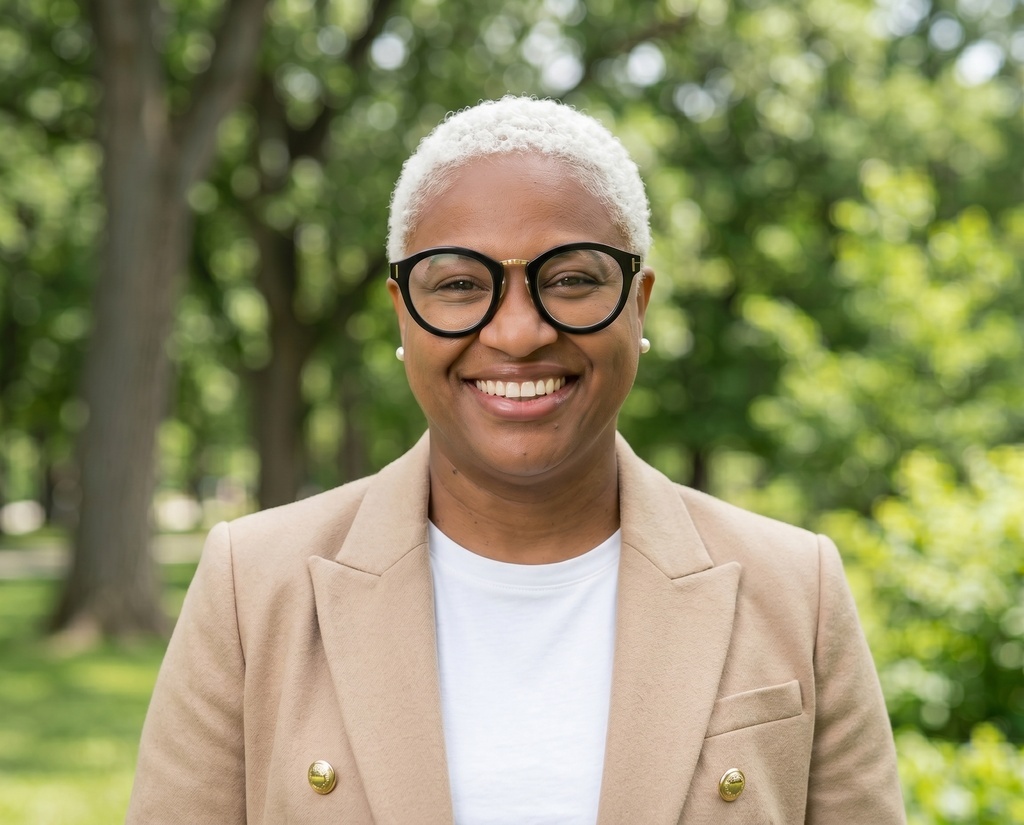

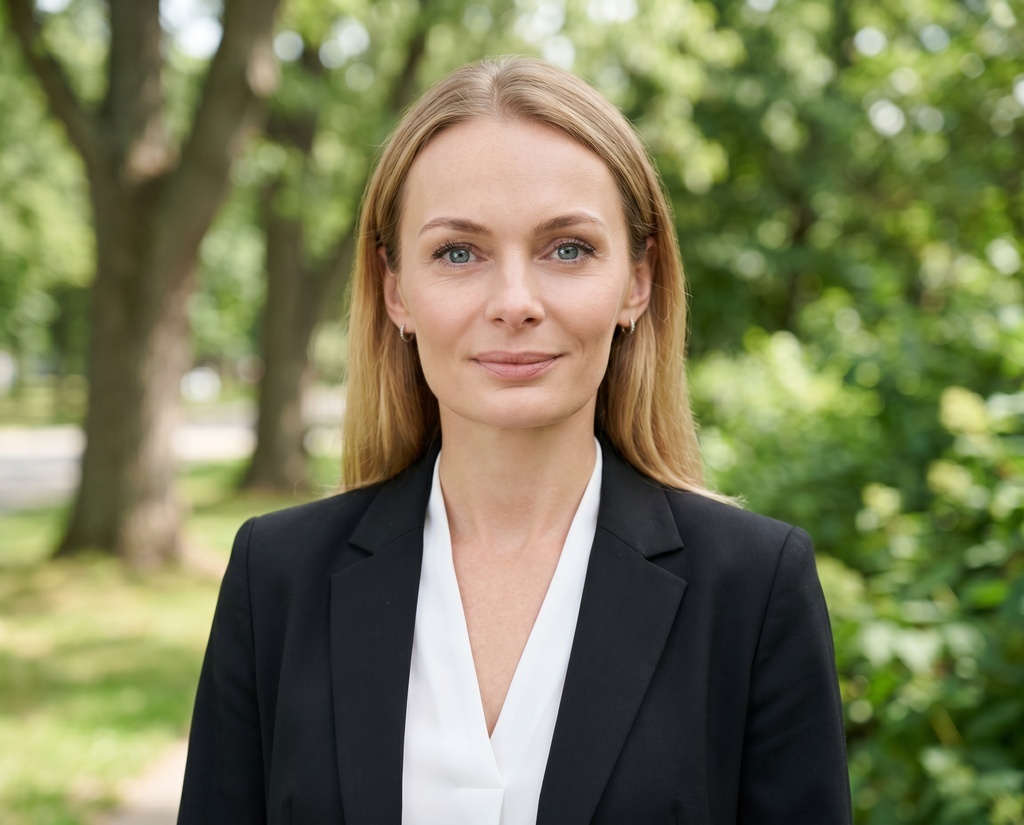
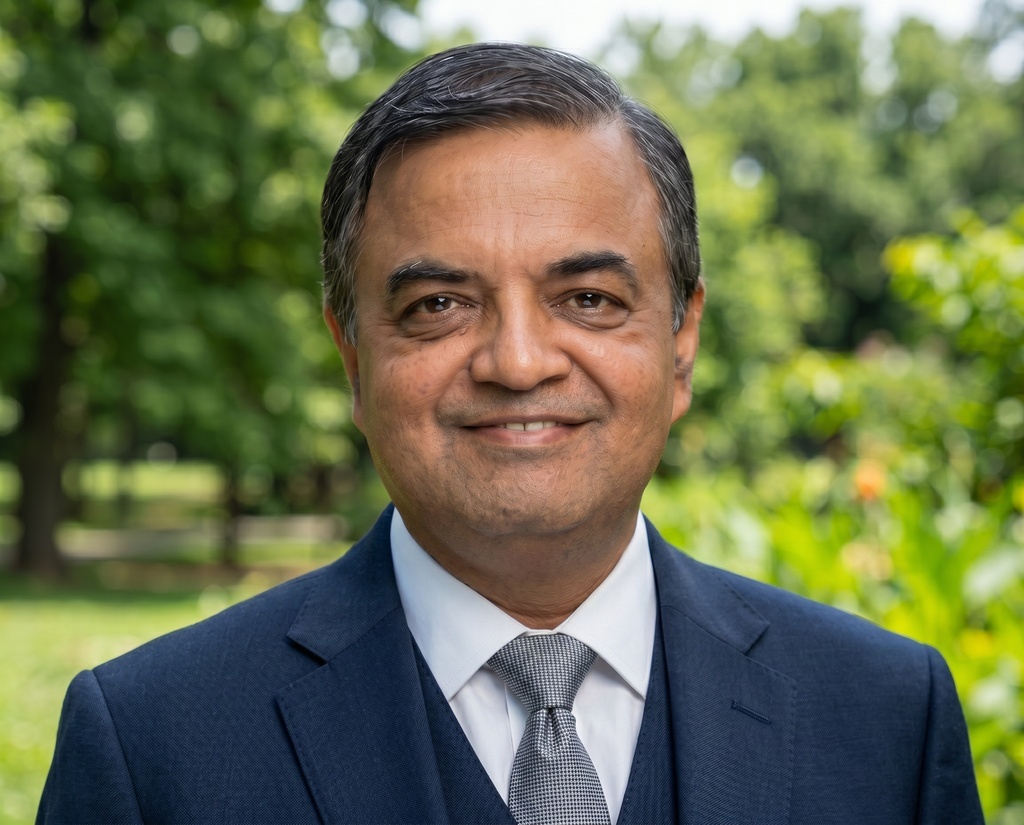
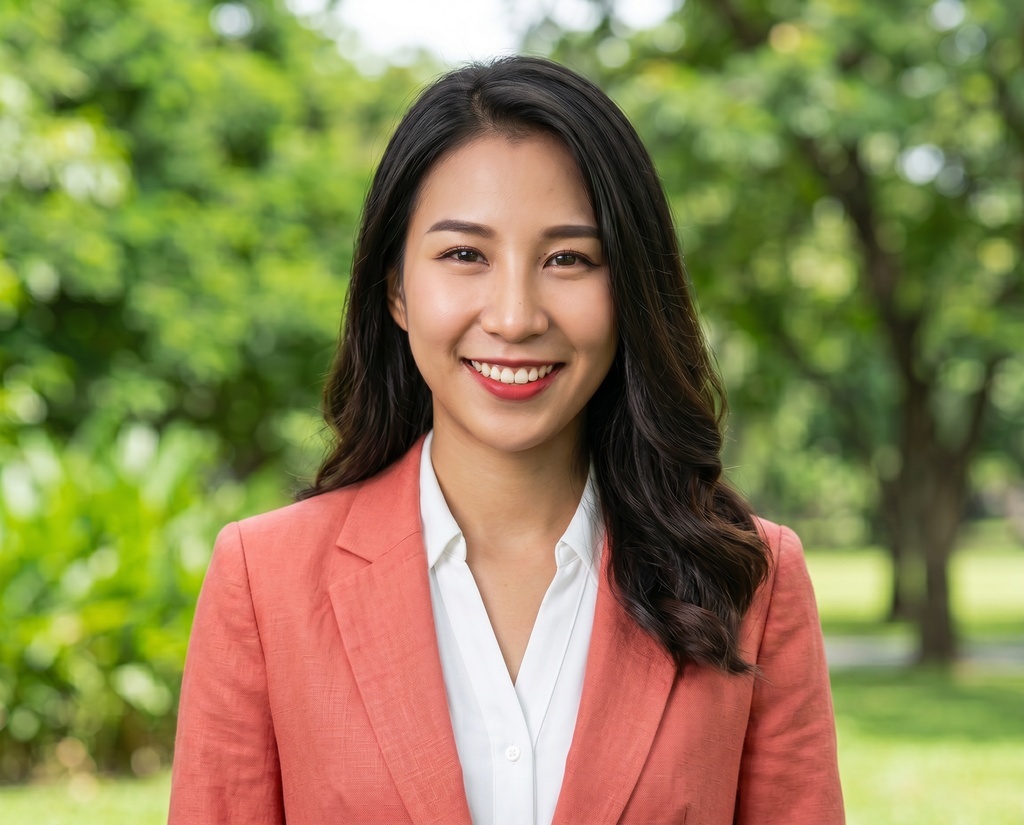
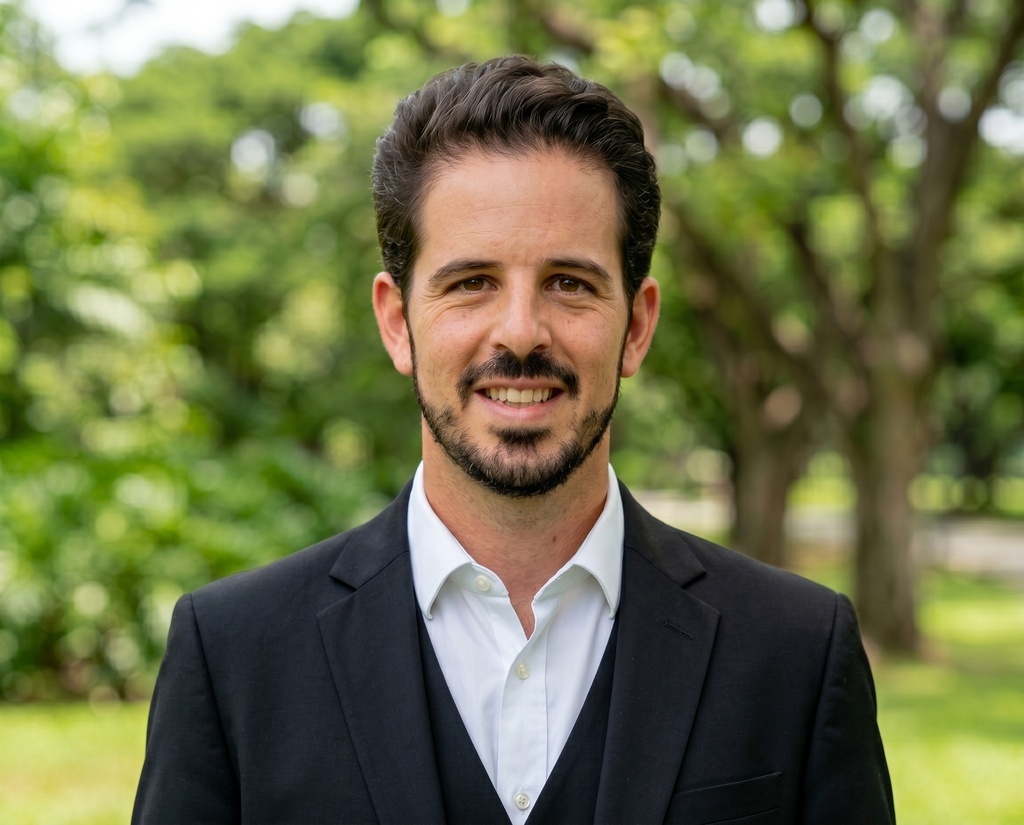

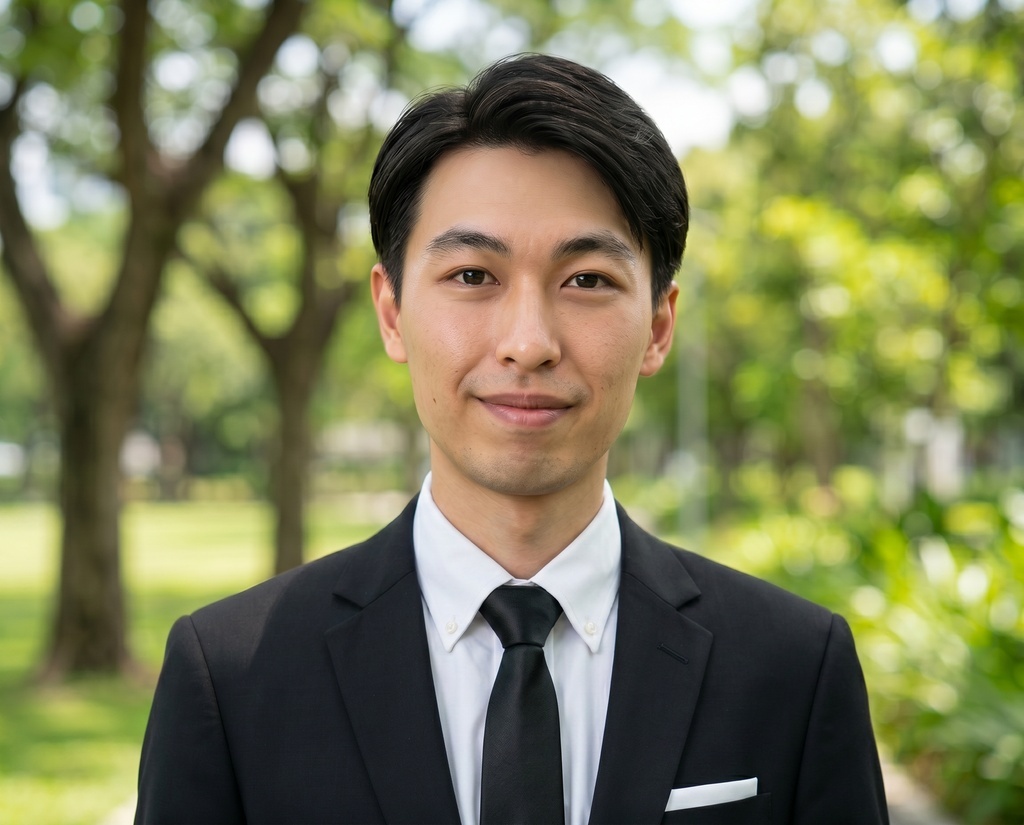
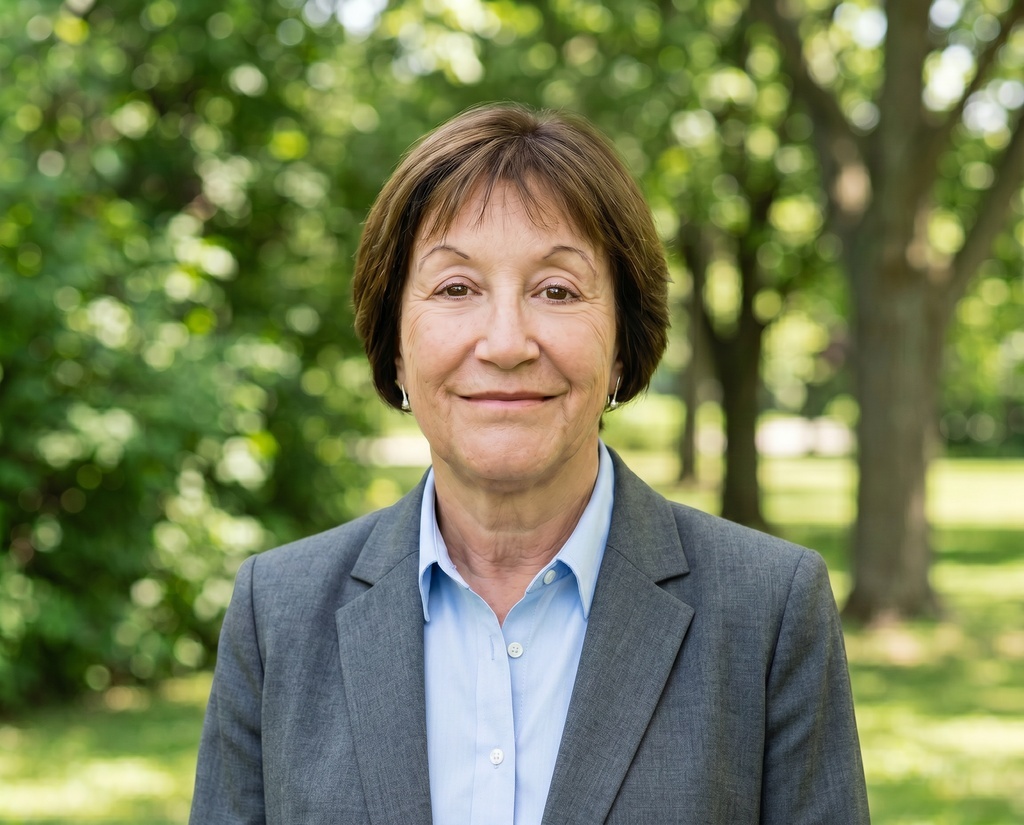
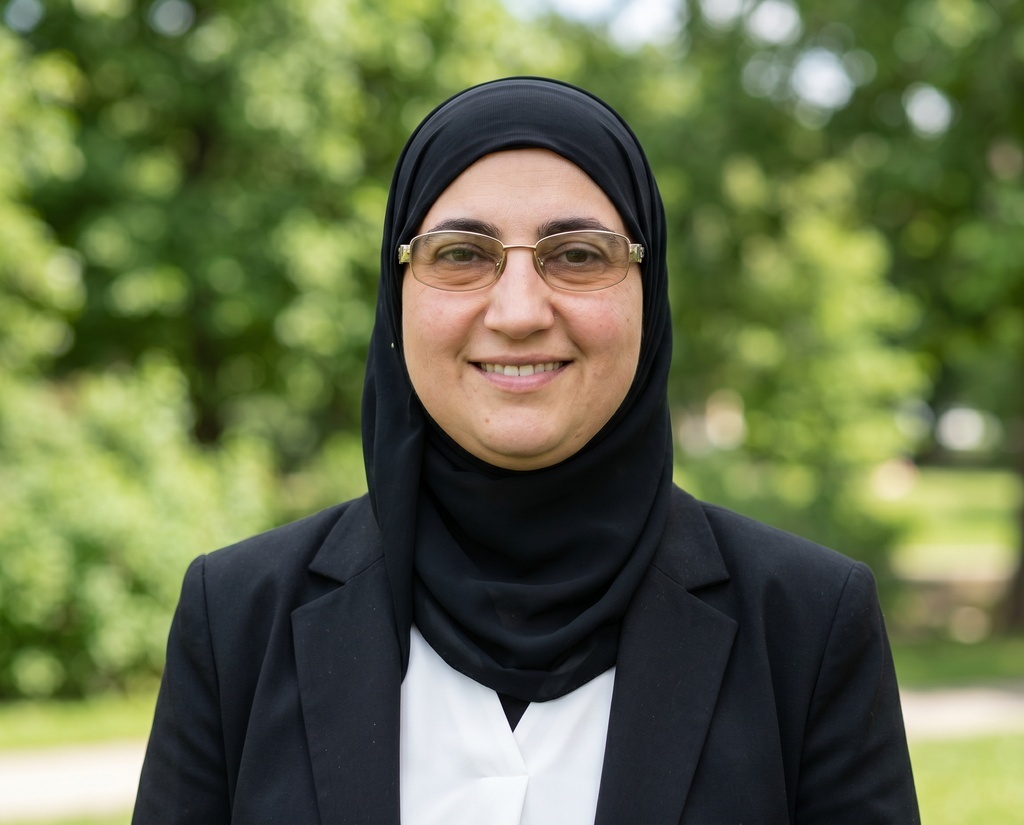
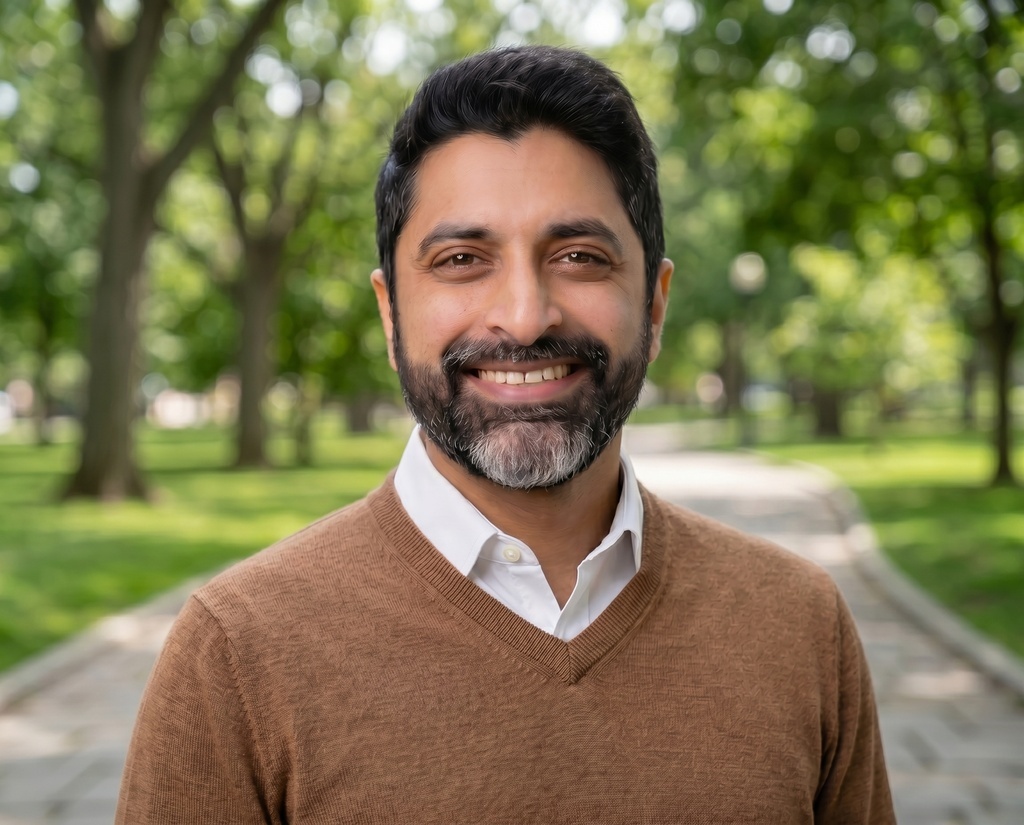
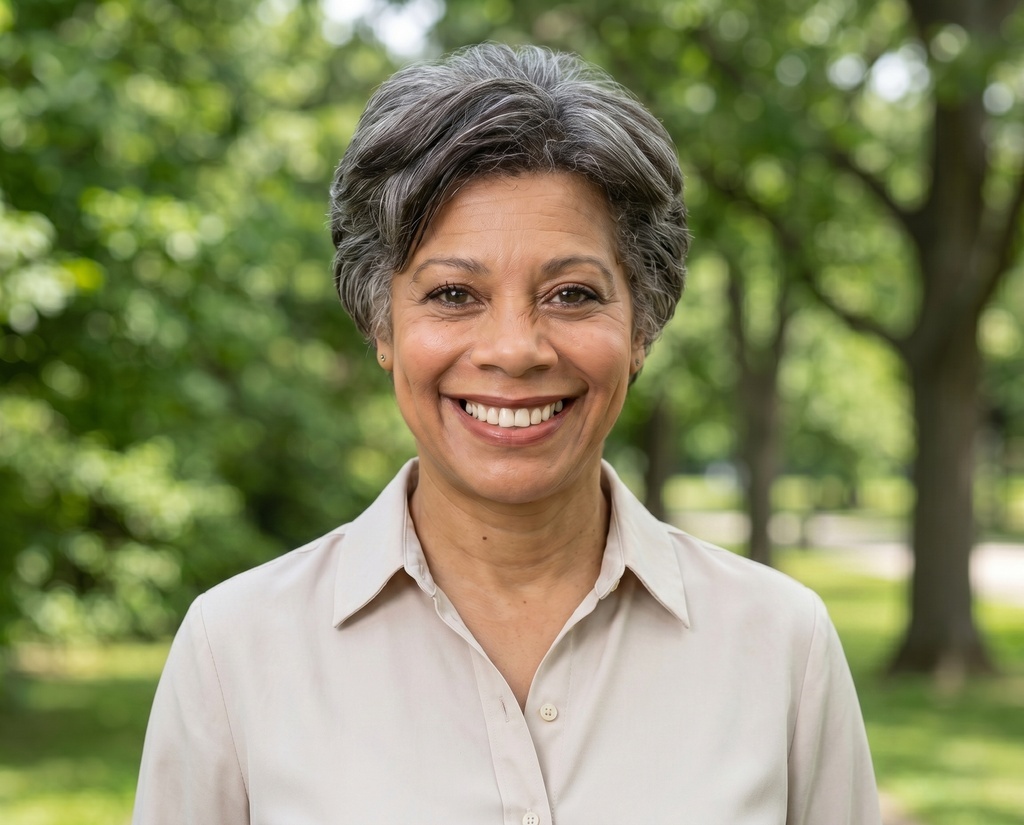


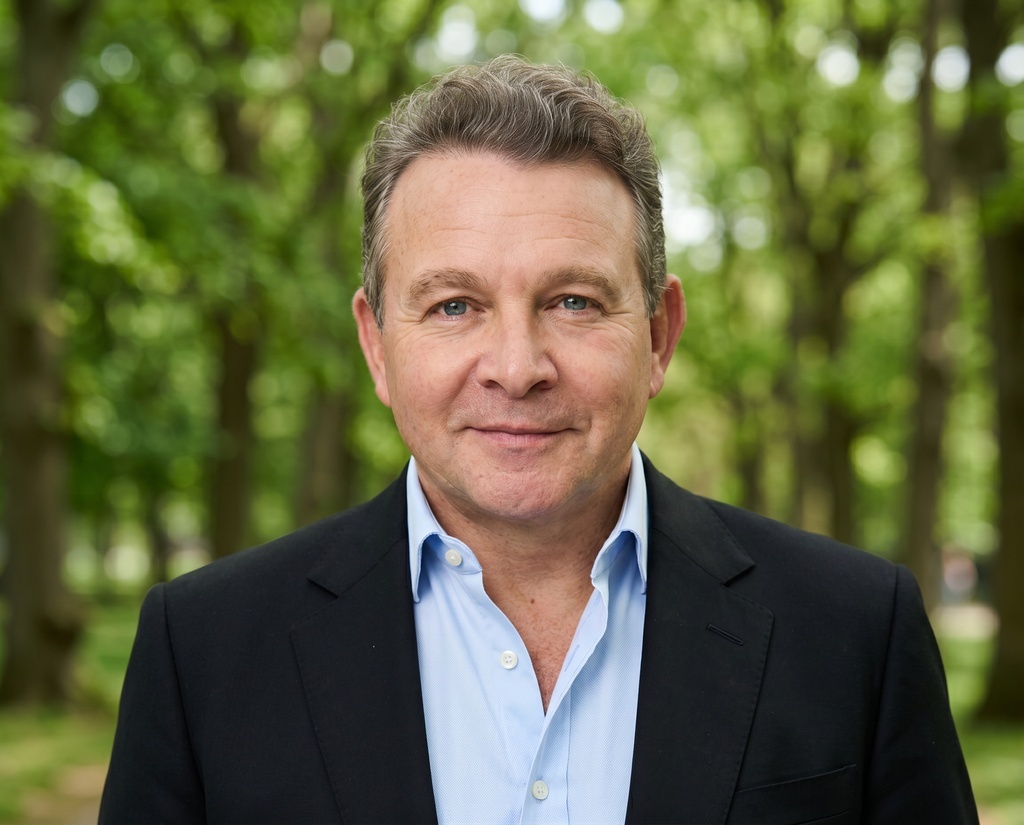
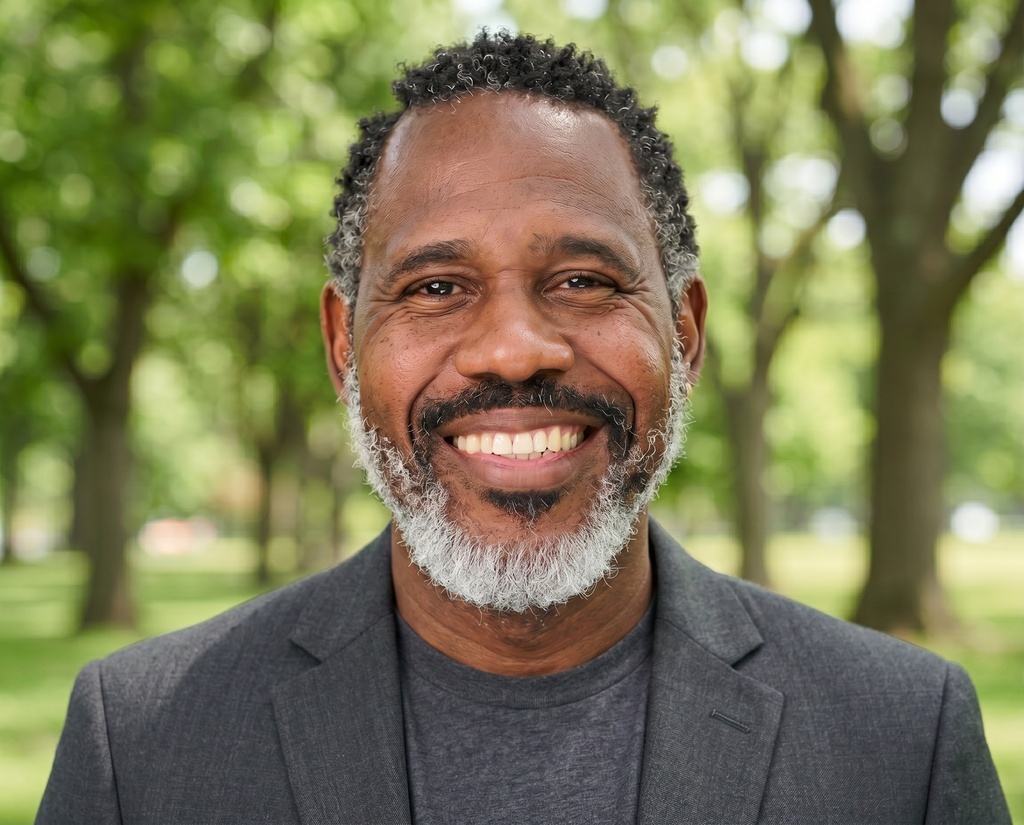
Your summary's written. Now the photo.
A LinkedIn photo is the first thing a recruiter opens. Get a studio-quality headshot that looks like you, from a few selfies, with no photographer, no studio, and no half-day off work.
18M headshots created for 200K+ professionals