Choose the backdrop and outfit for every headshot
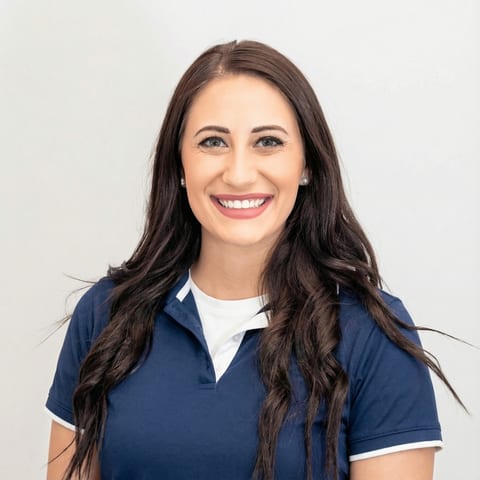
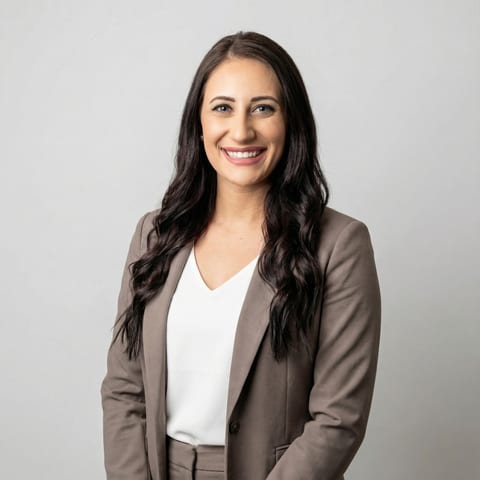
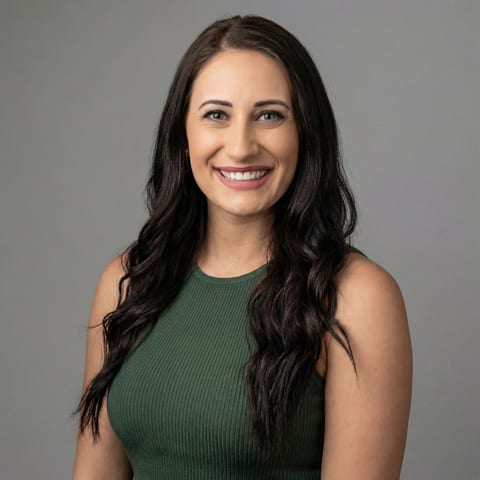
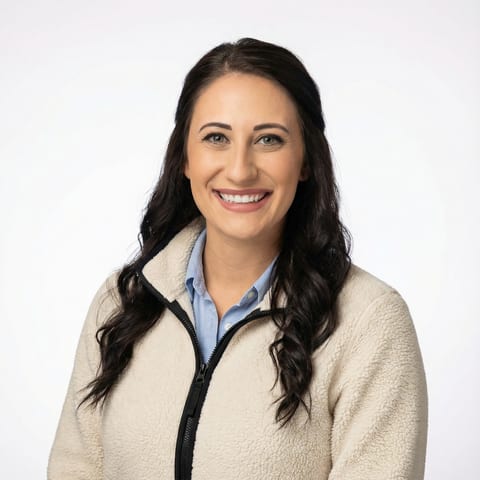
Pick from 200+ studio backgrounds and a full outfit library, and pair them however you want. Rolling out as a team? Lock the set so everyone lands on the same look.
 Most popular
 Most popular
 Most popular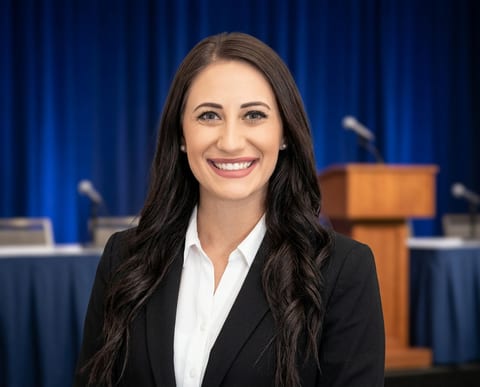

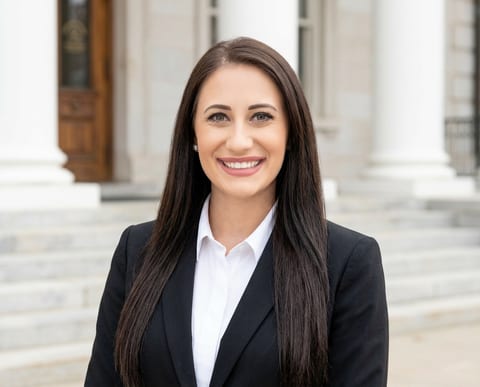
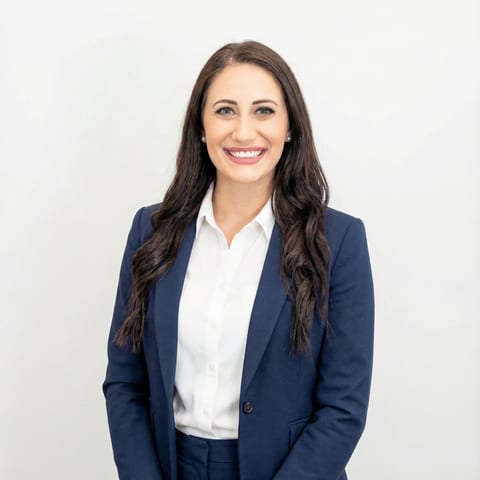
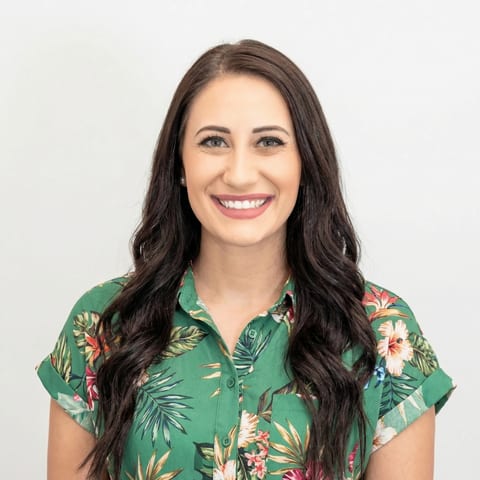
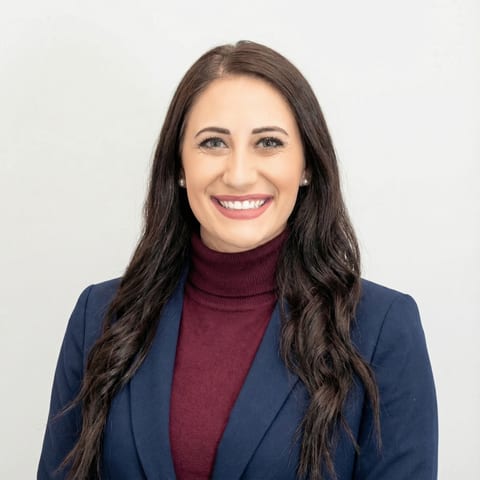
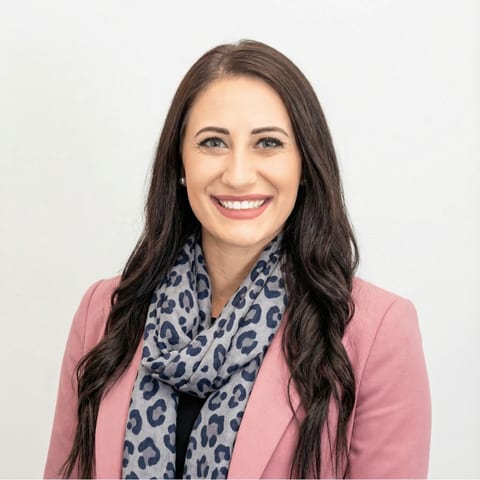
One look, fully in your control
200+ studio backdrops, no studio needed
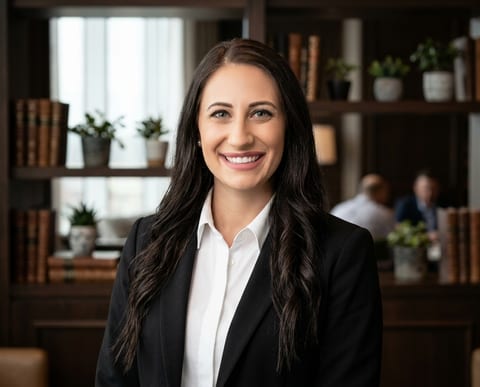
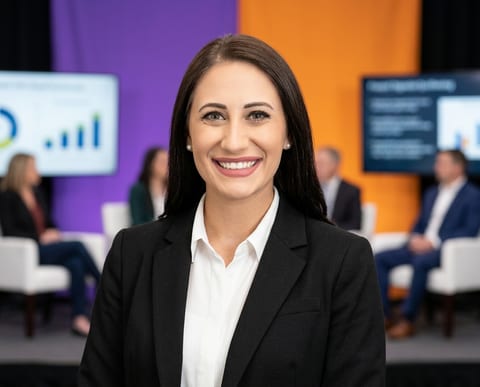
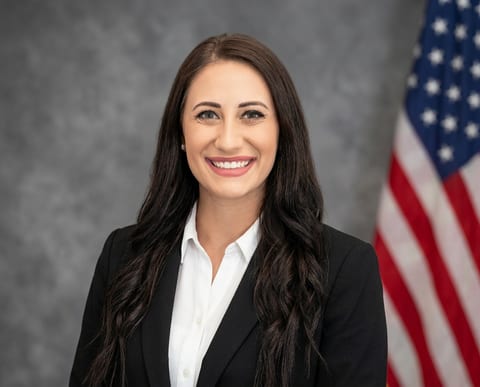
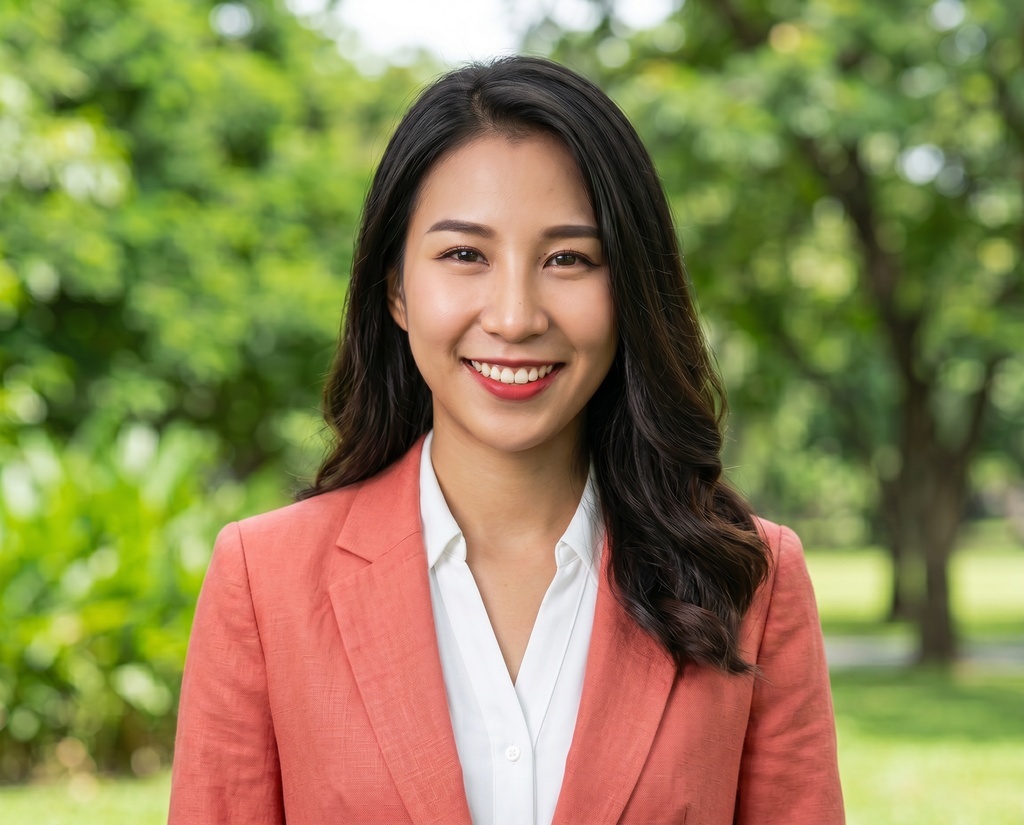
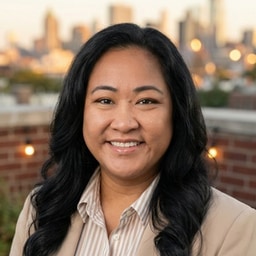
Browse neutral seamless, warm office, outdoor, and bold color backdrops, and pick the background that fits the role. Each one looks like a real studio set, and the most popular options sit at the top of the list.
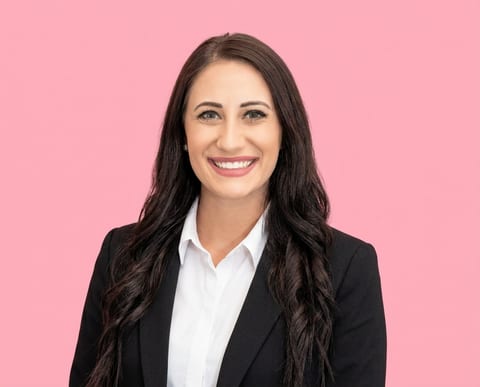
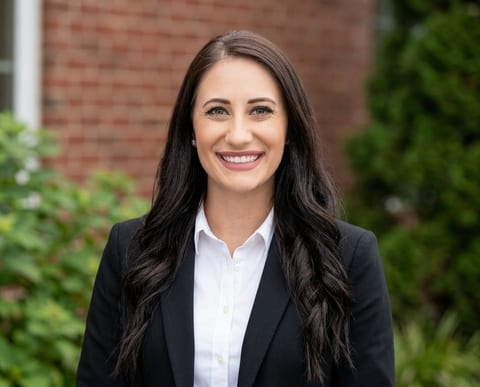
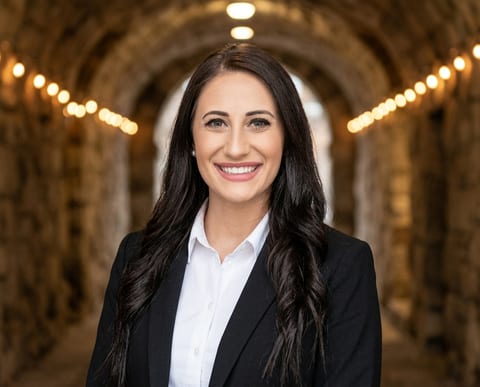

Match it with the right outfit
Every backdrop pairs with an outfit from the clothing library: dark suit, blazer, business casual, and more. Options are filtered to the gender you set, so you only see what fits. The AI dresses you in your pick no matter what you wore in your selfies.
For teams, set the pool once
Admins choose which backdrops and outfits the whole team can pick from, or lock exactly 8 fixed combinations so everyone lands on the same look. Per-department overrides let sales run one style and engineering another.
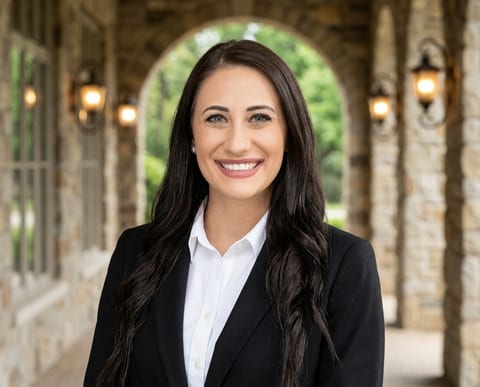
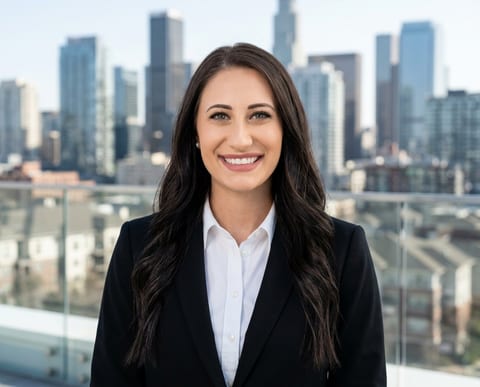
Bring your own backdrop
Teams can upload up to 12 custom backdrops: your real office, a branded background, an event step-and-repeat. They stay private to your organization and sit at the top of the picker. Need an outfit that isn't in the library? Email sales and we'll add one for your team.
CustomChange the backdrop after the fact
Like the shot but not the background? Open any finished headshot, swap the backdrop or the outfit, and generate a new version without re-uploading photos. Each swap is one edit credit, and the original stays untouched in your gallery.
BeforeAfterThe same headshot backgrounds across your whole team
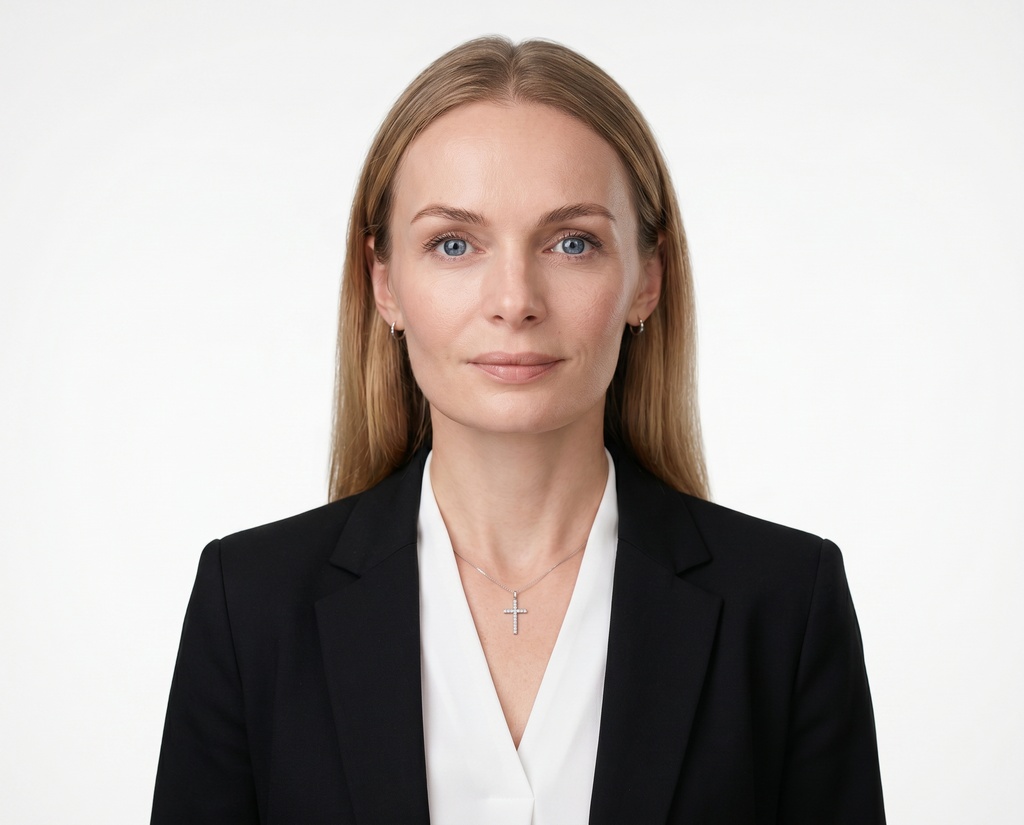
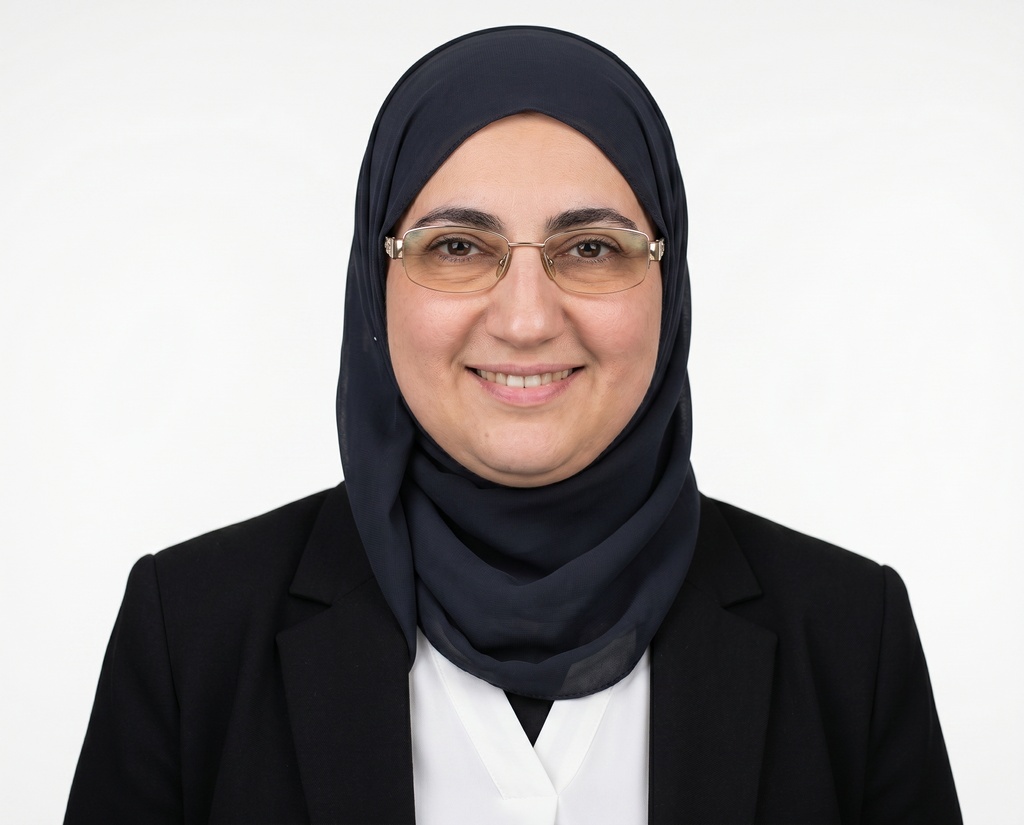
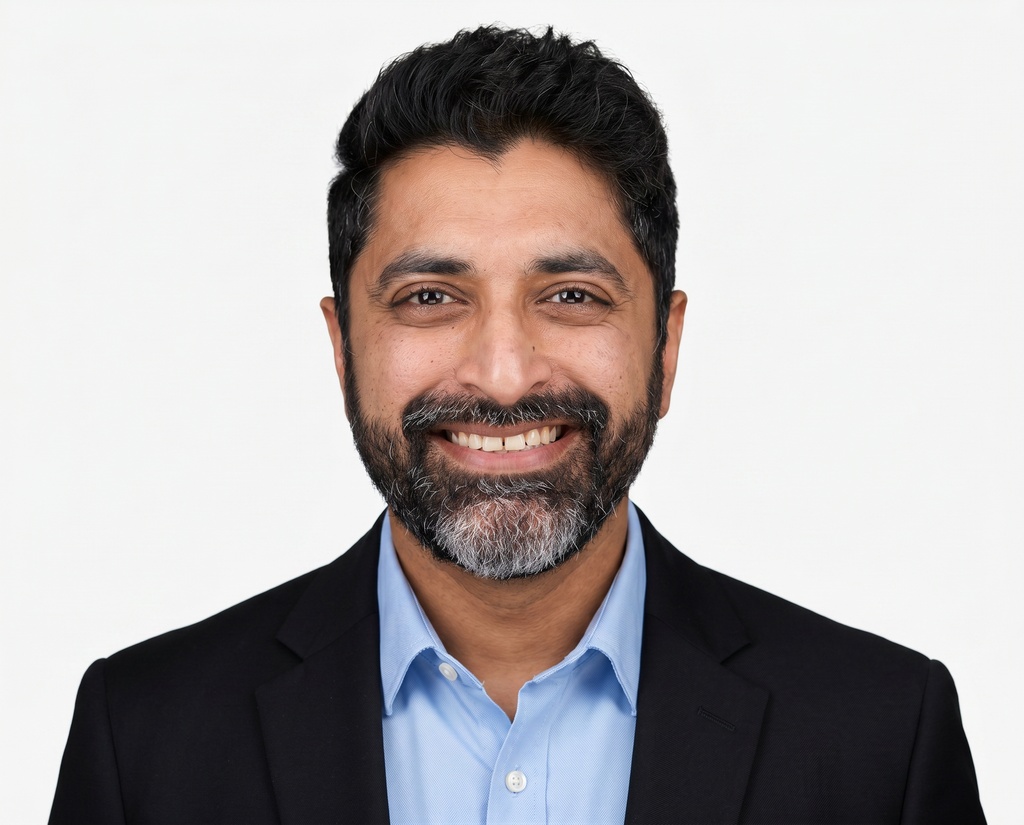
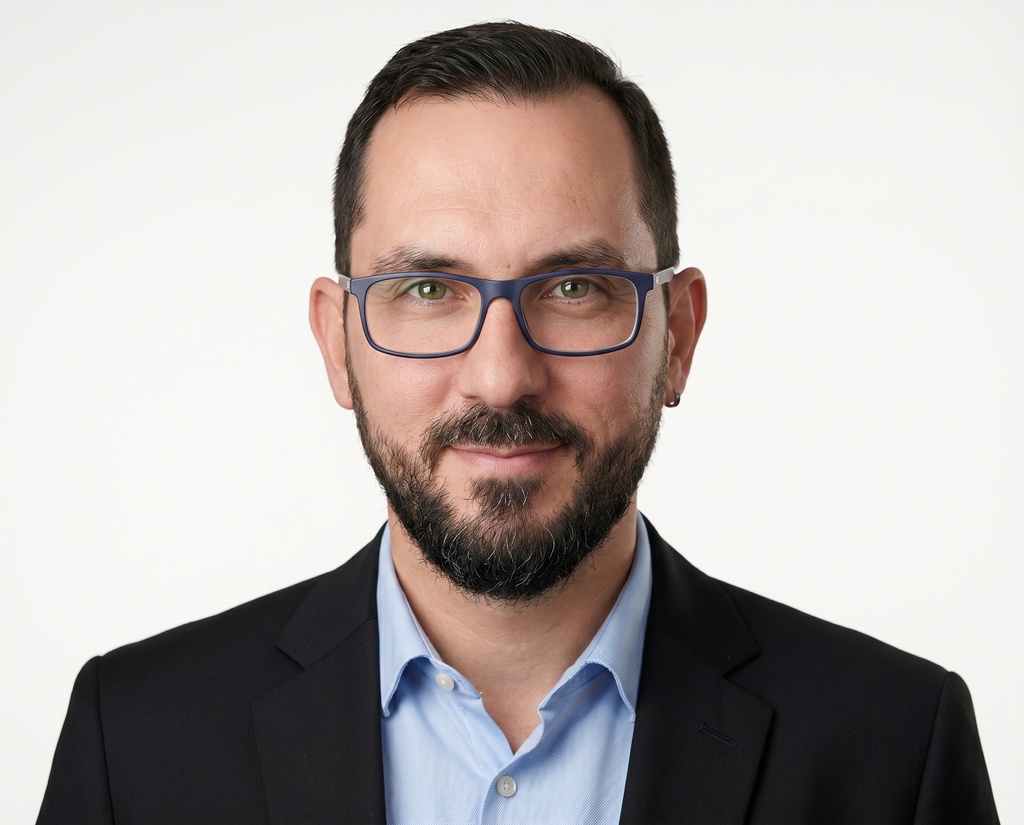
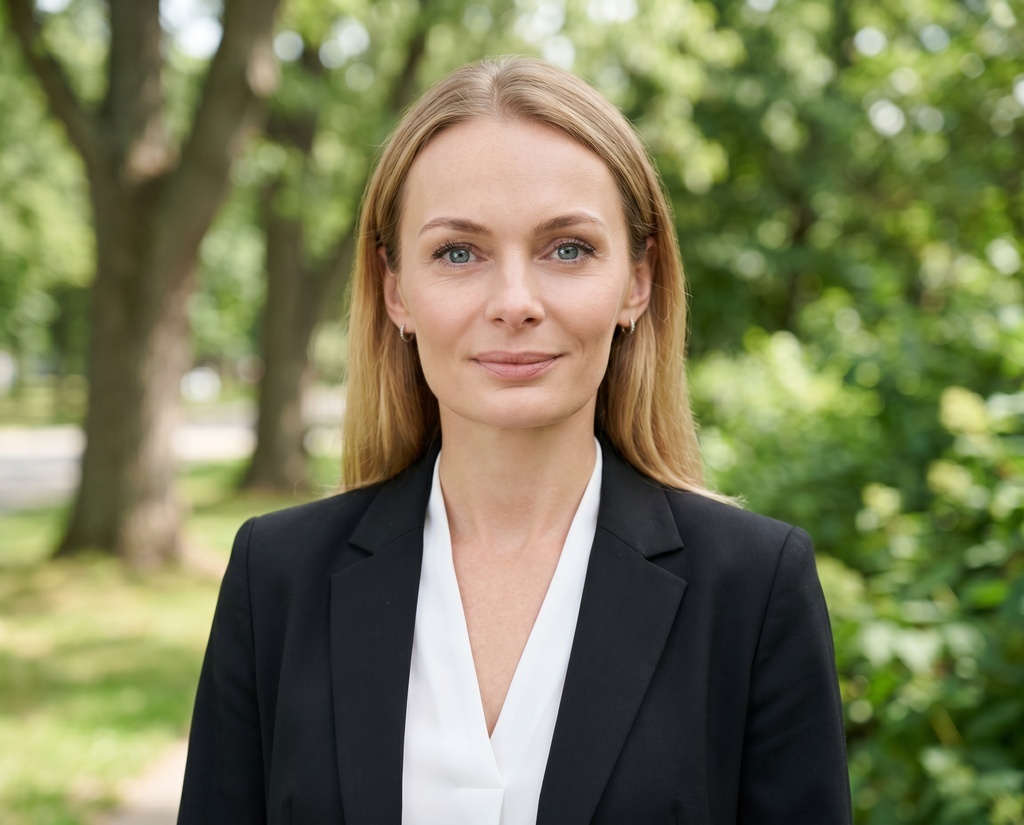
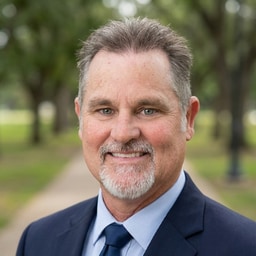
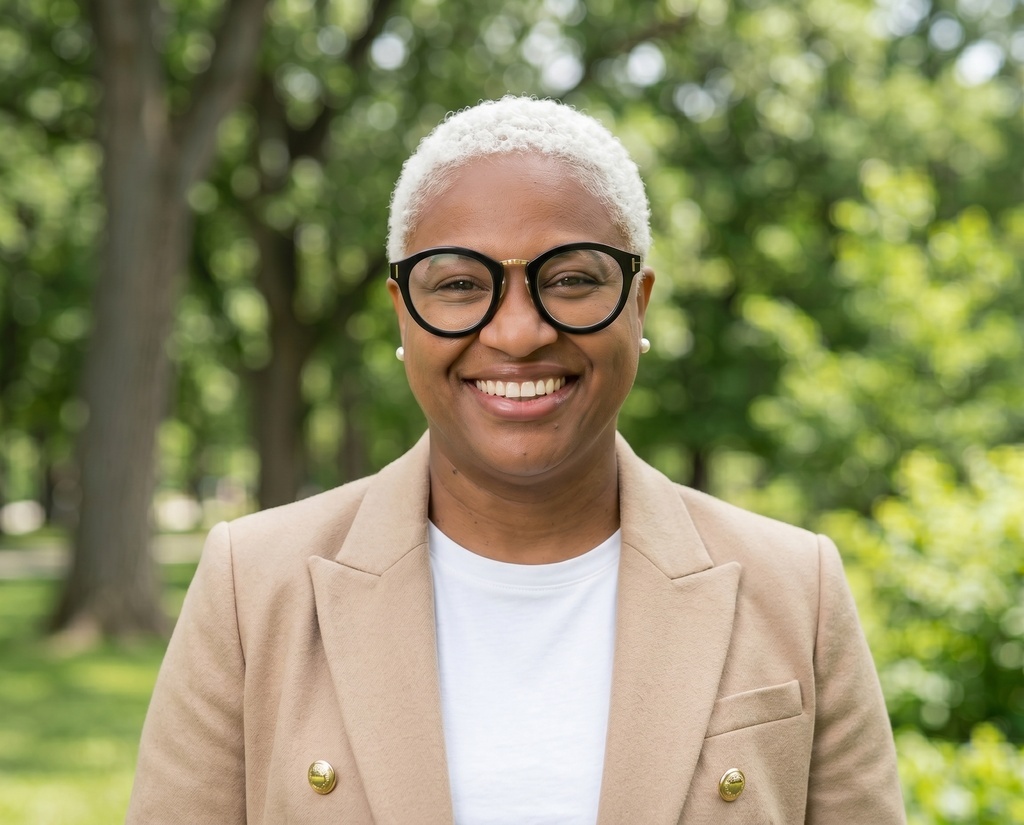
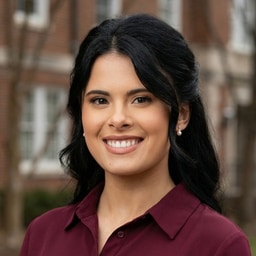
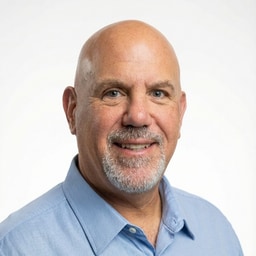
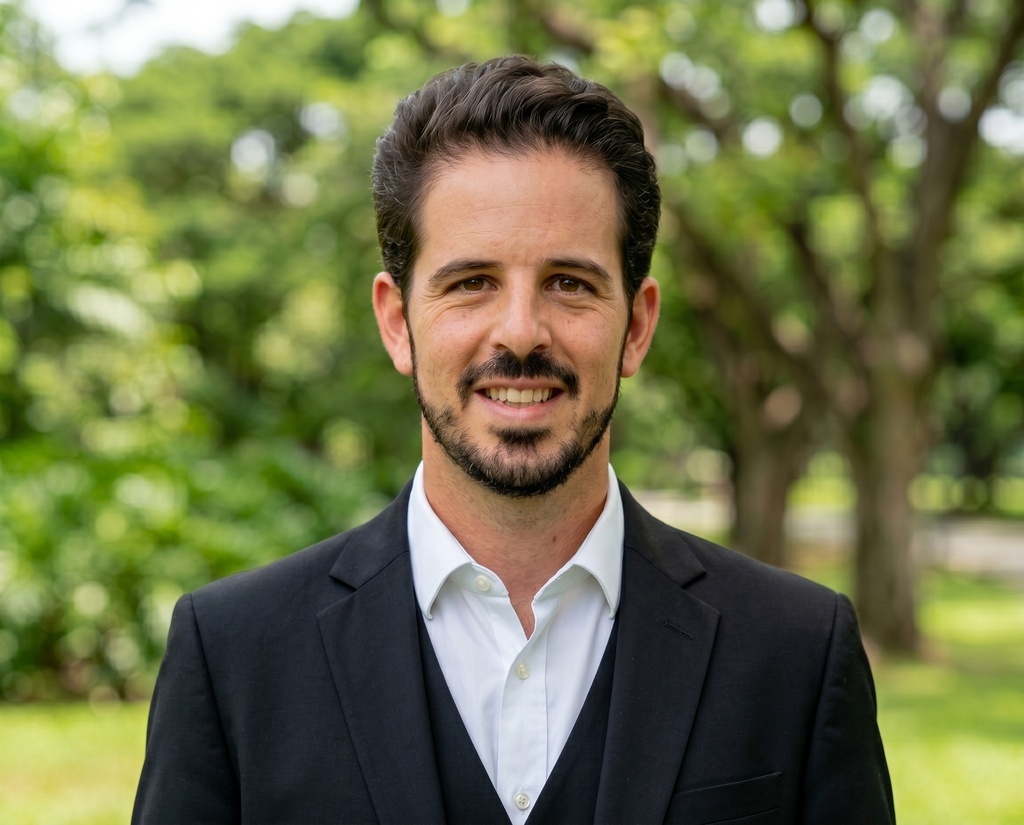
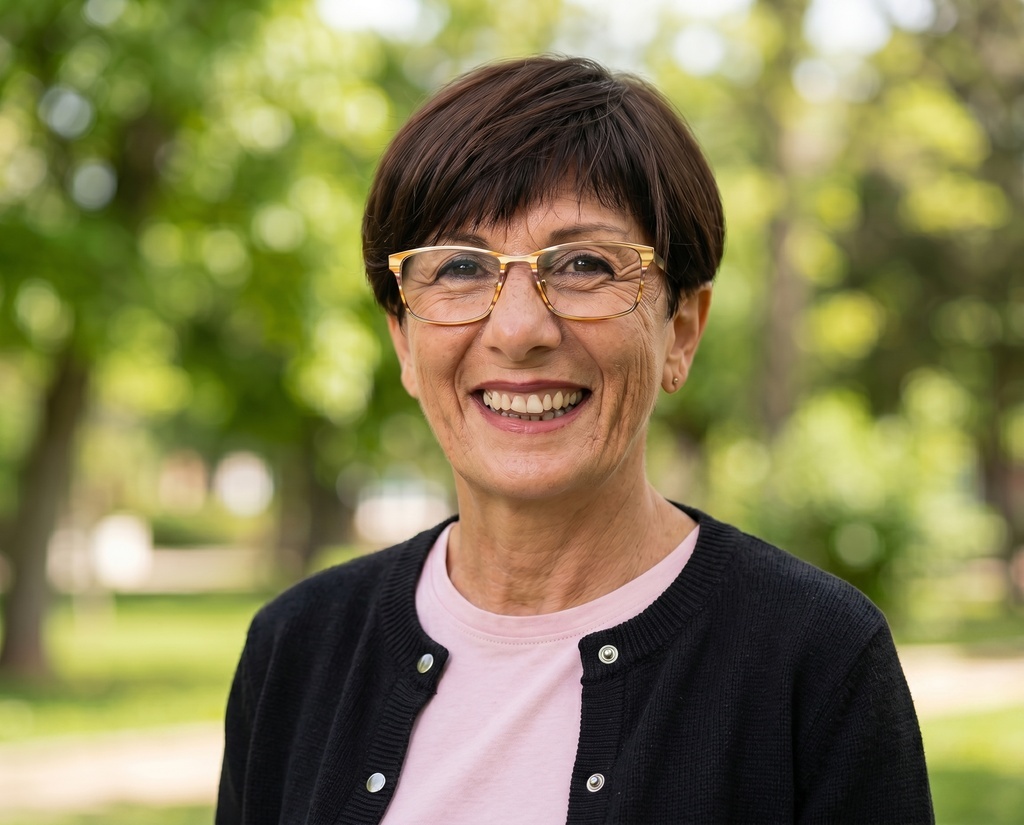
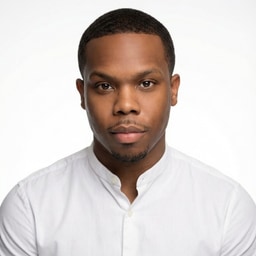
Each row is the same five people on one backdrop. Change the backdrop and the whole set changes with it, so the team ends up looking like it belongs together.
Gray studio
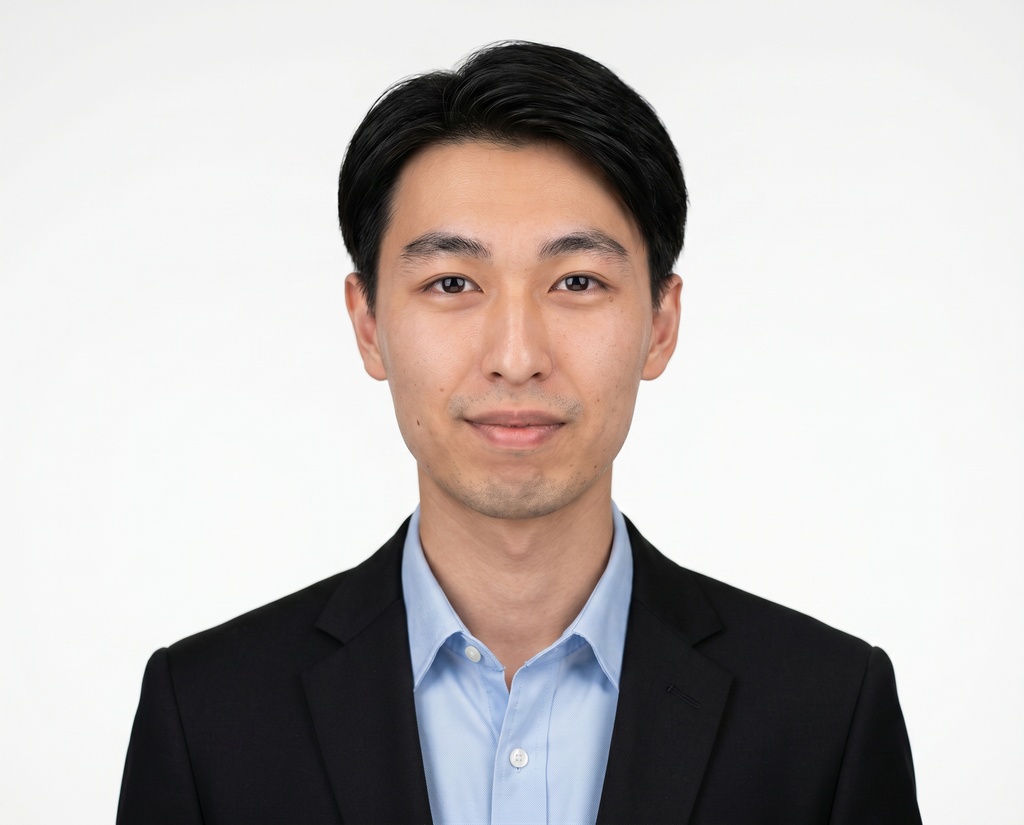
Warm office
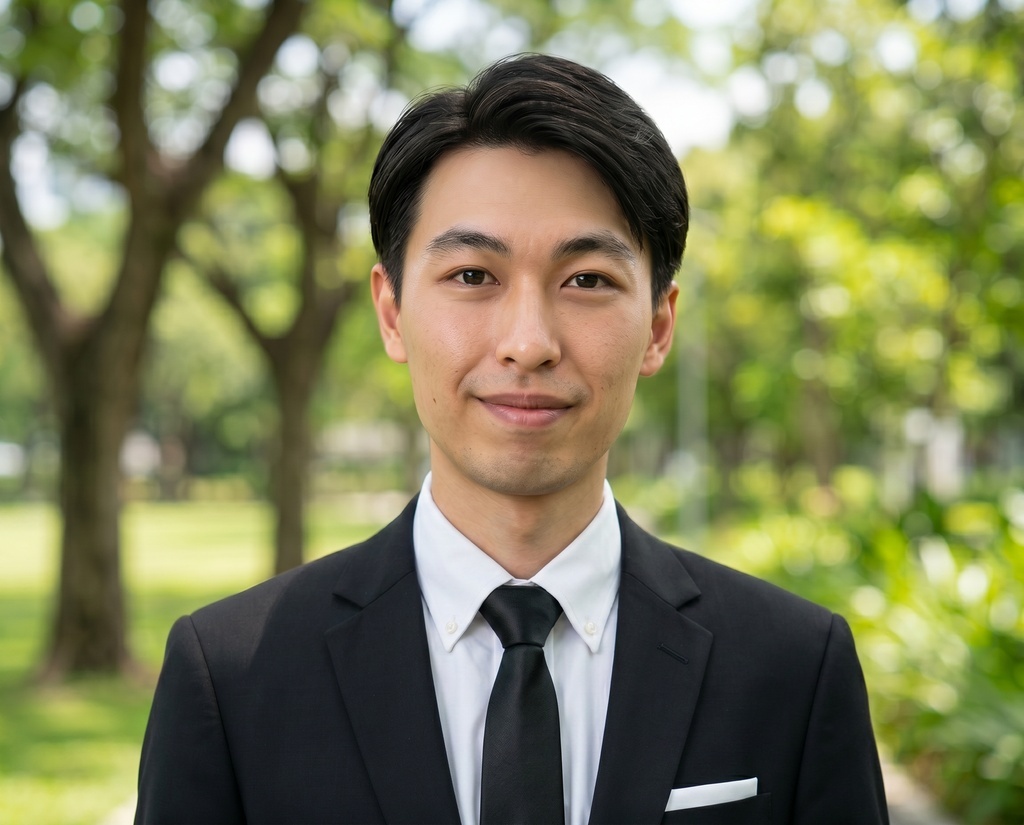
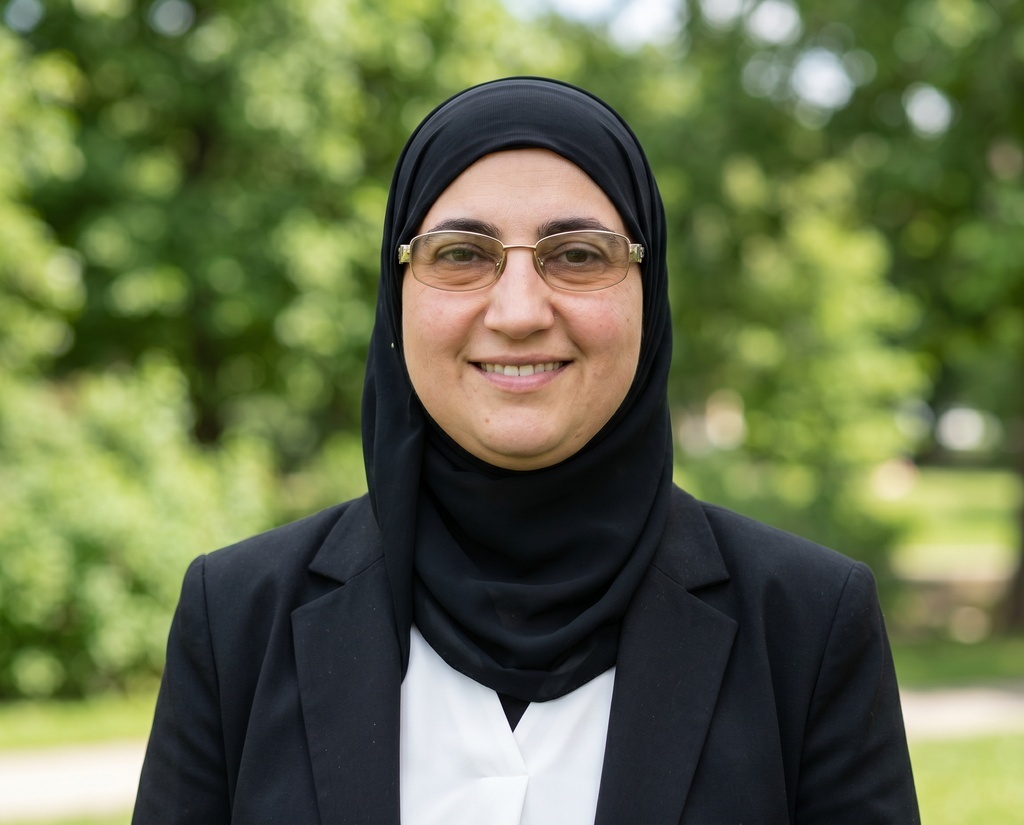
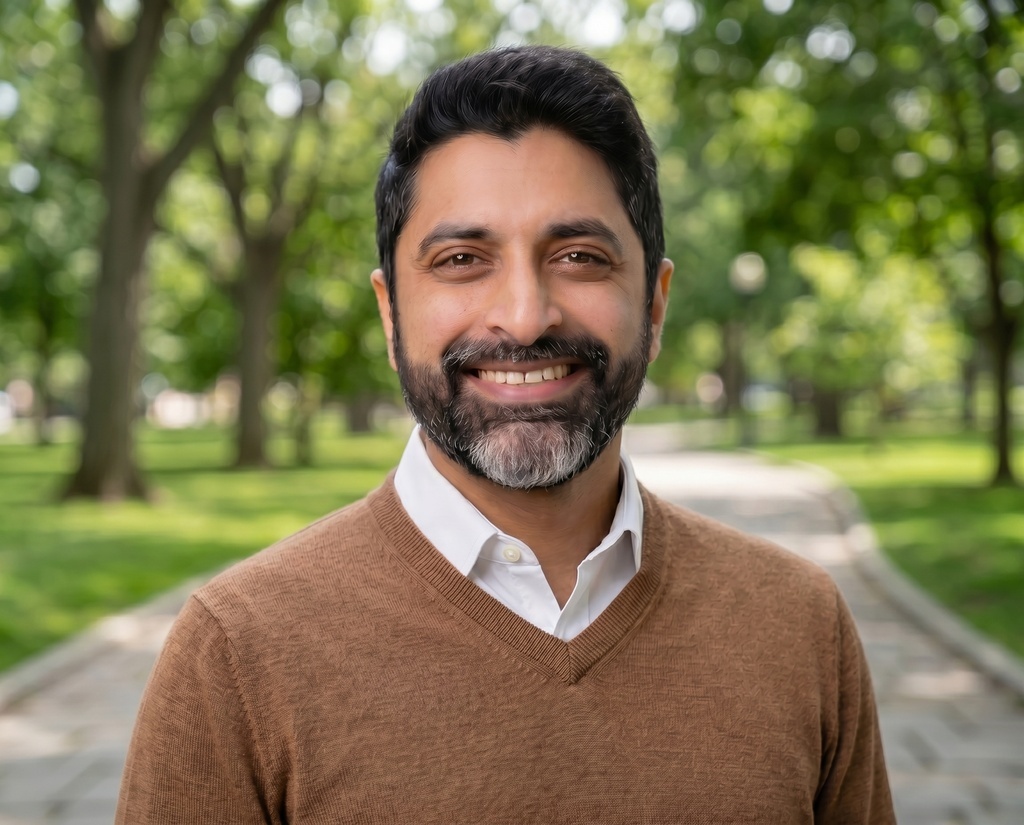
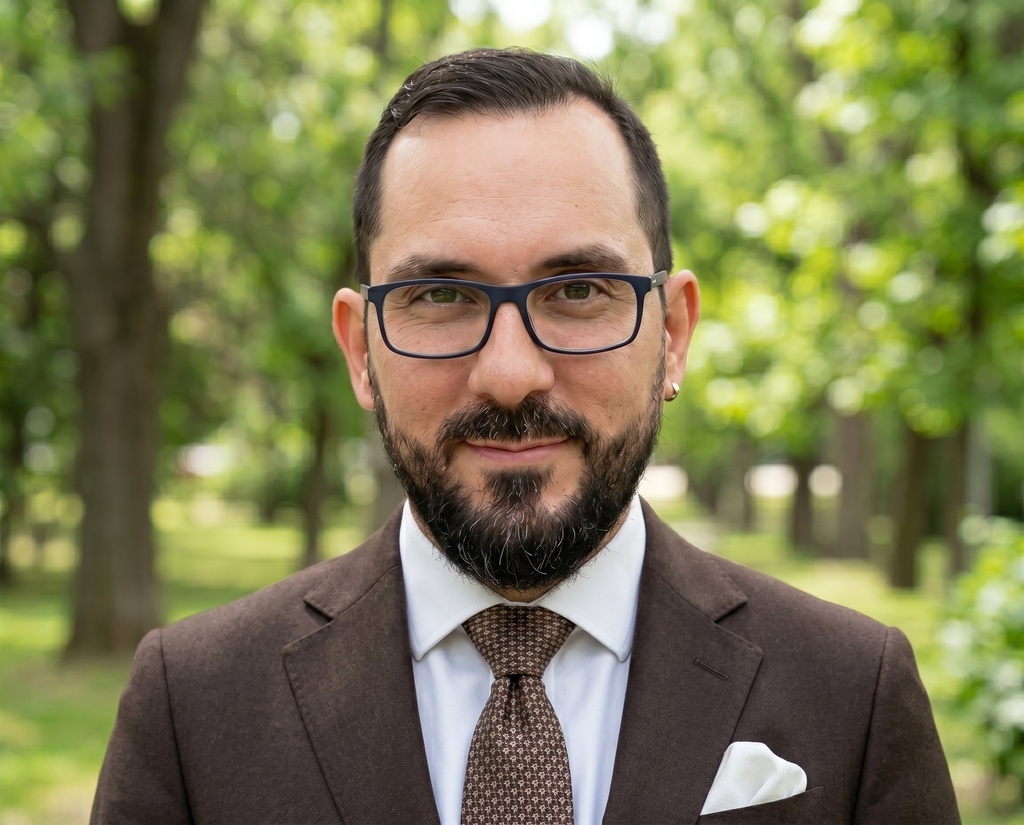
Pick once for yourself or set it for the team; every headshot in the set shares the same background.
Only 3% requested a redo
HeadshotPro meets our quality standards and aligns with our needs for a more casual look.

Questions about backdrops and outfits
Is choosing backdrops and outfits an extra cost?
No. It's part of every shoot. On an individual package, your purchase includes the style slots you fill (commonly 1 to 8, depending on the package). For teams, one credit covers a member's full shoot, backdrops and outfits included, and volume discounts apply automatically. See pricing for the full table.
What headshot backgrounds can I choose from?
Over 200 backdrops across neutral seamless, office and interior, outdoor, and solid-color studio looks. The most popular ones are flagged at the top of the list.
Can I upload my own backdrop?
Yes, on a team. Admins can upload up to 12 custom backdrops per organization: a real office, a branded background, an event step-and-repeat. Add a JPEG or PNG up to 5 MB, and HeadshotPro moderates it and upscales it to HD. It stays private to your organization. Custom backdrops are used exactly as uploaded, so a sharp, well-lit image gives the best results. Individual (non-team) shoots choose from the 200+ standard library.
Can I add a custom outfit too?
Yes, on a team, and it's free. Upload a photo of your uniform, add your logo if you like, and preview it on a sample model in seconds. Approve it and your team can pick it right away. Each organization can have up to 5 custom outfits, and they stay private to your organization. Everyone can still pick from the full outfit library, filtered by gender.
How many backdrop-and-outfit combinations can I pick?
As many as your package's style slots. Each backdrop pairs with one outfit to make a combination, and you can use the same backdrop more than once with different outfits. Each counts as its own slot. Teams pick from the admin-approved pool, up to 8 combinations.
Do the outfits work for everyone on the team?
Yes. Outfits are filtered to the gender each member sets, so people only see relevant options. The AI dresses them in their pick regardless of what they wore in their uploaded photos.
Can I change the background after my headshots are generated?
Yes. Open any finished headshot, swap the backdrop or outfit, and HeadshotPro generates a new version without re-uploading photos. Each swap uses one edit credit, and your original stays in the gallery.
Are my photos used to train your AI?
Your photos are never used to train AI models. Input photos auto-delete 30 days after generation.

Find your look
Pick the backdrop, choose the outfit, and get a full set of headshots in the look you want, usually within a couple of hours.
See pricing