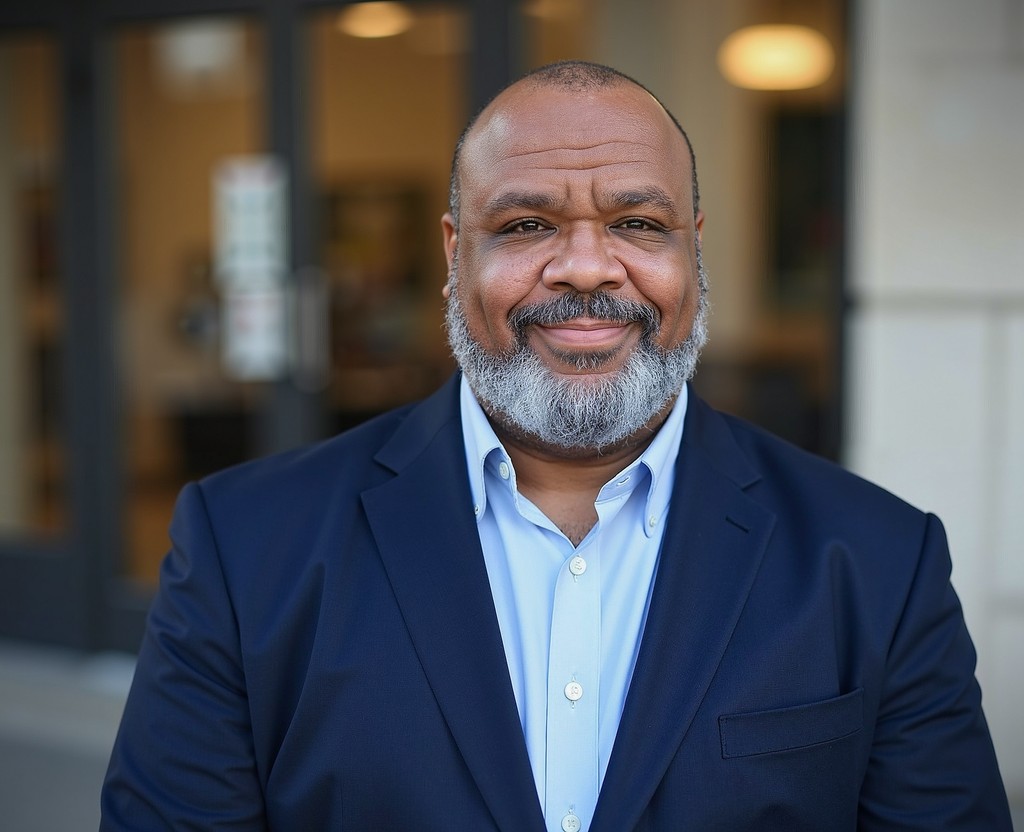
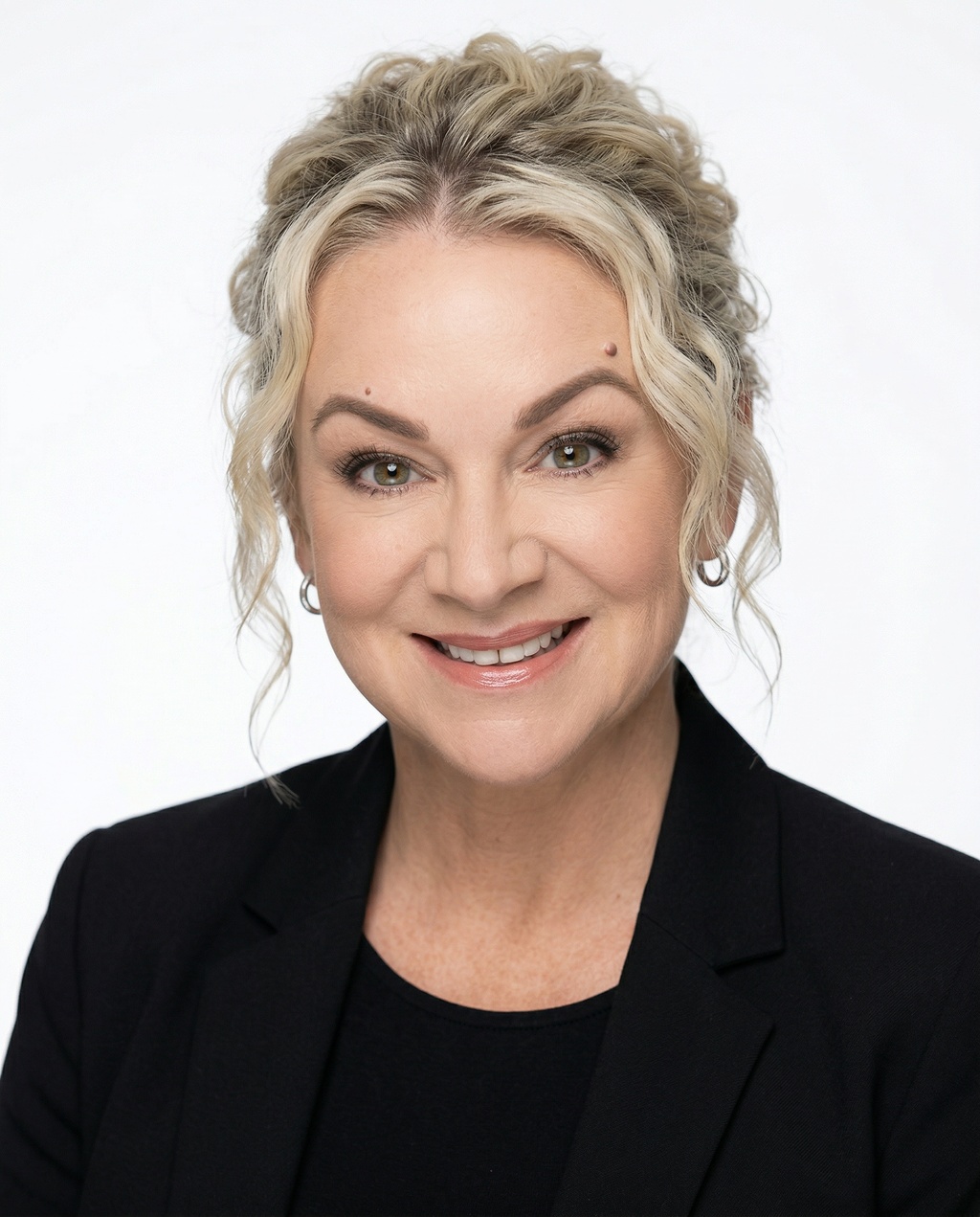
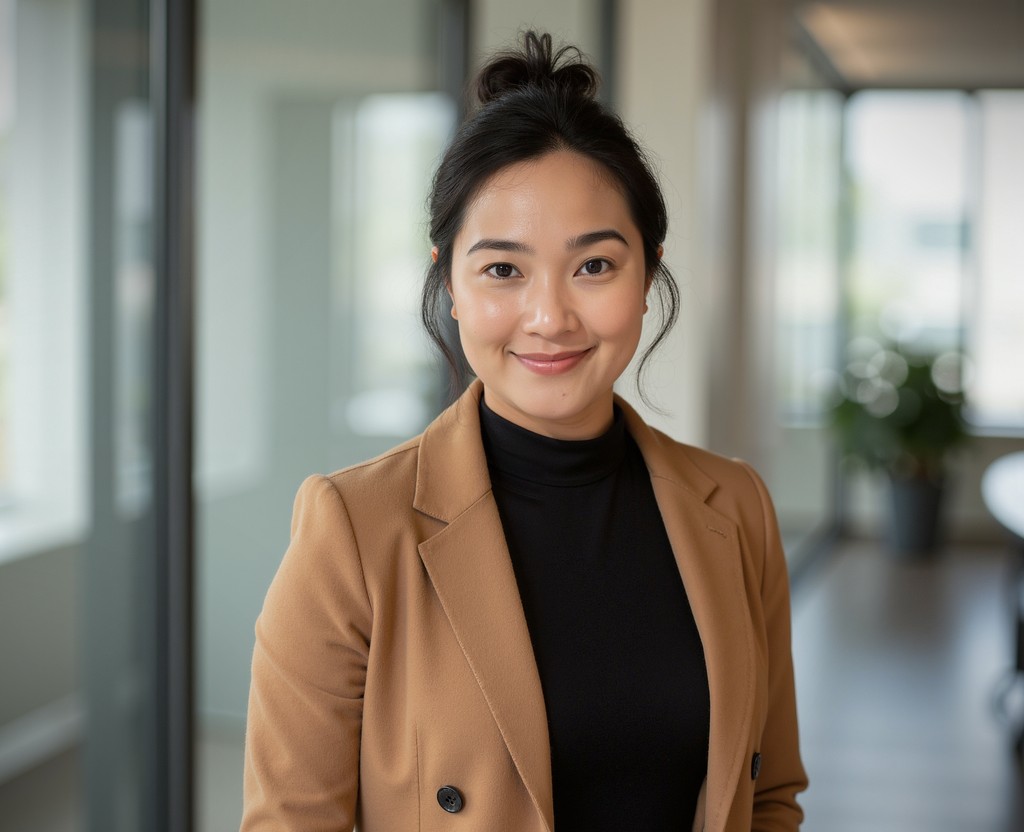
The #1 AI headshot generator for professionals
ERAs Headshots 101: Examples, Cost, & Tips
Get AI-generated headshots for your medical residency application, done in 2 hours or less.
- Indistinguishable from real photos
- Business expense-ready invoice
- Ready in 2 hours or less, no studio needed
%20-%20https://sketchapp.com%20--%3e%3cg%20id='Trustpilot_ratings_5star-RGB'%20stroke='none'%20stroke-width='1'%20fill='none'%20fill-rule='evenodd'%3e%3cg%20fill-rule='nonzero'%3e%3crect%20id='Rectangle-path'%20fill='%2300B67A'%20x='0'%20y='0'%20width='96'%20height='96'%3e%3c/rect%3e%3crect%20id='Rectangle-path'%20fill='%2300B67A'%20x='104'%20y='0'%20width='96'%20height='96'%3e%3c/rect%3e%3crect%20id='Rectangle-path'%20fill='%2300B67A'%20x='208'%20y='0'%20width='96'%20height='96'%3e%3c/rect%3e%3crect%20id='Rectangle-path'%20fill='%2300B67A'%20x='312'%20y='0'%20width='96'%20height='96'%3e%3c/rect%3e%3crect%20id='Rectangle-path'%20fill='%2300B67A'%20x='416'%20y='0'%20width='96'%20height='96'%3e%3c/rect%3e%3cpath%20d='M48,64.7%20L62.6,61%20L68.7,79.8%20L48,64.7%20Z%20M81.6,40.4%20L55.9,40.4%20L48,16.2%20L40.1,40.4%20L14.4,40.4%20L35.2,55.4%20L27.3,79.6%20L48.1,64.6%20L60.9,55.4%20L81.6,40.4%20L81.6,40.4%20L81.6,40.4%20L81.6,40.4%20Z'%20id='Shape'%20fill='%23FFFFFF'%3e%3c/path%3e%3cpath%20d='M152,64.7%20L166.6,61%20L172.7,79.8%20L152,64.7%20Z%20M185.6,40.4%20L159.9,40.4%20L152,16.2%20L144.1,40.4%20L118.4,40.4%20L139.2,55.4%20L131.3,79.6%20L152.1,64.6%20L164.9,55.4%20L185.6,40.4%20L185.6,40.4%20L185.6,40.4%20L185.6,40.4%20Z'%20id='Shape'%20fill='%23FFFFFF'%3e%3c/path%3e%3cpath%20d='M256,64.7%20L270.6,61%20L276.7,79.8%20L256,64.7%20Z%20M289.6,40.4%20L263.9,40.4%20L256,16.2%20L248.1,40.4%20L222.4,40.4%20L243.2,55.4%20L235.3,79.6%20L256.1,64.6%20L268.9,55.4%20L289.6,40.4%20L289.6,40.4%20L289.6,40.4%20L289.6,40.4%20Z'%20id='Shape'%20fill='%23FFFFFF'%3e%3c/path%3e%3cpath%20d='M360,64.7%20L374.6,61%20L380.7,79.8%20L360,64.7%20Z%20M393.6,40.4%20L367.9,40.4%20L360,16.2%20L352.1,40.4%20L326.4,40.4%20L347.2,55.4%20L339.3,79.6%20L360.1,64.6%20L372.9,55.4%20L393.6,40.4%20L393.6,40.4%20L393.6,40.4%20L393.6,40.4%20Z'%20id='Shape'%20fill='%23FFFFFF'%3e%3c/path%3e%3cpath%20d='M464,64.7%20L478.6,61%20L484.7,79.8%20L464,64.7%20Z%20M497.6,40.4%20L471.9,40.4%20L464,16.2%20L456.1,40.4%20L430.4,40.4%20L451.2,55.4%20L443.3,79.6%20L464.1,64.6%20L476.9,55.4%20L497.6,40.4%20L497.6,40.4%20L497.6,40.4%20L497.6,40.4%20Z'%20id='Shape'%20fill='%23FFFFFF'%3e%3c/path%3e%3c/g%3e%3c/g%3e%3c/svg%3e) 4.8 · 3,609 reviews
4.8 · 3,609 reviews 


196,987+ happy customers
What Are ERAs Headshots?
ERAs headshots are professional portrait photos used in medical residency applications.
While we won't tell you whether it's advantageous to include a headshot, our AI headshot generator can save you hours of time and hundreds of dollars if you choose to include one.
How Does AI Generate ERAs Headshots?
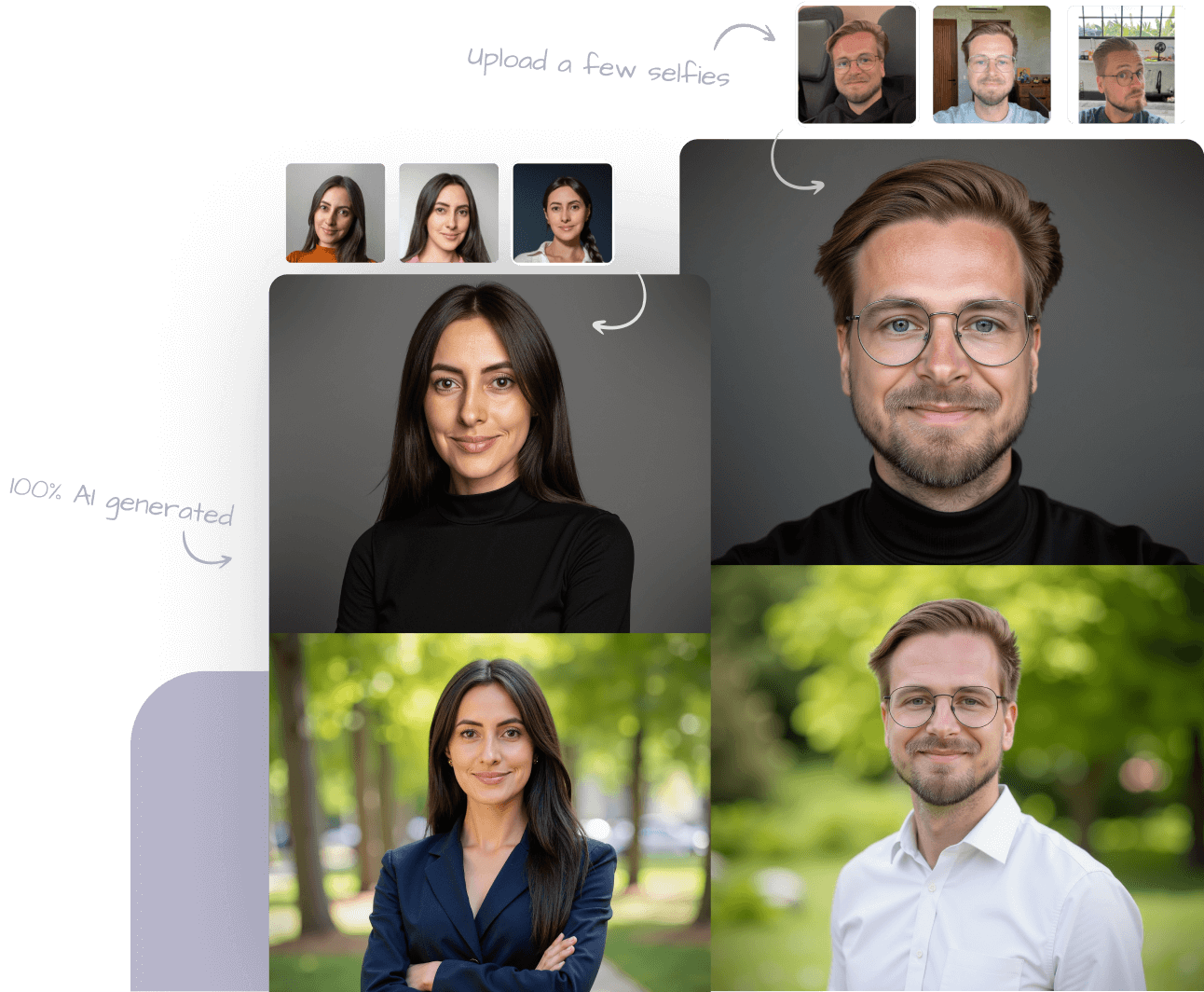
1. Choose your backdrops and clothing: We offer a variety of options, with white backdrops recommended for medical residency applications.
2. Upload your selfies: Use existing photos or take new ones against a plain background with good lighting and a natural smile.
3. Download your favorite headshots: You'll receive multiple options to choose from, with at least one incredible profile-worthy headshot guaranteed.
What Are the ERAs Headshot Requirements?
According to the Association of American Medical Colleges, ERAs headshot requirements are:
File type: JPG/JPEG or PNG, Maximum file size: 150 KB, Maximum dimensions: 2.5inx3.5in, Maximum resolution: 150 DPI
How Can I Make My Headshot ERAs Ready?
If your ERAs headshot is larger than 150 KB, you can use an image compression tool like TinyPNG to make the file size smaller.
If you're unsure if the photo resolution or photo dimensions are correct, try opening the file up in MS Paint (Windows) or Preview (macOS).
For MS Paint (Windows):
To check the resolution:
1. Open the headshot in MS Paint
2. File - Properties (to see current resolution)
To change the resolution:
1. Click the 'Resize' option in the toolbar (it might be under 'Image' in some versions of Paint)
2. Change the horizontal and vertical dimensions to inches. For a 2.5x3.5-inch photo, set the width to 2.5 inches and the height to 3.5 inches
3. Make sure the 'Units' are set to 'Inches' and the 'Resample' option is checked
4. Adjust the 'Horizontal' and 'Vertical' resolutions to 150 pixels per inch (DPI)
5. Click 'OK' to apply the changes
6. Save the photo
For Preview (macOS):
1. Right click the image - Open With - Preview
2. Tools - Adjust Size
3. Change the values to your desired dimensions (2.5x3.5-inches) and resolution (150 DPI)
4. Ensure that the 'Resample Image' option is checked
5. Apply Changes
6. File - Save
Trusted by 196,987+ happy customers
HeadshotPro success stories
The fastest way to get professional headshots you can use anywhere.

Our customers also use their AI headshots for
Slack/Microsoft Teams
Conference Bio Photos
Business Cards
Social Media
Real Estate
Mary

Needed new real estate head shot for website.
Date of experience: November 2, 2026
Jessica Ehlers
Great realistic photos
Date of experience: November 1, 2026
Scott Farnsworth
High Quality and convenient - just what I wanted
Date of experience: October 31, 2026
Pricing
How Much Do ERAs Headshots Cost?
Get your professional ERAs headshots in just 2 hours with only 15 minutes of effort on your part.
Packages from
$29
One-time purchase, no subscription. Pick your package, upload a few selfies, and download your headshots the same day.
- Up to 70 professional headshots
- Dozens of backgrounds and outfits
- Ready in 2 hours or less
- Business expense-ready invoice
Explore other headshot types
Whatever your line of work, there's a professional headshot style that fits.