
Billing & Invoices
Last updated: December 2, 2025
As a team owner, you can manage your team's headshot usage, credits and billing all in one place in HeadshotPro.
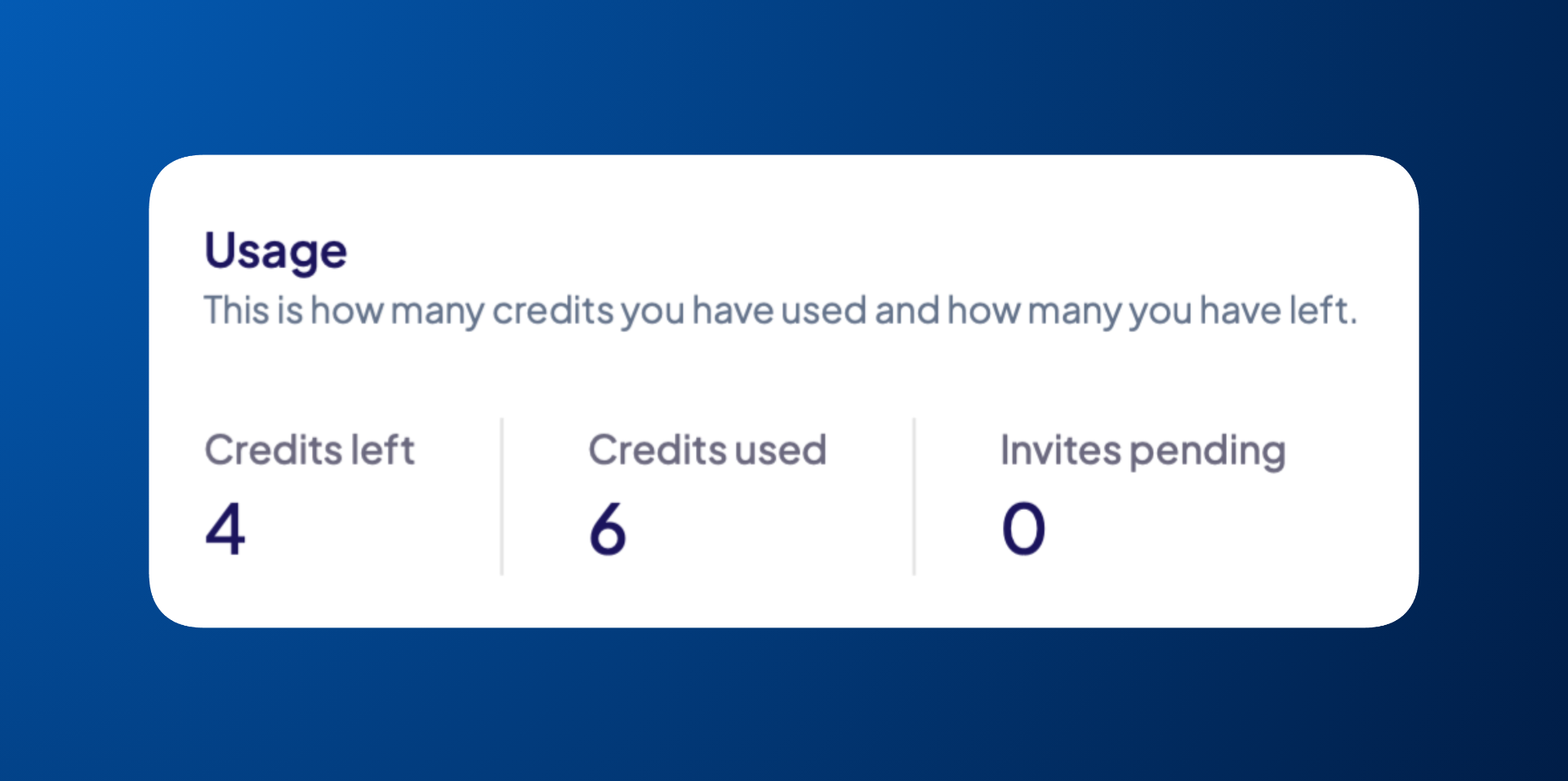
View your team’s credit usage
To check how many headshot sessions you have left and how many you’ve already used:
Go to Billing in the left sidebar
In the top-right corner of the page, locate the Usage box
Buy additional headshot credits
To purchase additional headshots for your team:
Go to Billing in the left sidebar
At the bottom-left corner of the page, locate the Purchase additional credits box
Use the slider or manually enter the number of credits you'd like to buy
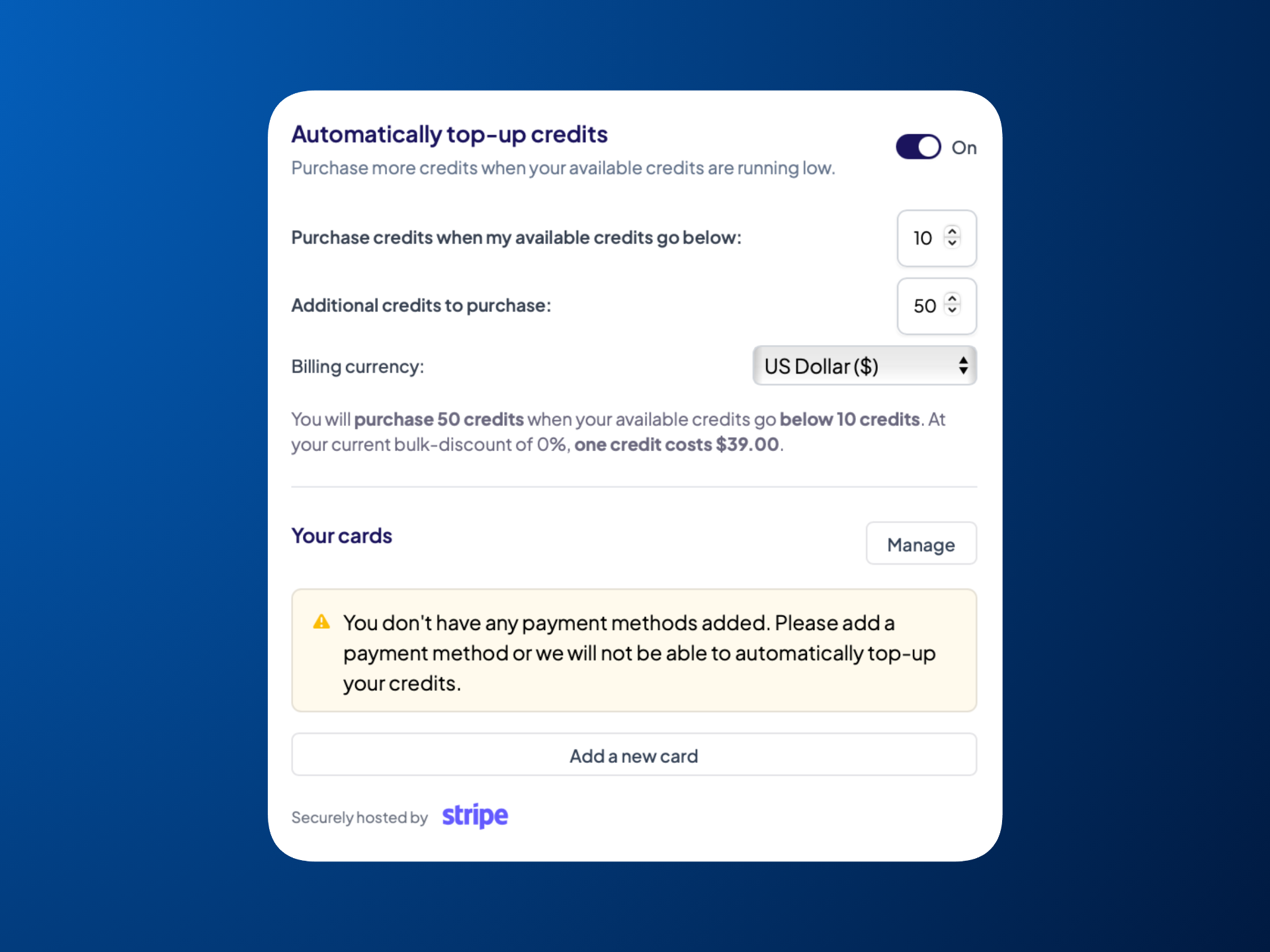
(Optional) To update your billing currency, go to the top section of the Billing page, enable Automatically top-up credits and use the Billing currency dropdown
A few things to keep in mind: 1 credit equals one headshot package for one team member, credits never expire, and bulk discounts apply automatically.
[demo video]
Set up automatic credit top-ups
To automatically add headshot credits whenever your balance gets low, use the Automatically top-up credits in the Billing page. This helps keep your account stocked without needing manual purchases.
You can choose the threshold that triggers a top-up, set how many credits are added each time, and select your billing currency.
Once enabled, HeadshotPro will automatically buy credits for you as soon as your balance drops below your selected limit.
View your invoices & quotes
To view and download your invoices and quotes, head to Invoices in the left sidebar.
View your headshot credit history
To see a full history of your credit activity, head to Billing in the left sidebar and then look for the Logs section on the right side of the page.
