Download Headshots
Last updated: December 9, 2025
As a team owner or team admin, you can easily download all team headshots - including your own - or just the specific ones you need.
All headshots will remain permanently available in your dashboard unless you choose to have them automatically deleted in 30 days.
Download all your headshots
To download all 80 headshots of a team member - or your own - at once:
Click View next to their or your name in the Overview panel
Head over to the All photos section
Click Download all
Enter your email address
Click Create download link
You’ll receive the file containing all your high-quality photos by email. You can also find it in the Downloads tab.
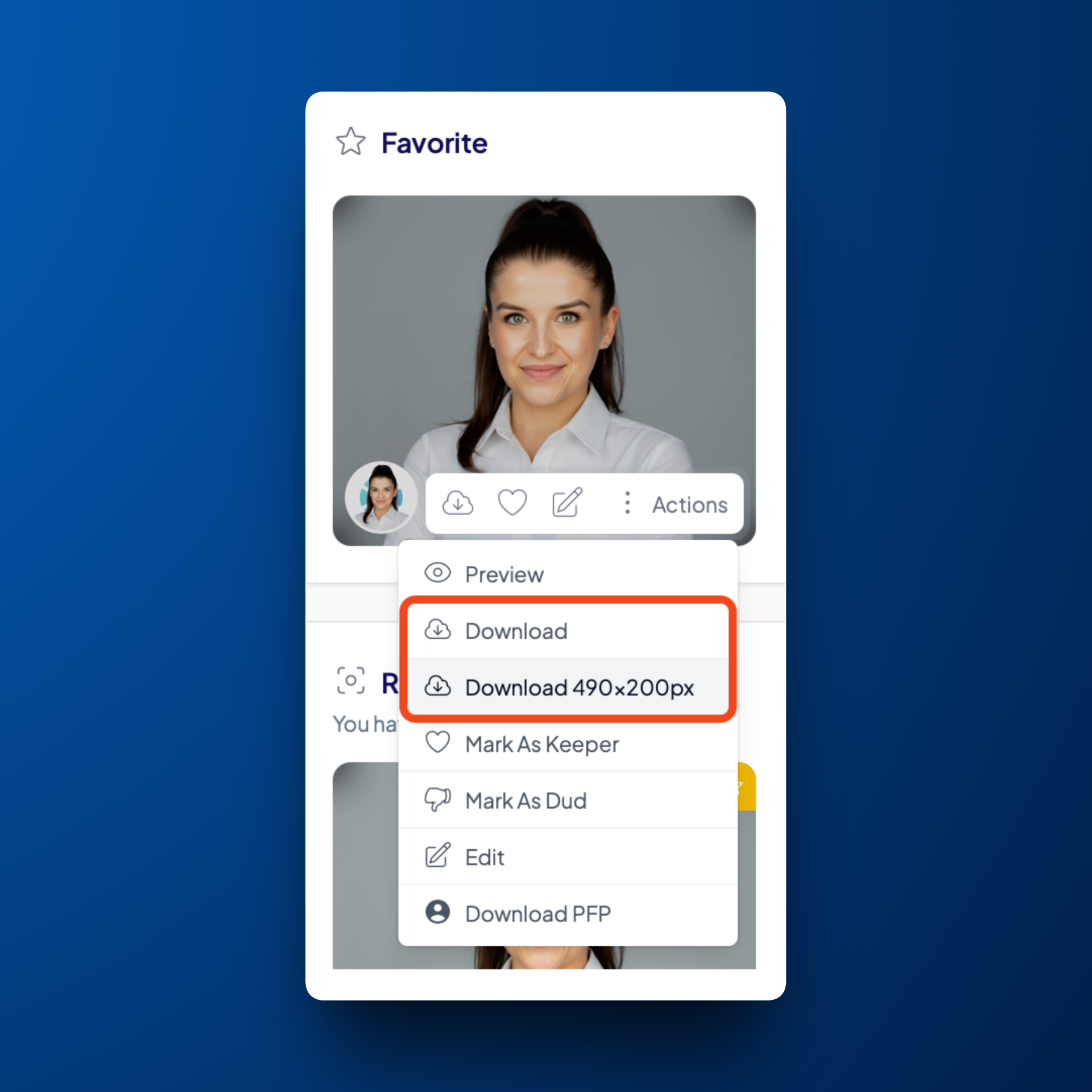
Download a specific headshot
If you'd like to download a single headshot:
Hover over that headshot
Click Actions
Click Download