
Zapier
Last updated: December 8, 2025
We've partnered with Zapier to help you build no-code automations with HeadshotPro and 8,000+ apps. This allows you to automatically connect HeadshotPro to the tools your company relies on - saving time and reducing manual work for you.
Getting Started
Log into your Zapier account. If you don't have a Zapier account, Zapier offers a free trial after which you're charged based on usage.
Build a Zapier workflow (also know as a "Zap") by choosing:
A trigger - The event that will start your automation
An action - The event you want Zapier to do in HeadshotPro once the trigger occurs:
Invite user
Revoke invite
Find invite details
Create a team
Add members to a team
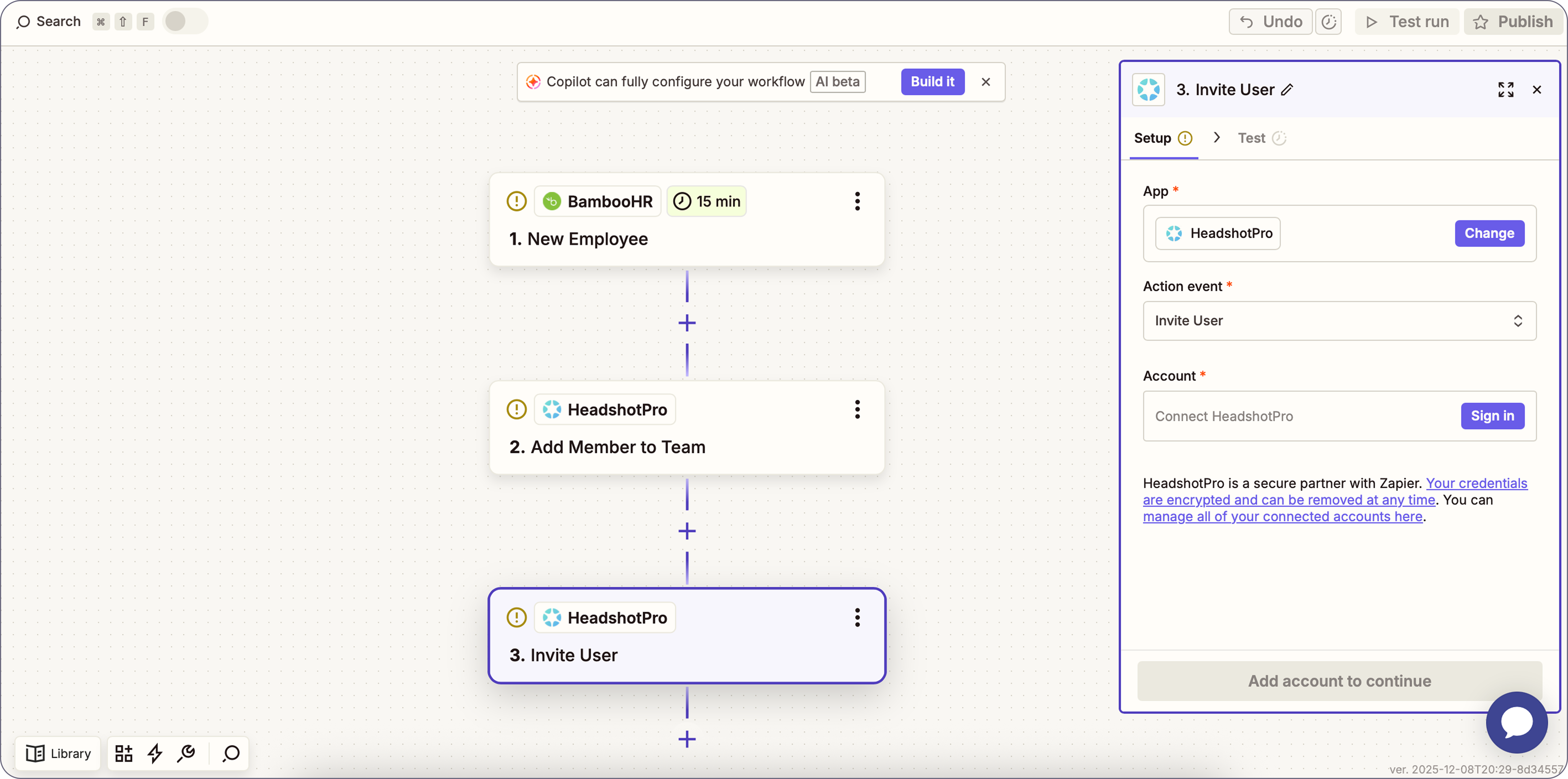
Example Workflows
Invite a new hire to take headshots automatically when you add a new employee to your HR system
Add a new team member to the correct team in HeadshotPro automatically when you create a new team in your HR system
Revoke access for an employee automatically when they are offboarded in your HR system