
Security & Access
Last updated: January 20, 2026
While HeadshotPro is designed with strong, built-in security, team owners and admins can activate additional safeguards to further elevate account protection.
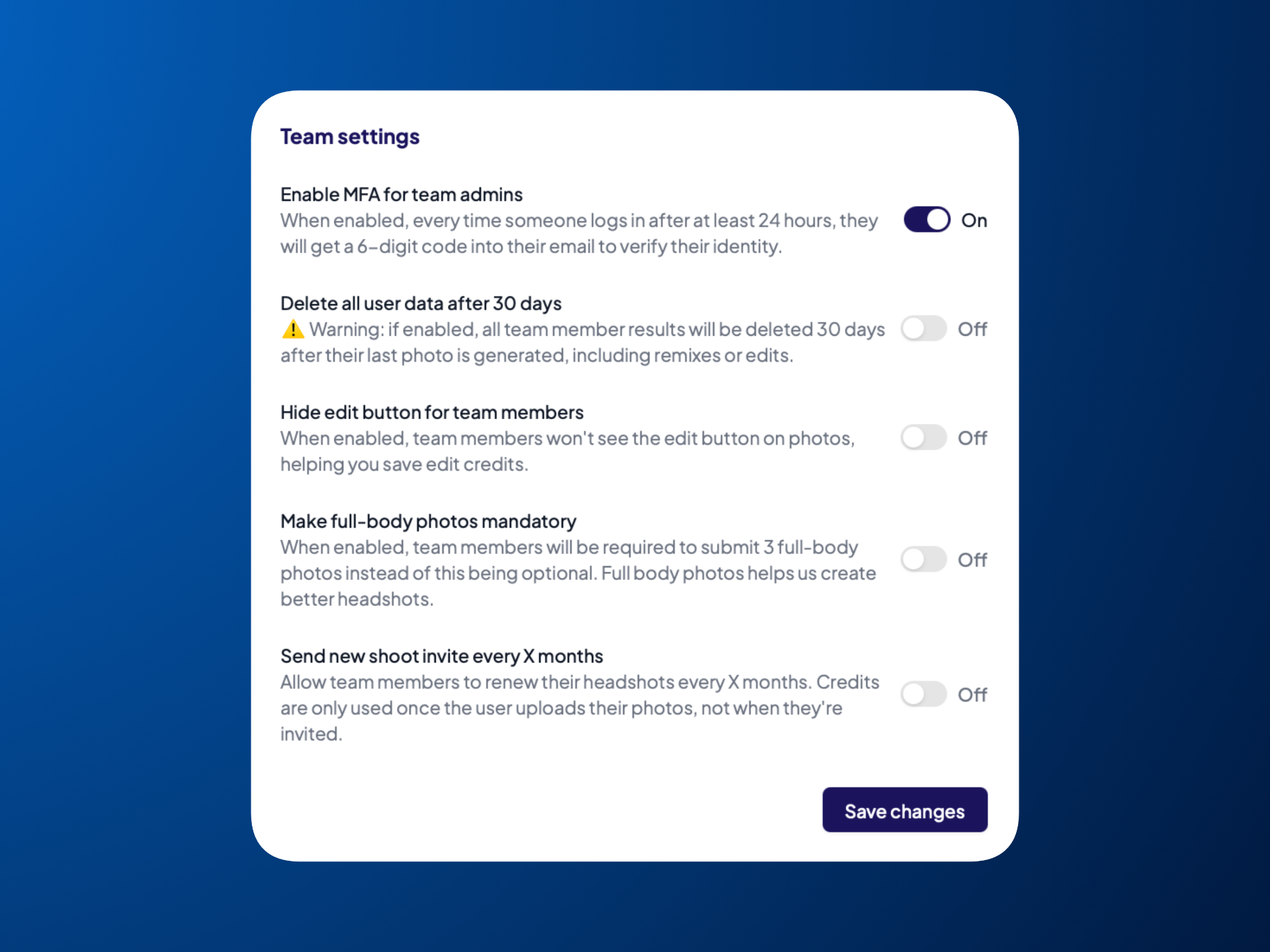
Enable Multi-Factor Authentication (MFA)
MFA adds an extra layer of security by requiring admins to verify their identity with a one-time 6-digit code sent to their email ever 24 hours. To enable MFA:
Go to Settings in the left sidebar
Under Team settings, toggle on the option Enable MFA for team admins
Delete User Data After 30 Days
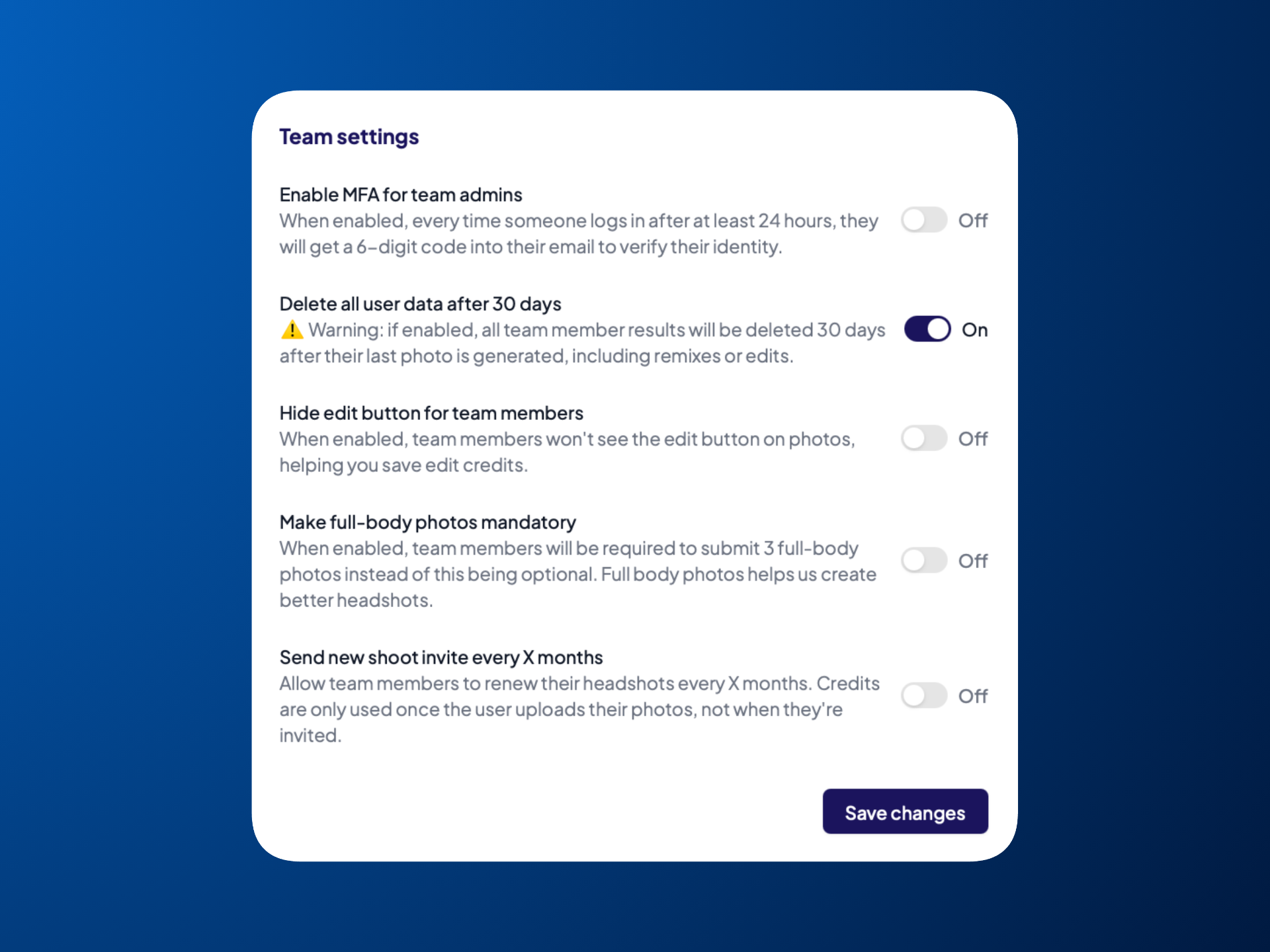
You can automatically remove all headshots created and edited within 30 days after the last photo is generated in HeadshotPro. To do so:
Go to Settings in the left sidebar
Under Team settings, toggle on the option Delete all user data in 30 days
Restrict Access to Company Email Domains
If you'd like to only allow people with your company email domain to join your team, you can set these restrictions directly in the Bulk Invites section. Click here for more information.