Other
Last updated: December 5, 2025
In this article, we’ll highlight some additional features that team owners and admins can enable to further customize their team’s headshot creation process.
Make Full-Body Photos Mandatory
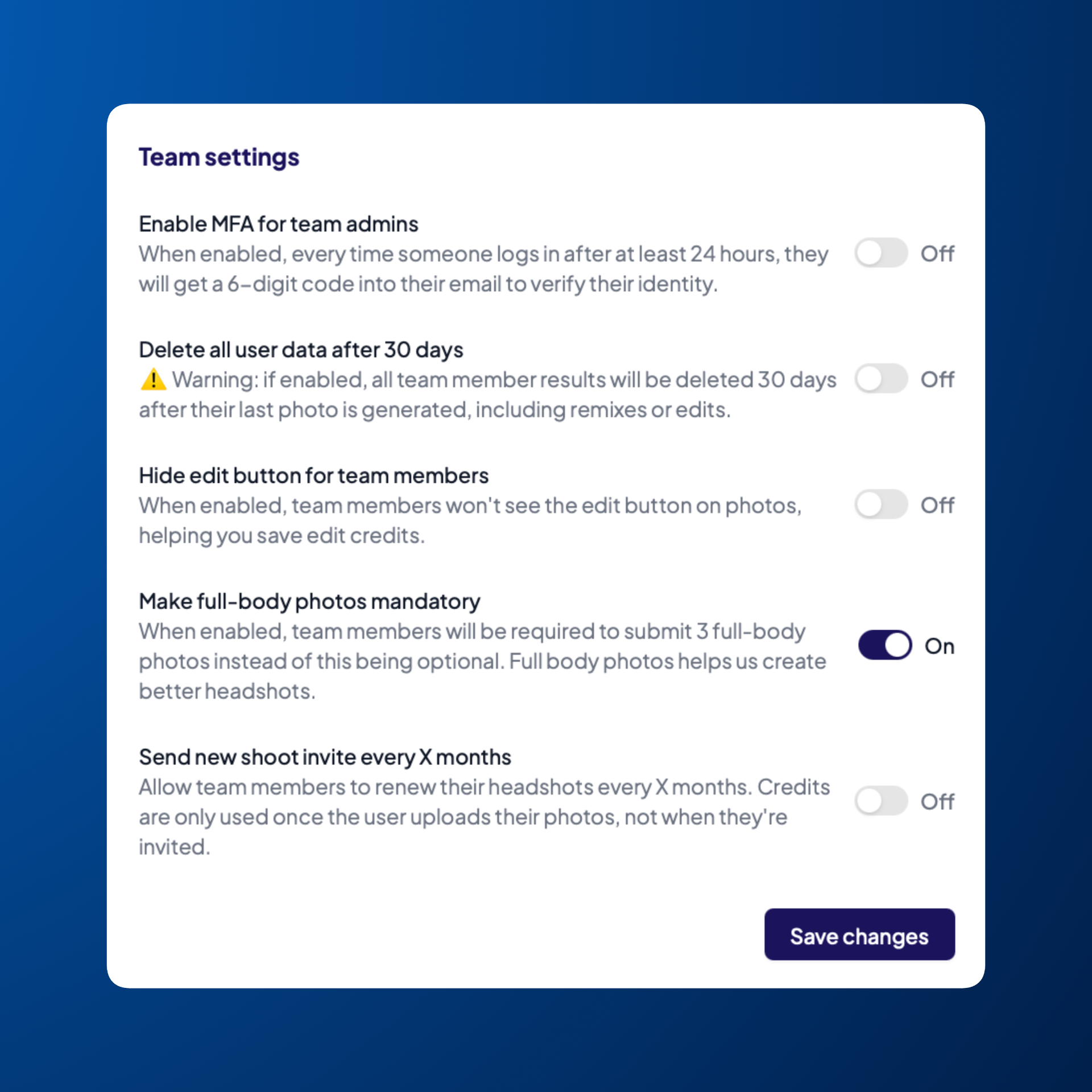
Our AI model uses vision technology to understand a person’s shape from their photos. If you want even more accurate results, you can enable the option to require three full-body photos. This gives our model a better understanding of each person's body shape. To enable this:
Head to Settings in the left sidebar
Under Team Settings, toggle the switch Make full-body photos mandatory
Click Save changes
Disabling the Ability for Team Members to Edit Their Headshots
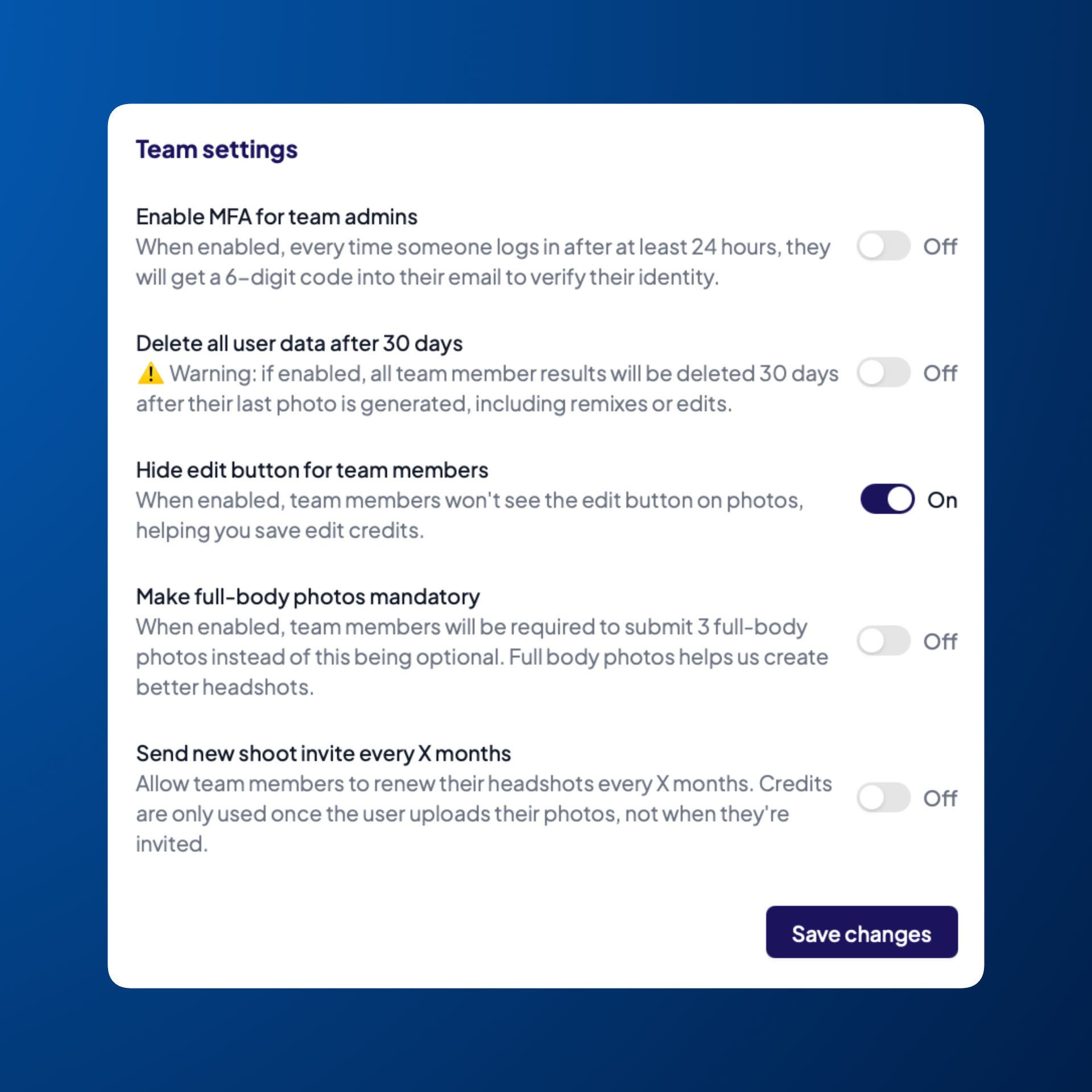
Each team member normally gets 10 edit credits to adjust backdrops, outfits, and other details of their headshots. As the team owner or admin, you can hide this Edit feature from your team members if you'd like:
Head to Settings in the left sidebar
Under Team Settings, toggle the switch Hide edit button for team members
Click Save changes
Customize Headshot Download Dimensions
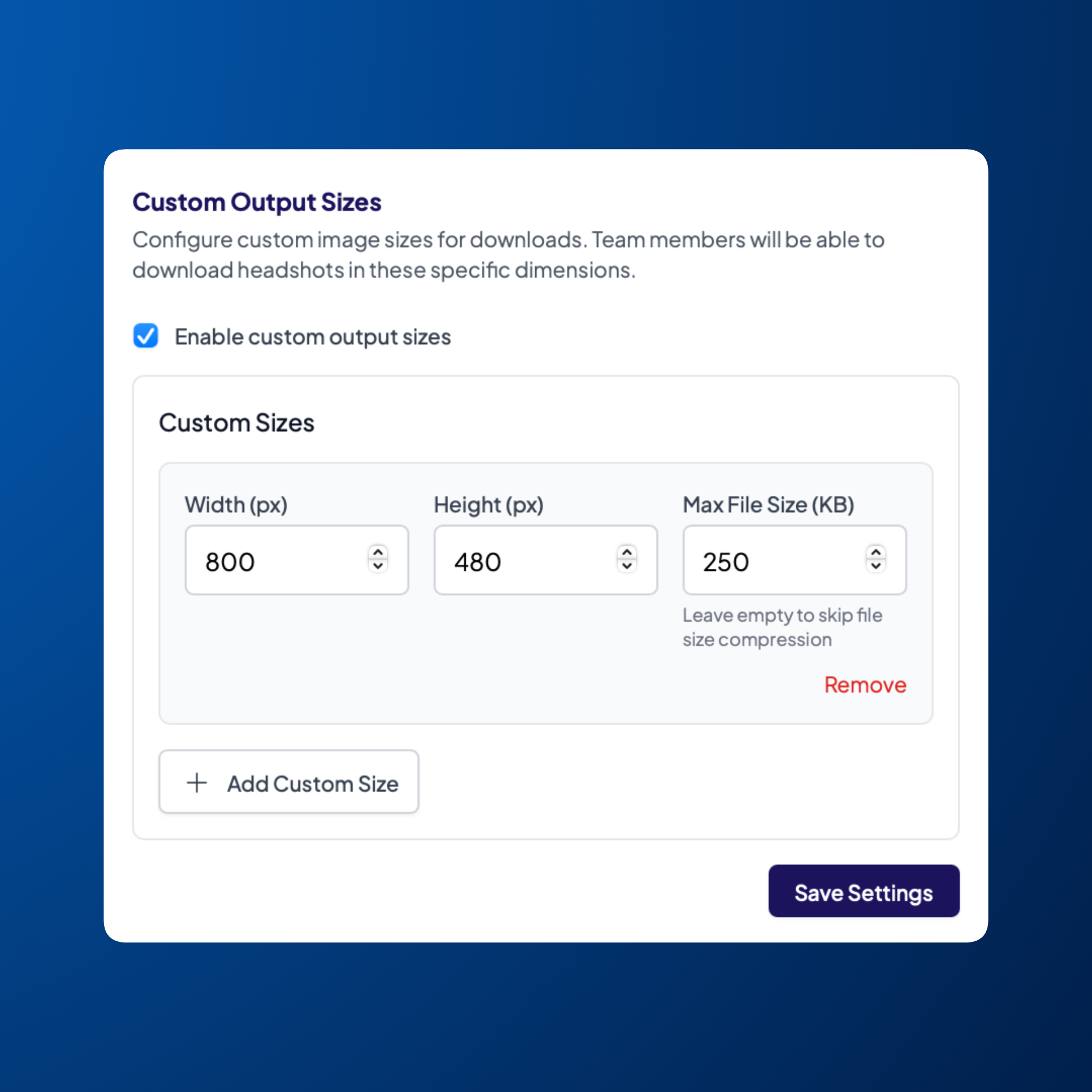
If you want to download your team's headshots in a specific dimension - customizing the width, height, and maximum file size - you can easily do so. Here’s how:
Head to Settings in the left sidebar
Under Custom Output Sizes, enable the box Enable custom output sizes
Enter dimensions
(Optional) If you need more than one dimension, click Add Custom Size to add additional sets of dimensions
Click Save Settings
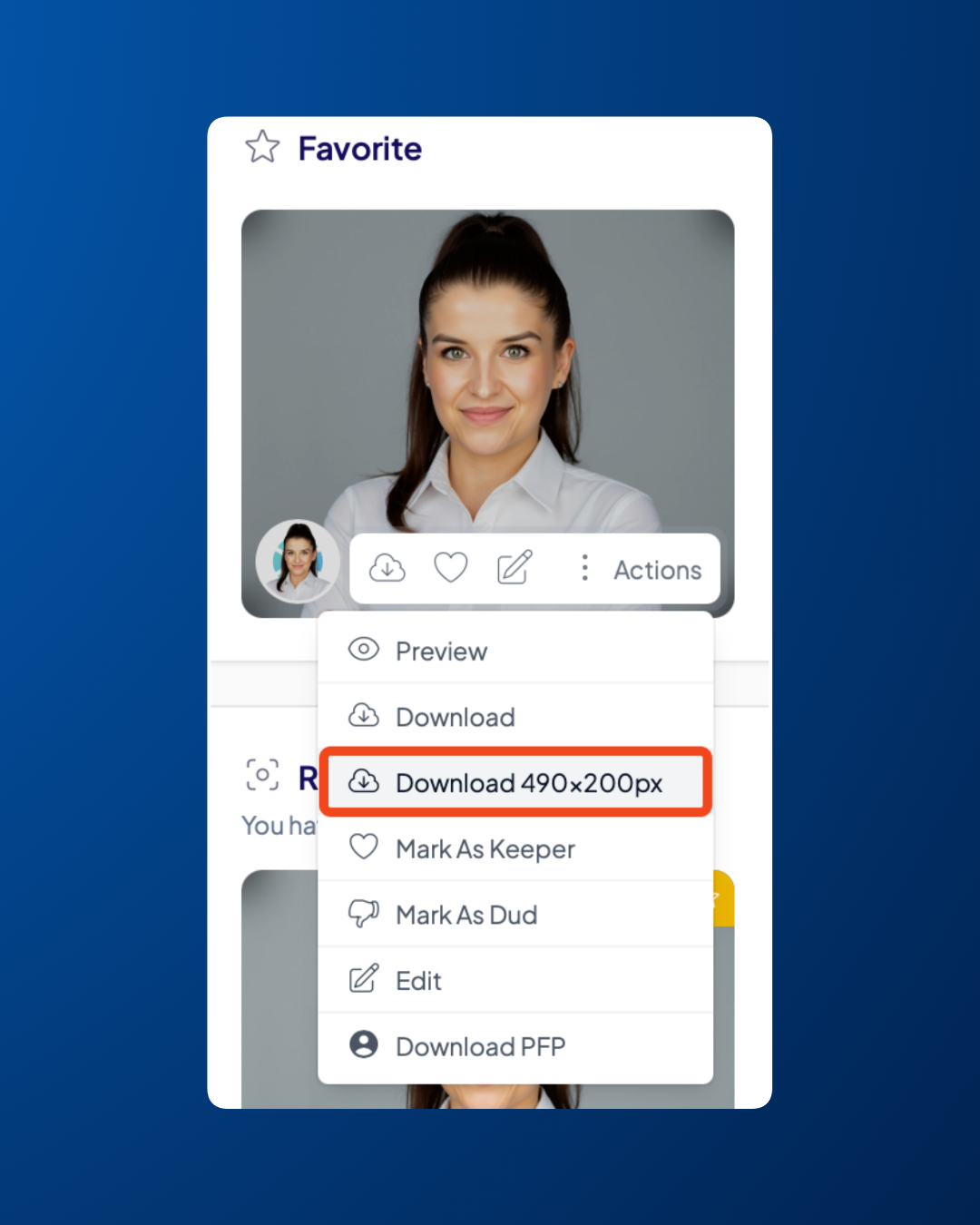
To download headshots in that specific custom dimension:
Go to Overview in the left sidebar
Click View next to the team member whose headshots you want to access
Hover over the photo you'd like to download
Click Actions
Select the custom size you want from the download options