Issuing Retries
Last updated: January 23, 2026
Each team member has one free retry if they’re not happy with their headshots.
As the team owner or admin, you can issue this retry by following the steps below. The same process applies if you’re requesting a retry for yourself.
Before doing so, make sure you and the team member take a moment to review the best practices for taking headshots. This helps prevent the same issue from happening again.
To issue a retry:
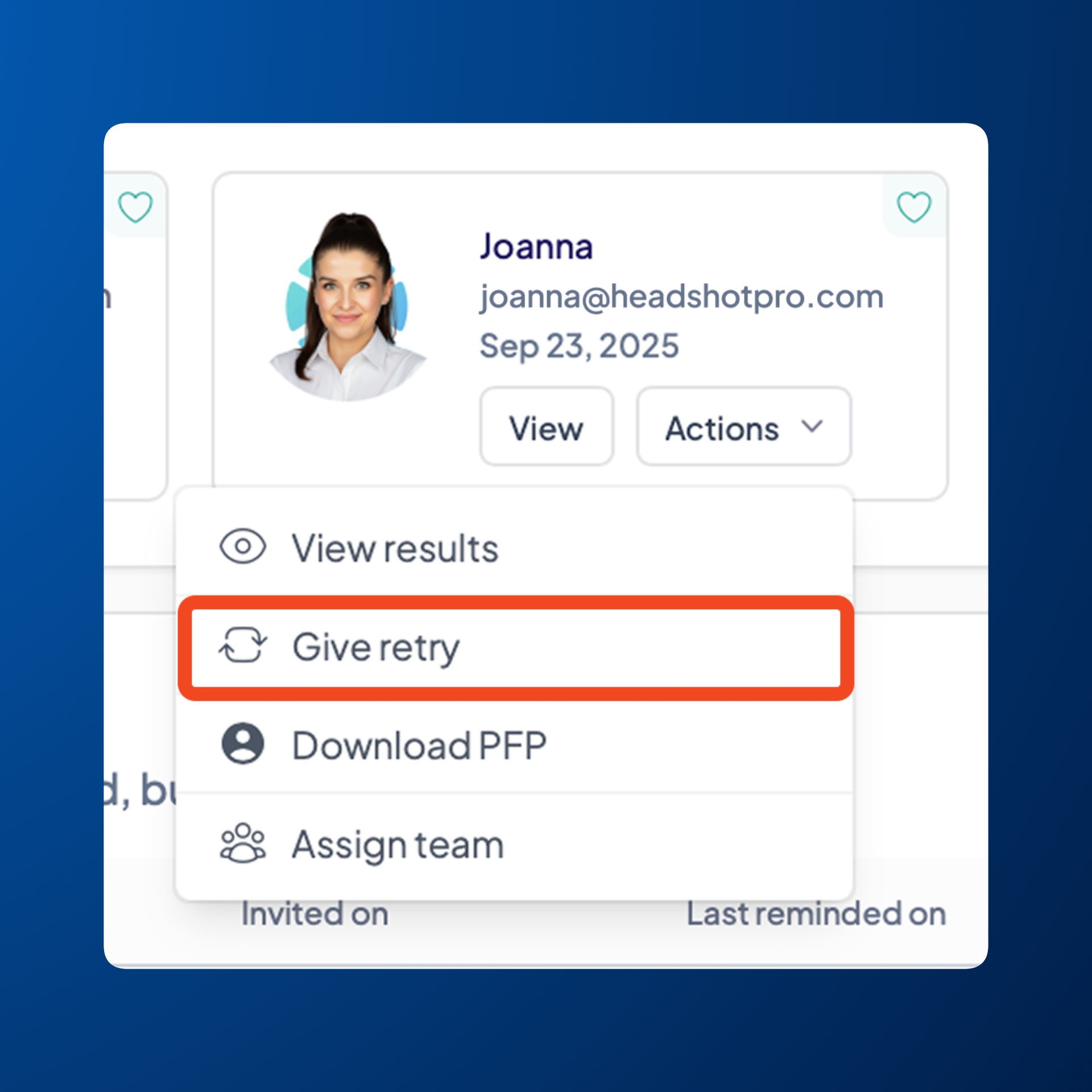
Head to Overview in the left sidebar
Locate the team member who has requested a retry in Finished photoshoots
Click Actions next to their name
Click Give retry
Note:
Issuing a retry will delete the original set of photos, so if there are any headshots they like, it’s best to download and save them before issuing the retry.