
Profile Settings
Last updated: December 2, 2025
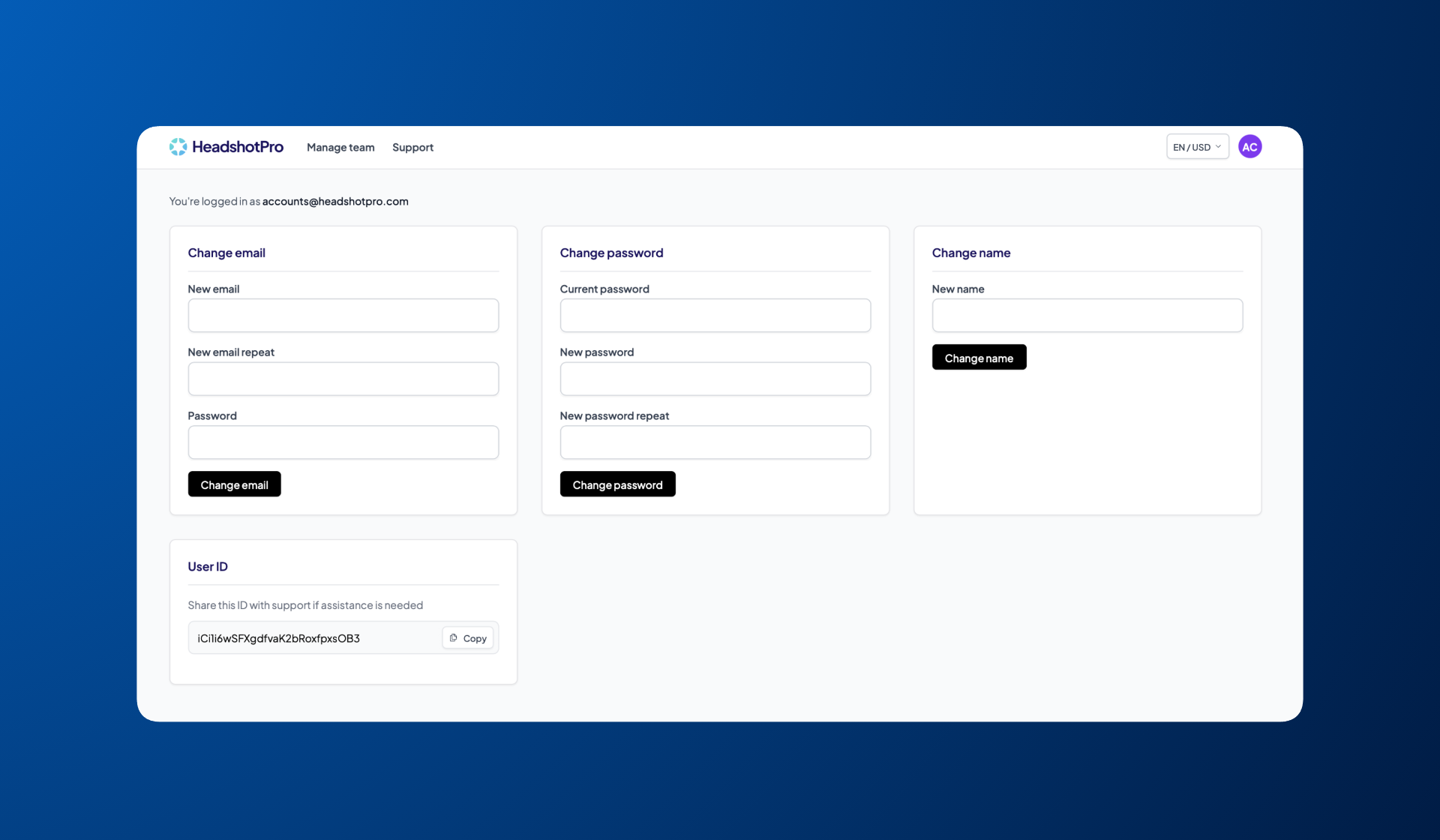
To update email, password, account name or find your HeadshotPro user ID, head to Profile in the left sidebar.
Change your email
If you need to update the email associated with your HeadshotPro account, enter your new email, confirm it, and enter your current password to save the change.
Change your password
To update your password, enter your current password, then choose and confirm a new one.
Change your account name
Update the name associated with your account by entering your new name and saving the change. Note that this is different from your organization's name, which you can upload in Settings in the left sidebar.
Find your user ID
Your User ID is shown at the bottom of the page. You can copy it and share it with support if asked.
Was this article helpful?